Keep the workflow connected
Powered by DSers, the leading full-link automation solution for cross-border e-commerce, it brings that same powerful automation directly into your daily workflow — eliminating copy-pasting and manual data entry.
Your all-in-one browser companion for product sourcing, price comparison, and coupon-applied ordering.
Install Free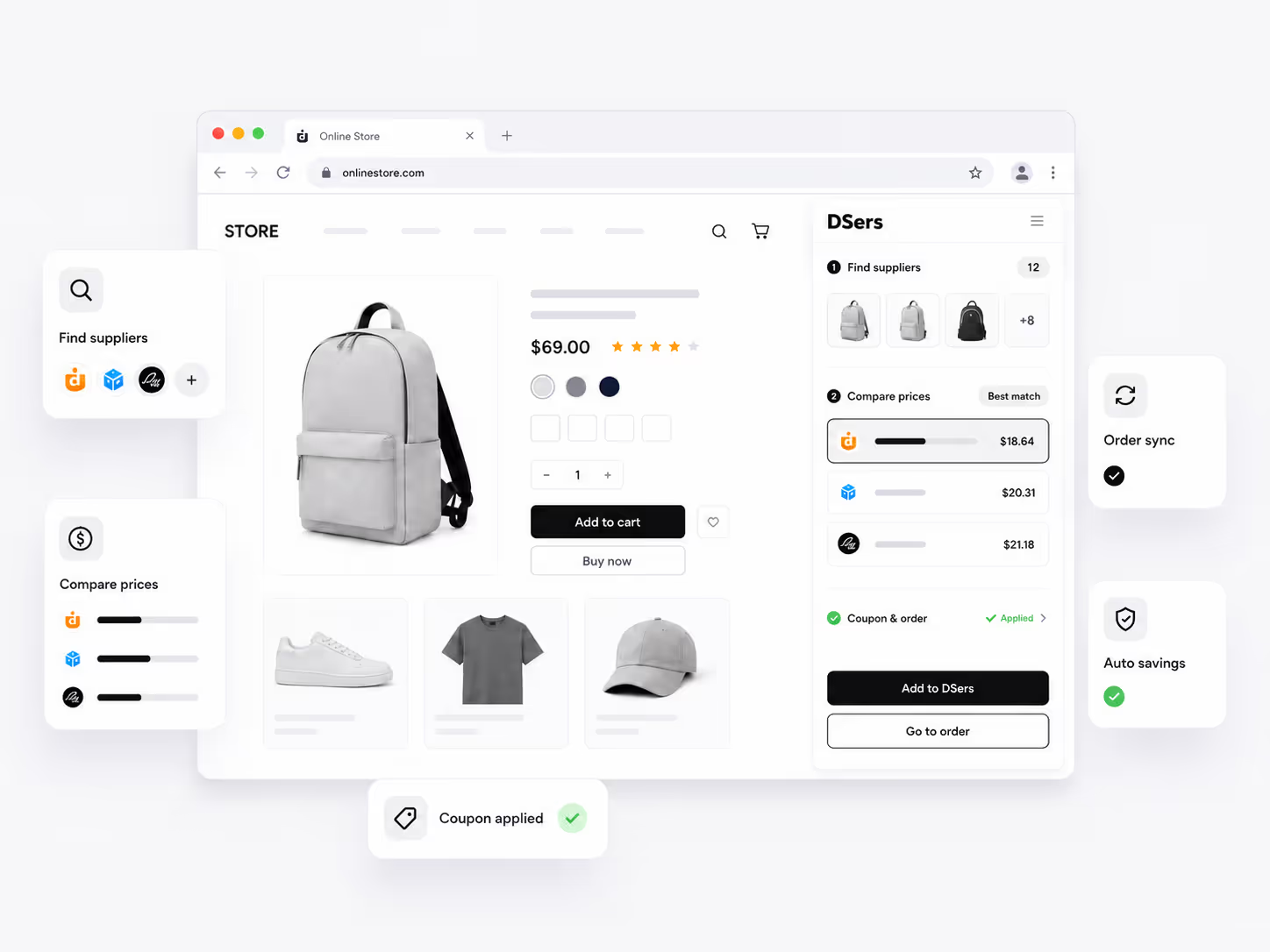
Inside your browser
DSers Chrome Extension is a free browser tool that sits right in your Chrome toolbar, transforming AliExpress — and beyond — into a seamless sourcing channel.
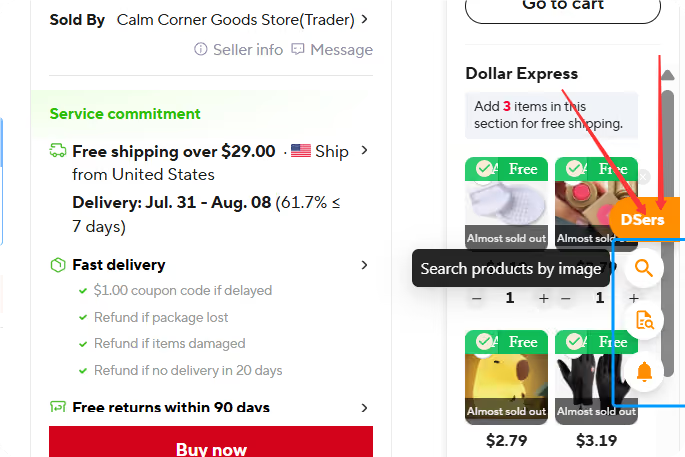
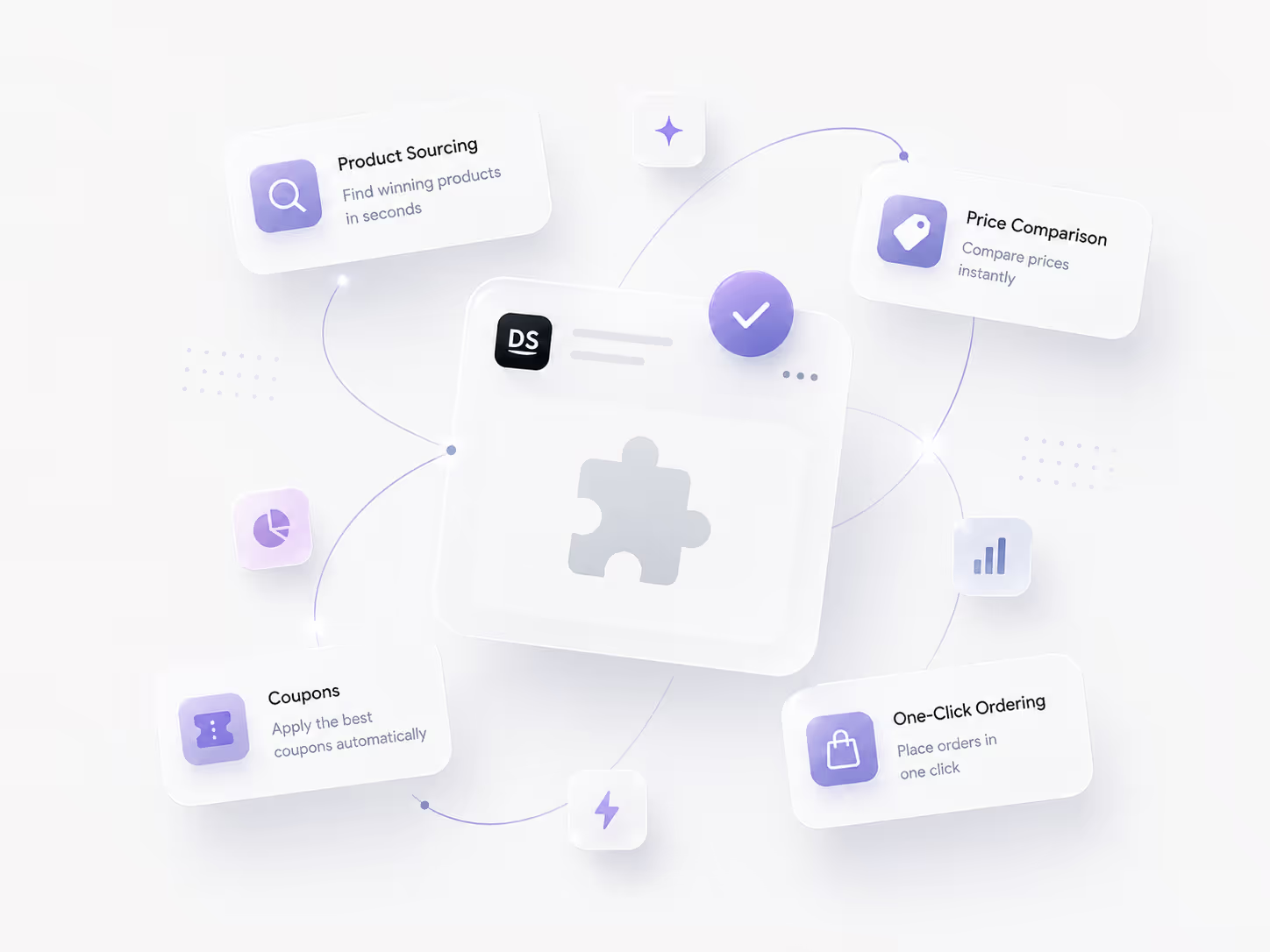
Powered by DSers, the leading full-link automation solution for cross-border e-commerce, it brings that same powerful automation directly into your daily workflow — eliminating copy-pasting and manual data entry.
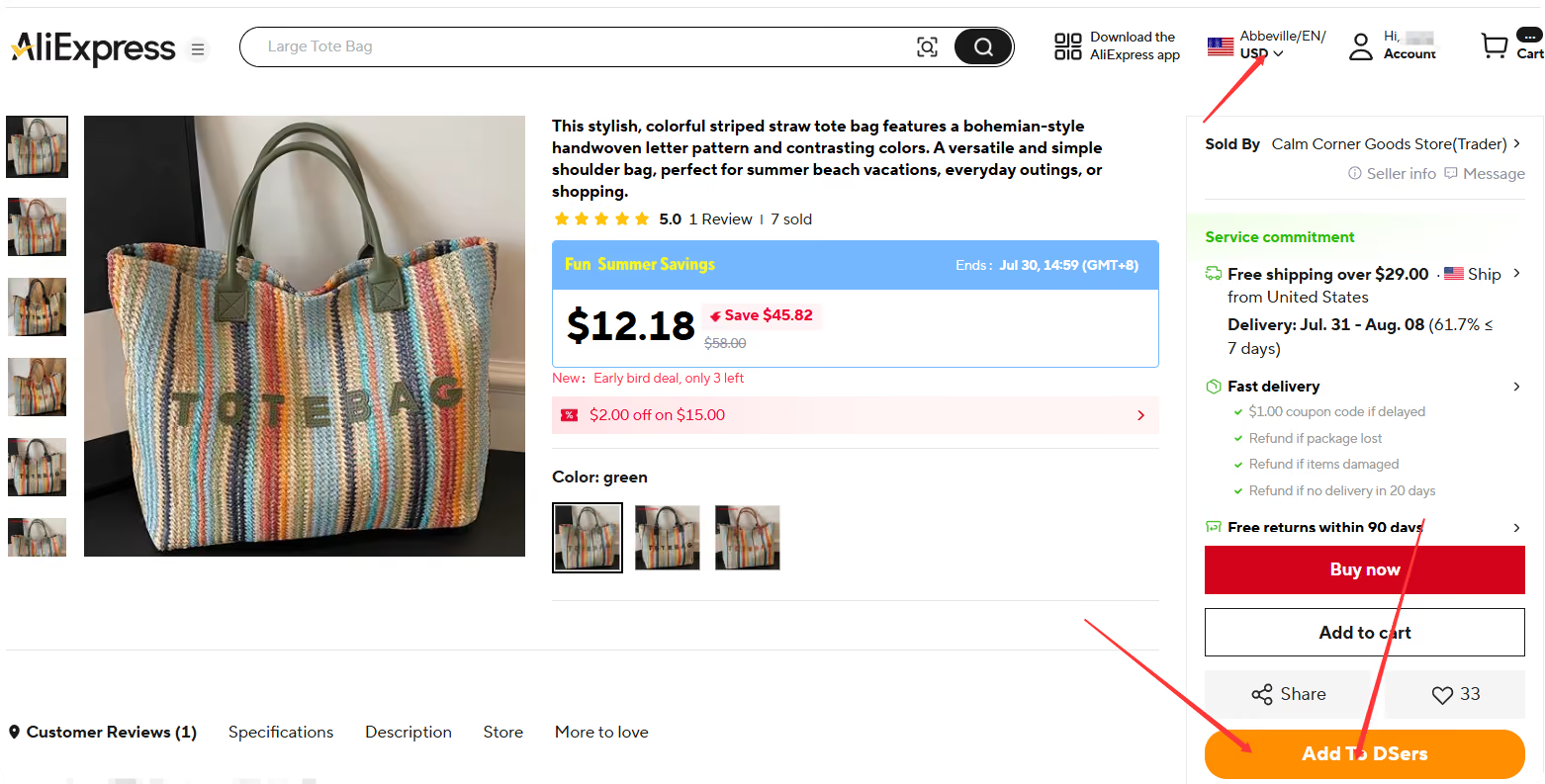
Use the extension while you browse to move from a product page or image to a sourcing result without rebuilding the information by hand. Imported AliExpress products enter your DSers Import List, where you can review titles, descriptions, variants, images, and pricing before publishing.
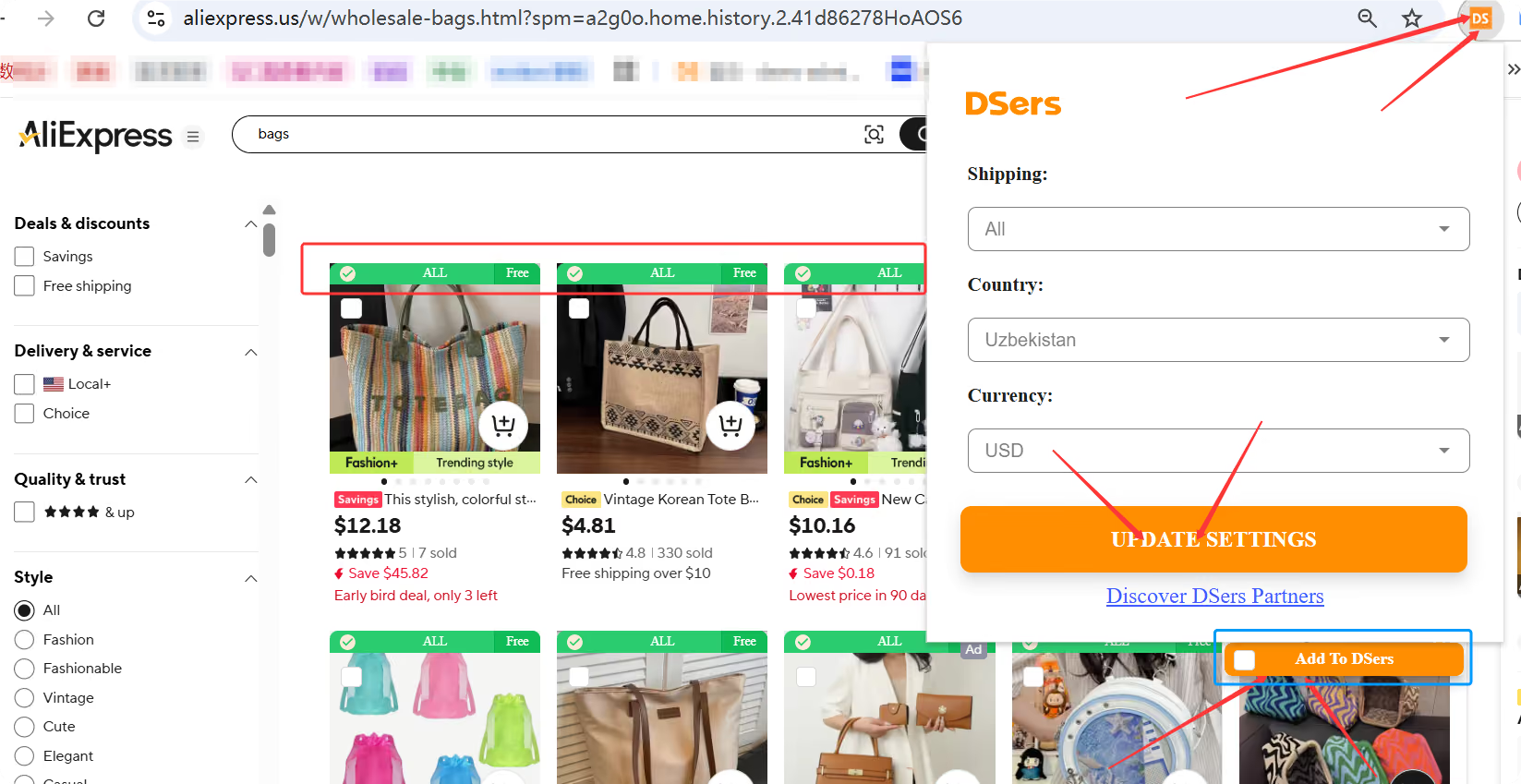
The extension works alongside your DSers account. Stay logged in to DSers in the same browser, and set your destination country, shipping method, and currency for the market you are evaluating.
Interface images from the official DSers Help Center. Product screens may change as DSers and AliExpress evolve.
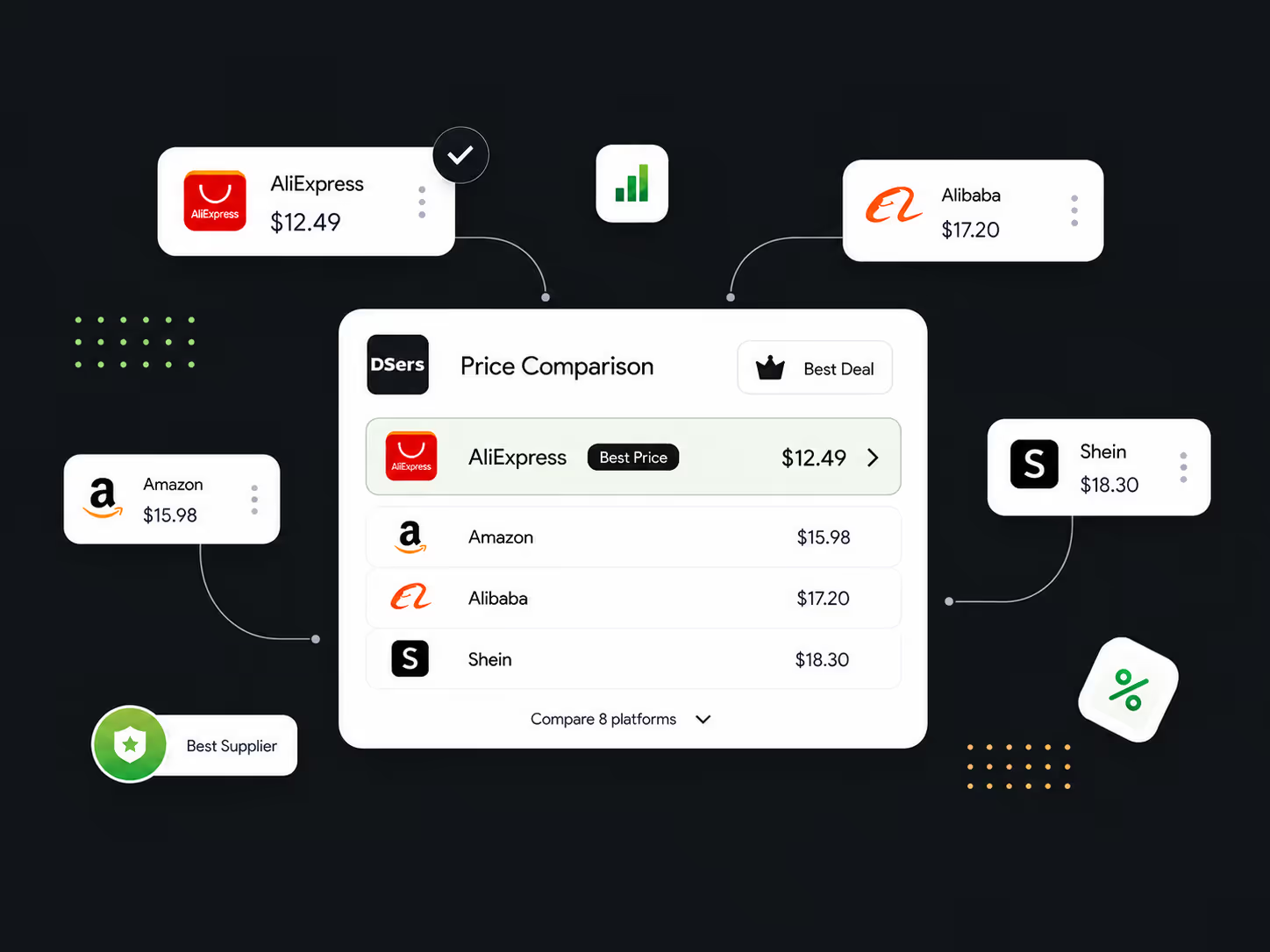
Snap a screenshot on any AliExpress page to instantly compare the same product's prices across AliExpress, Amazon, Wildberries, Alibaba, Shein, Naver Shopping, Taobao, and 1688 — and lock in the best supplier.
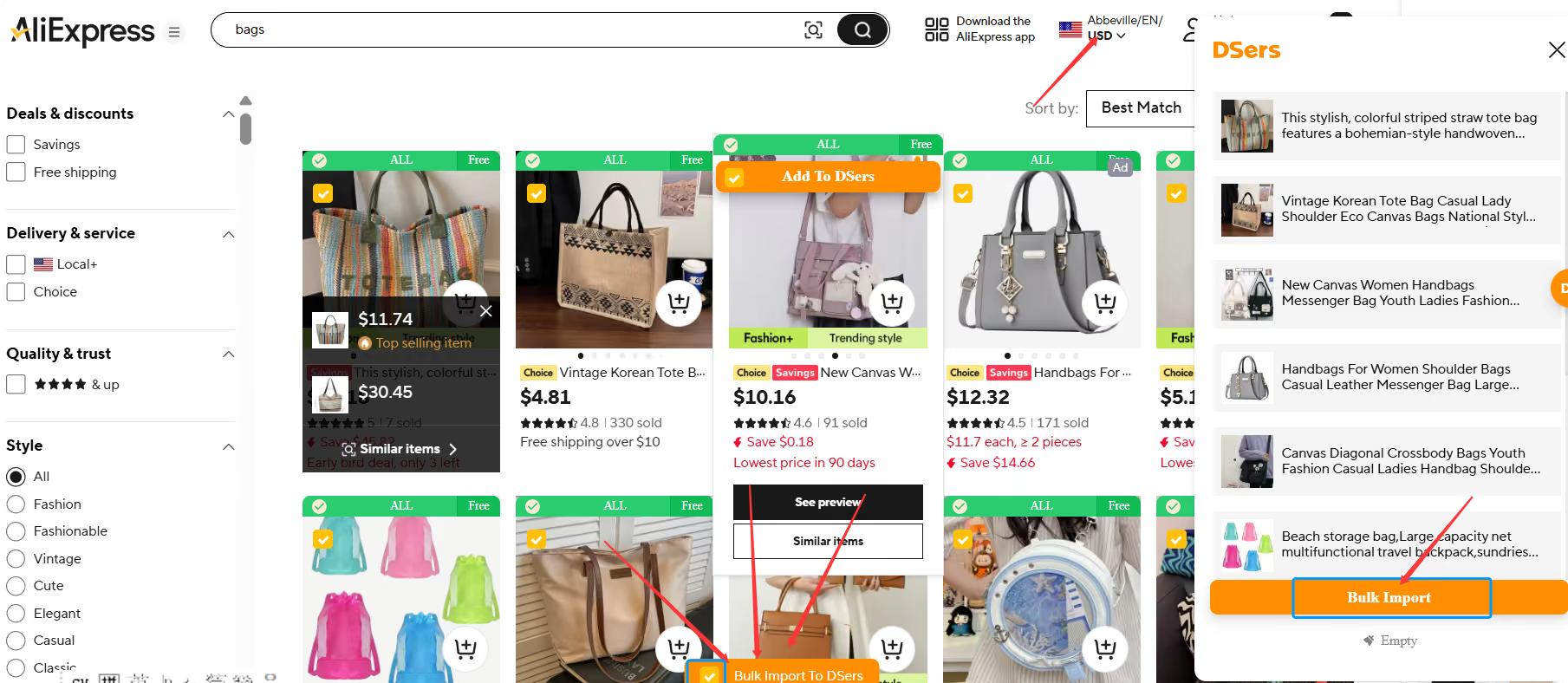
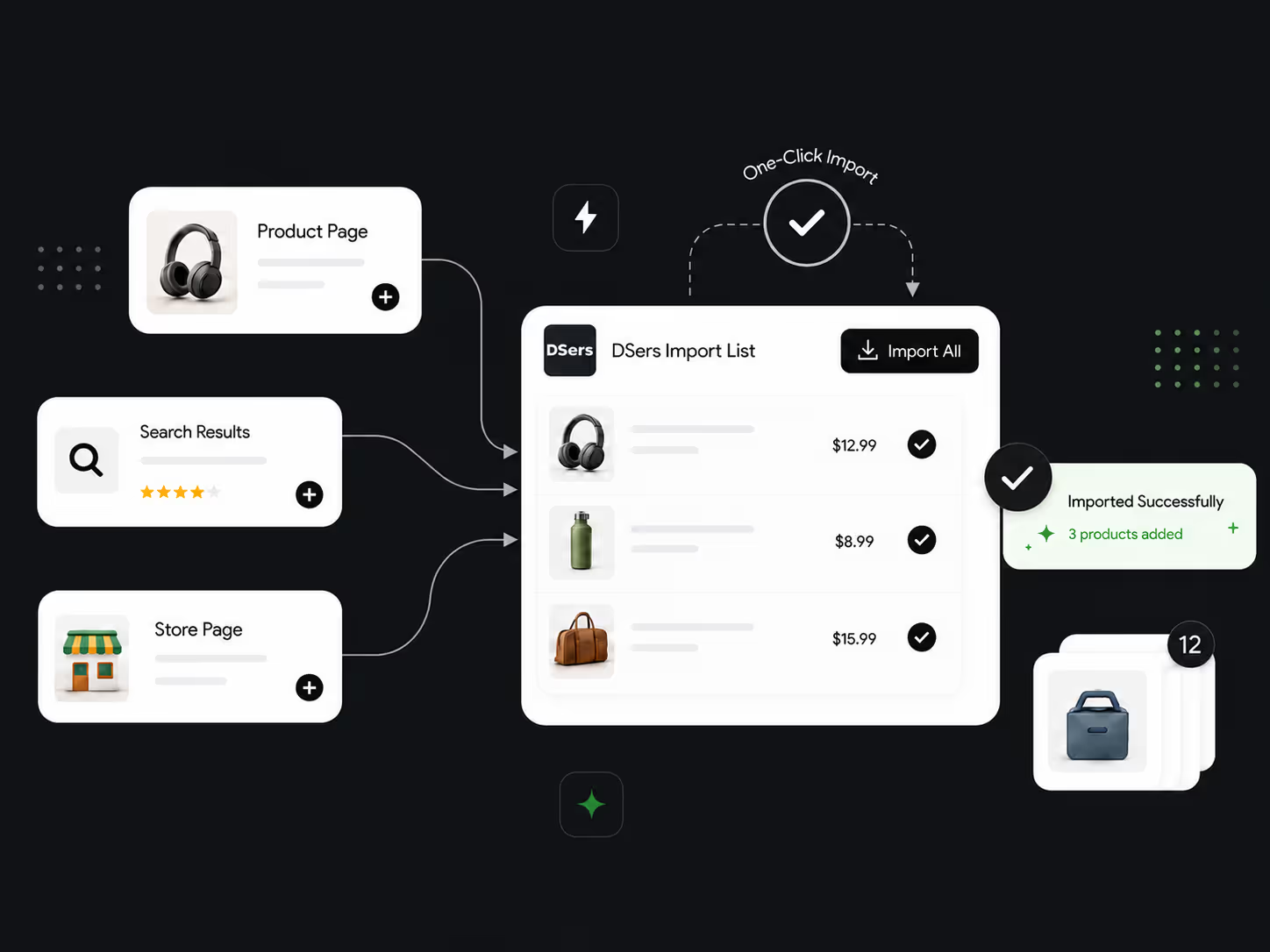
One-click or bulk import from any AliExpress product page, search results, store page, or related items — straight into your DSers Import List.
Automatically applies the AliExpress coupons you've already collected at checkout. Set your preferred currency and payment method once.
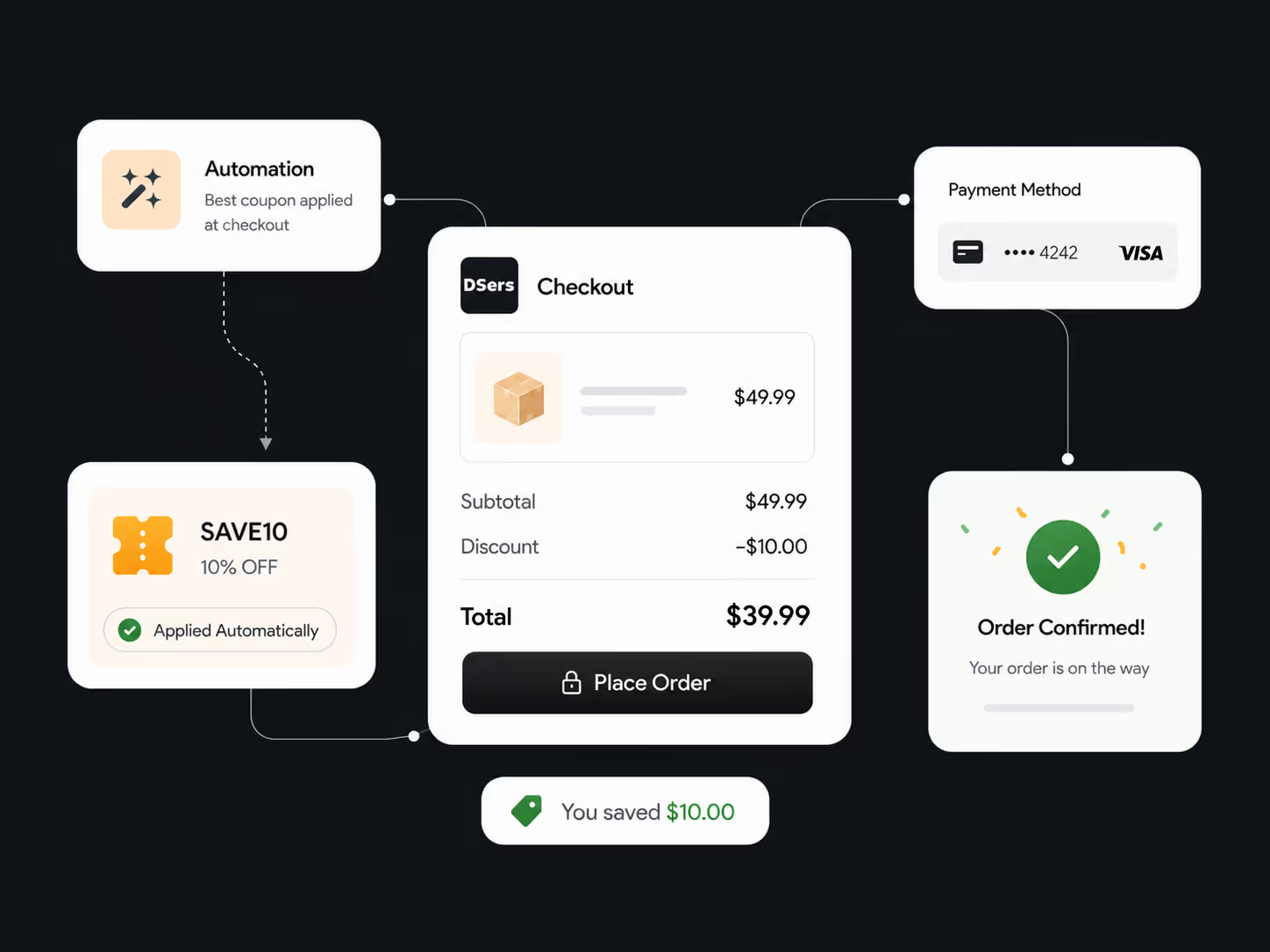
Use image search when you have a visual reference but no reliable keywords. Use import while browsing AliExpress. Use coupon-applied ordering after eligible coupons have been collected and when the order is placed through the extension; coupon collection depends on your DSers plan.
Manual sourcing spreads details across tabs and copied links. With the extension, find or compare a product, send it to DSers, and continue from the Import List.
| Sourcing task | Manual browser workflow | With DSers Chrome Extension |
|---|---|---|
| Start from an image | Guess keywords and repeat searches | Capture the product and open matching sourcing results |
| Compare marketplaces | Track prices in separate tabs | View results across the supported marketplaces named above |
| Save an AliExpress product | Copy links and details | Add it to the DSers Import List from a supported page |
| Prepare the listing | Re-enter content before editing | Review imported product information in DSers |
Price is one sourcing signal. Also review product details, shipping availability, supplier information, and target-market settings.
Open the existing Chrome Web Store link, select Add to Chrome, confirm, and pin the DSers icon if needed.
Refresh open AliExpress tabs and log in to DSers in the same browser so the extension knows where to send imports.
Choose the destination country, shipping method, and currency for the market you are evaluating. Match relevant AliExpress settings when checking costs.
Use Add to DSers, bulk import, or image search. A successful import appears in the DSers Import List for review before publishing.
Use one-click import or select products from supported search, store, and related-item views.
Use screenshot or image search across supported marketplaces. Crop the capture around the product, then review the results.
Use the extension order flow for already-collected coupons and eligible shipping discounts. Confirm the account, payment preferences, coupon availability, and plan conditions first.
Build a sourcing and fulfillment workflow that can evolve as your ecommerce business grows.
Start for FreeThe DSers Chrome Extension is a free browser tool that sits in your Chrome toolbar, transforming AliExpress — and beyond — into a seamless sourcing channel. Powered by DSers, it brings automation directly into your daily workflow, eliminating copy-pasting and manual data entry.
The extension supports three core functions: Multi-platform Price Comparison via screenshot on any AliExpress page — comparing prices across AliExpress, Amazon, Wildberries, Alibaba, Shein, Naver Shopping, Taobao, and 1688; One-Click Sourcing & Import from any AliExpress page into your DSers Import List; and Coupon-Automated Ordering that applies collected AliExpress coupons at checkout.
Simply snap a screenshot on any AliExpress product page, and the extension instantly shows the same product's prices across multiple platforms including AliExpress, Amazon, Wildberries, Alibaba, Shein, Naver Shopping, Taobao, and 1688 — helping you identify the best supplier before placing orders.
Yes, the DSers Chrome Extension is completely free to install and use. It works alongside your DSers account to streamline product sourcing and order management without any additional cost. Coupon collection and some connected DSers features may depend on your plan.
Yes. The extension automatically applies the AliExpress coupons you have already collected during checkout. You only need to set your preferred currency and payment method once, and the extension handles coupon application automatically. Coupon eligibility still depends on the AliExpress account, order, and DSers plan.
The extension serves as the front-end sourcing companion for DSers, which supports sourcing from AliExpress, Alibaba.com, and 1688, and helps sellers manage order processing and tracking sync across connected sales channels. Products imported via the extension flow directly into your DSers Import List for further listing and fulfillment automation.
Yes. Log in to the DSers account that should receive your imports. If prompted, sign in, refresh the page, and try again. Multiple DSers accounts in the same browser session are not supported.
The product appears in your DSers Import List, where you can review and edit its title, description, variants, images, and pricing before publishing. Importing does not publish it automatically.