What is a PayPal dispute, and how can DSers help?
A PayPal dispute lets a buyer and seller discuss a transaction problem in the Resolution Center. If the case is escalated to a claim, PayPal reviews the available information and decides the outcome. DSers does not open, answer, or decide disputes. It supports an earlier operational step by sending tracking numbers and carriers from fulfilled orders to matching PayPal transactions, helping keep shipment details visible before an Item Not Received concern arises.
How does DSers send tracking information back to PayPal?
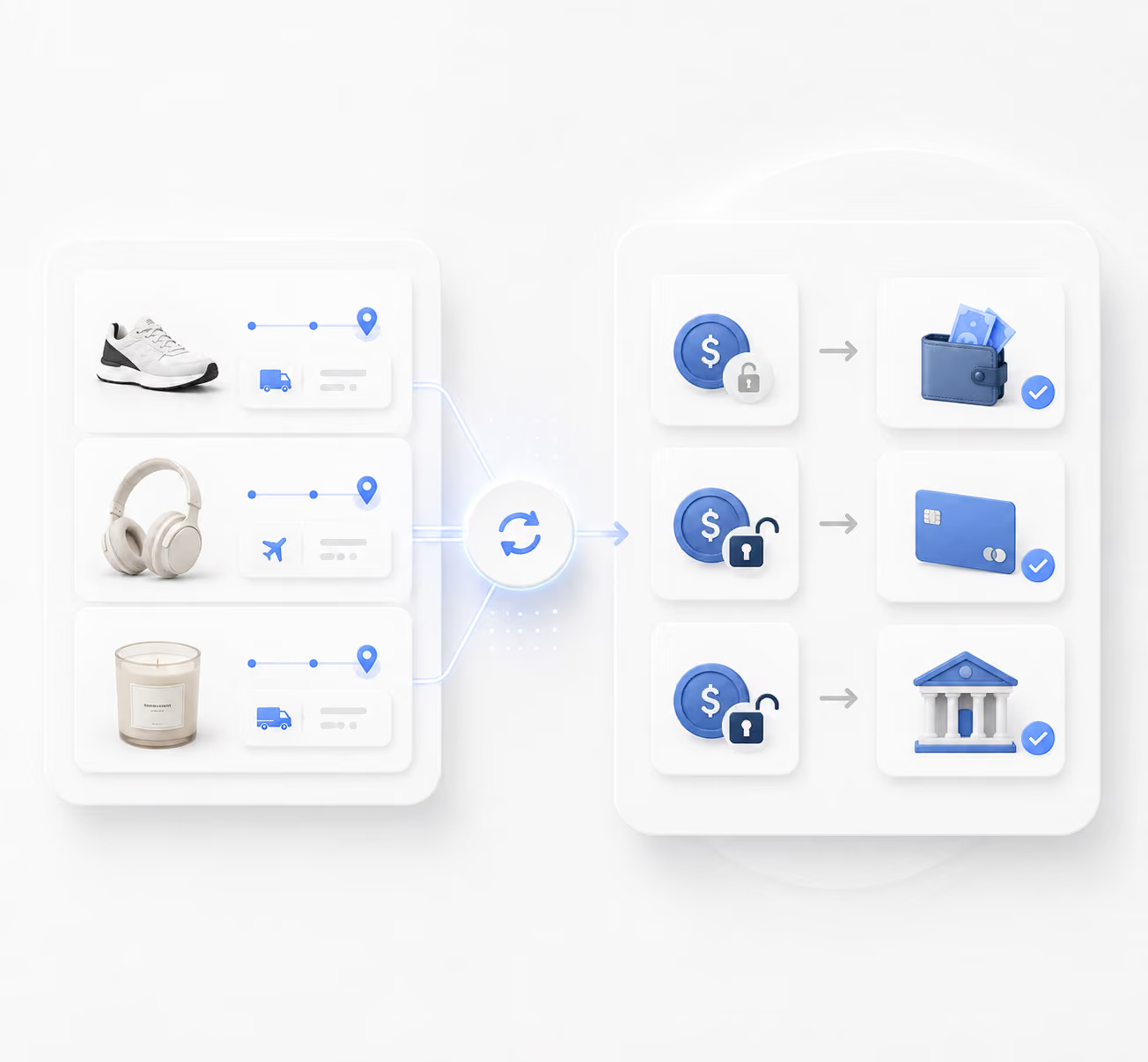
A store order first enters DSers with its store context. After you place the supplier order and the supplier ships, DSers receives the tracking number, updates the order in DSers and the connected store, then sends the tracking number and carrier to the PayPal account bound to that store. PayPal can update the matching transaction to Shipped. To enable the connection, use Settings > Fulfillment Settings > Send tracking number to PayPal, authorize PayPal, and bind the receiving account to the correct store.
What information does DSers sync to PayPal, and when?
After an order is fulfilled with tracking, DSers sends its tracking number and shipping carrier to PayPal. The sync does not include a tracking URL, customer messages, invoices, product descriptions, photos, or other dispute documents. Tracking can make the shipment record easier to identify, but it does not guarantee Seller Protection, faster fund release, or a favorable dispute outcome. Merchants still need to monitor the PayPal Resolution Center and provide any evidence PayPal requests.
How many stores and PayPal accounts can I manage with DSers?
Current plan limits are: Basic or Custom Basic, 3 stores, 1 sales-channel platform, and 1 PayPal account; Advanced, 10 stores, 1 platform, and 2 PayPal accounts; Pro, 25 stores, 3 platforms, and 5 PayPal accounts; Enterprise, 50 stores, 5 platforms, and 10 PayPal accounts. Store and PayPal-account limits are separate. You can use the Store Switcher to work across My Products, Open Orders, Tracking, and Report without a separate DSers login for every storefront.
Which PayPal account should I connect to each store?
Bind each store to the PayPal account that actually received that store's customer payment. If a different account is connected, DSers cannot find the matching PayPal transaction and the tracking information will not sync. One PayPal account can be authorized by only one DSers account. If you operate several stores, connect the appropriate receiving account for each store and keep within the PayPal-account limit of your DSers plan.