Wix storefront
Customer-facing store
Official partner
Wix makes it easy to launch and design an online store with drag-and-drop tools and no coding required. DSers adds product importing, automated order fulfillment, and pricing rules for a smoother Wix workflow.
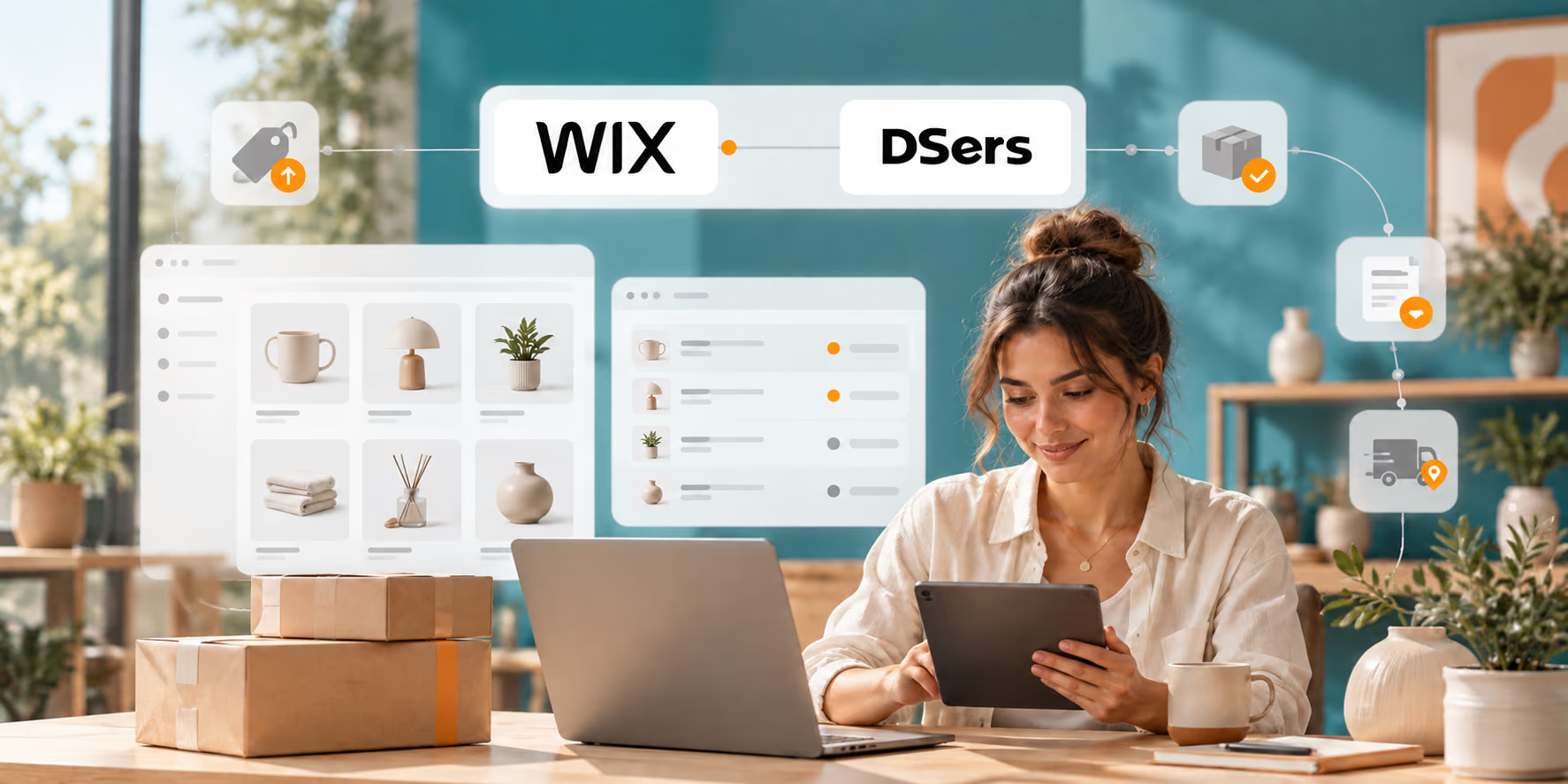
The connected model
Wix dropshipping is a retail workflow in which you sell products through a Wix online store without keeping them in your own inventory. When a customer buys, a connected supplier fulfills and ships the order. You remain responsible for choosing products, setting prices, supporting customers, and monitoring orders.
DSers acts as the operational layer between your Wix store and supported sourcing channels. It prepares products, receives synced orders, submits supplier purchases, responds to configured cost and inventory changes, and returns fulfillment information to Wix. Automation handles repeatable updates; you still approve products, check suppliers, and monitor exceptions.
Customer-facing store
Rules, orders, updates
Fulfillment and shipping
Receives the order
From manual checks to connected updates
Supplier stock, costs, orders, and tracking keep changing after a product is published. DSers connects those updates to Wix while keeping merchant decisions visible.
| Workflow stage | Manual approach | Wix + DSers approach |
|---|---|---|
| Product setup | Copy supplier details into each listing | Import, edit, and push prepared product information to Wix |
| Order intake | Re-enter customer orders in a supplier system | Sync Wix orders into DSers for review and processing |
| Supplier ordering | Submit orders one by one | Select and process supported supplier orders in batches |
| Supplier cost changes | Recheck costs and edit store prices | Recalculate and sync prices with configured rules and filters |
| Supplier stock changes | Recheck inventory and remove unavailable items | Check stock daily and apply configured out-of-stock or variant rules |
| Status and tracking | Copy fulfillment changes back to the store | Sync order status and available tracking after fulfillment |
Automation depends on correct authorization, supplier mapping, and DSers settings. Exceptions still require review.
Four repeatable workflows
Choose a workflow to see what DSers can prepare, synchronize, or return to Wix.
Workflow 01
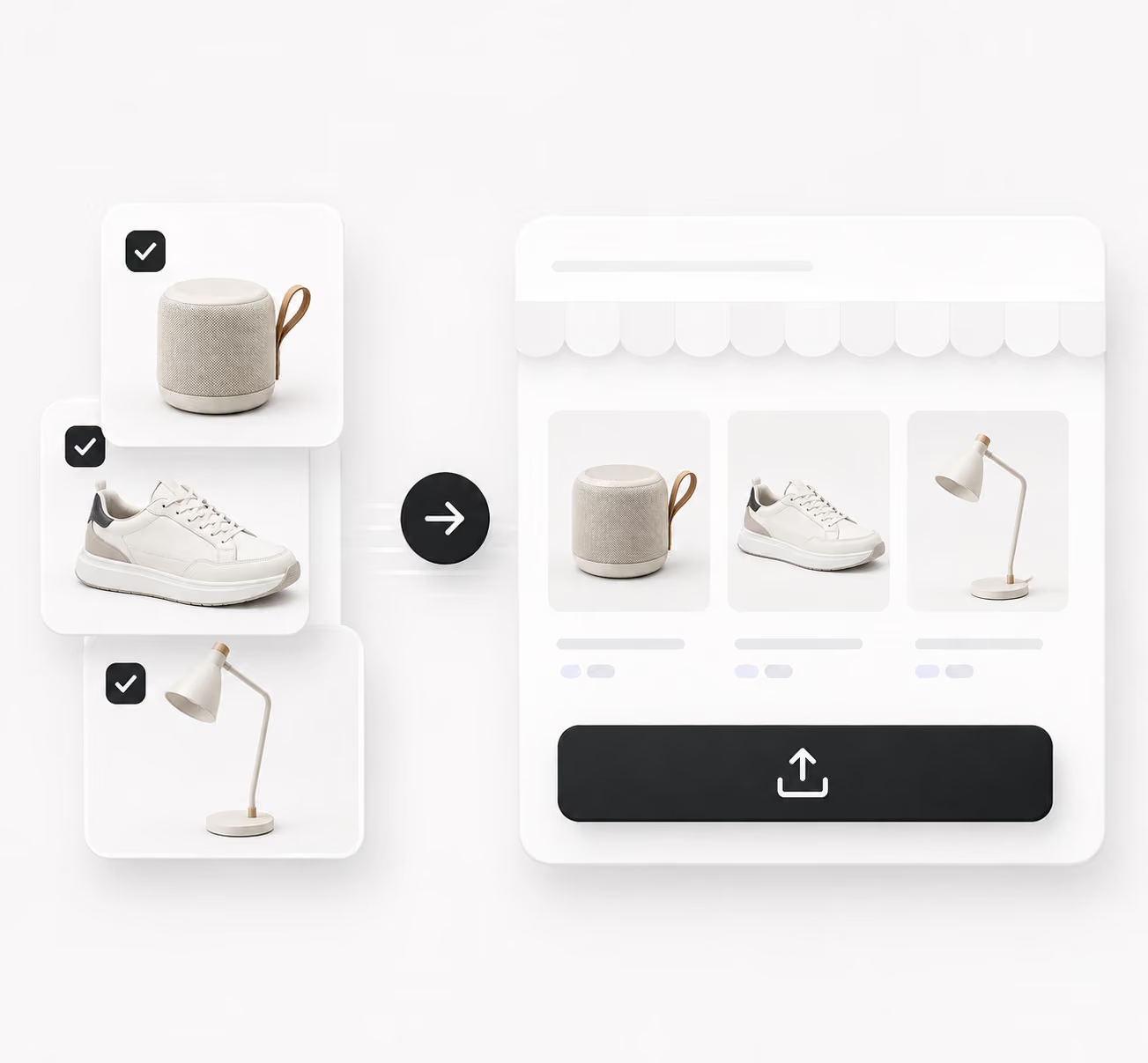
Bring supported products into the DSers Import List, refine titles, variants, images, and prices, then push the listing to Wix or keep it as a draft.
Setup to fulfillment
Use a Wix Online Store with ecommerce functionality. For full compatibility, it should use Wix's Edit a Template option and must not already be linked to another DSers account.
Start in DSers or find AliExpress Dropshipping-DSers in the Wix App Market. Choose the store, select Agree & Add, confirm in DSers, and refresh its status.
Import supported products, edit customer-facing information, apply pricing rules, and push the listing to Wix. Review it before publishing.
Confirm mapping, supplier, shipping, and payment details before placing supplier orders. Then let configured status and tracking updates return to Wix, checking exceptions when they appear.
A practical fit
Sync them into one view, then review and process eligible orders in batches.
Let pricing rules respond to detected cost changes and daily stock checks apply saved inventory behavior.
Return order status and tracking to Wix, with configured carrier and tracking links in shipping emails.
One connected workflow
Move product preparation, order processing, supplier cost and stock changes, fulfillment status, and tracking into one connected automation workflow while keeping your customer-facing store on Wix.
Yes. Wix supports dropshipping through connected apps. Wix runs the storefront, while the app connects products and supplier fulfillment. DSers is listed as Verified by Wix.
Use a Wix Online Store with ecommerce functionality. DSers recommends Edit a Template for full compatibility. The store cannot already be linked to another DSers account.
Choose Wix in DSers, or add AliExpress Dropshipping-DSers from the Wix App Market. Select the store, approve Agree & Add, confirm, and refresh its status.
Depending on configuration and plan, DSers can sync orders, process eligible supplier orders in batches, update prices when detected cost changes meet your rules, check supplier stock daily, apply inventory rules, update order status, and return tracking to Wix. Product selection, mapping, payments, and exceptions still need oversight.
DSers supports sourcing workflows including AliExpress, Alibaba.com, and 1688. Product, automation, and plan coverage varies, so confirm the relevant feature before committing a catalog.
No. DSers' Wix authorization guide states that one DSers account can connect to one Wix store because of a Wix limitation. A store already linked to another account must resolve that connection first.