Bulk Order Processing

Your next wave of orders shouldn't mean another evening at your desk. Place AliExpress orders in batches with DSers, cut the repetitive clicks, and spend more time growing your business.

Get Started
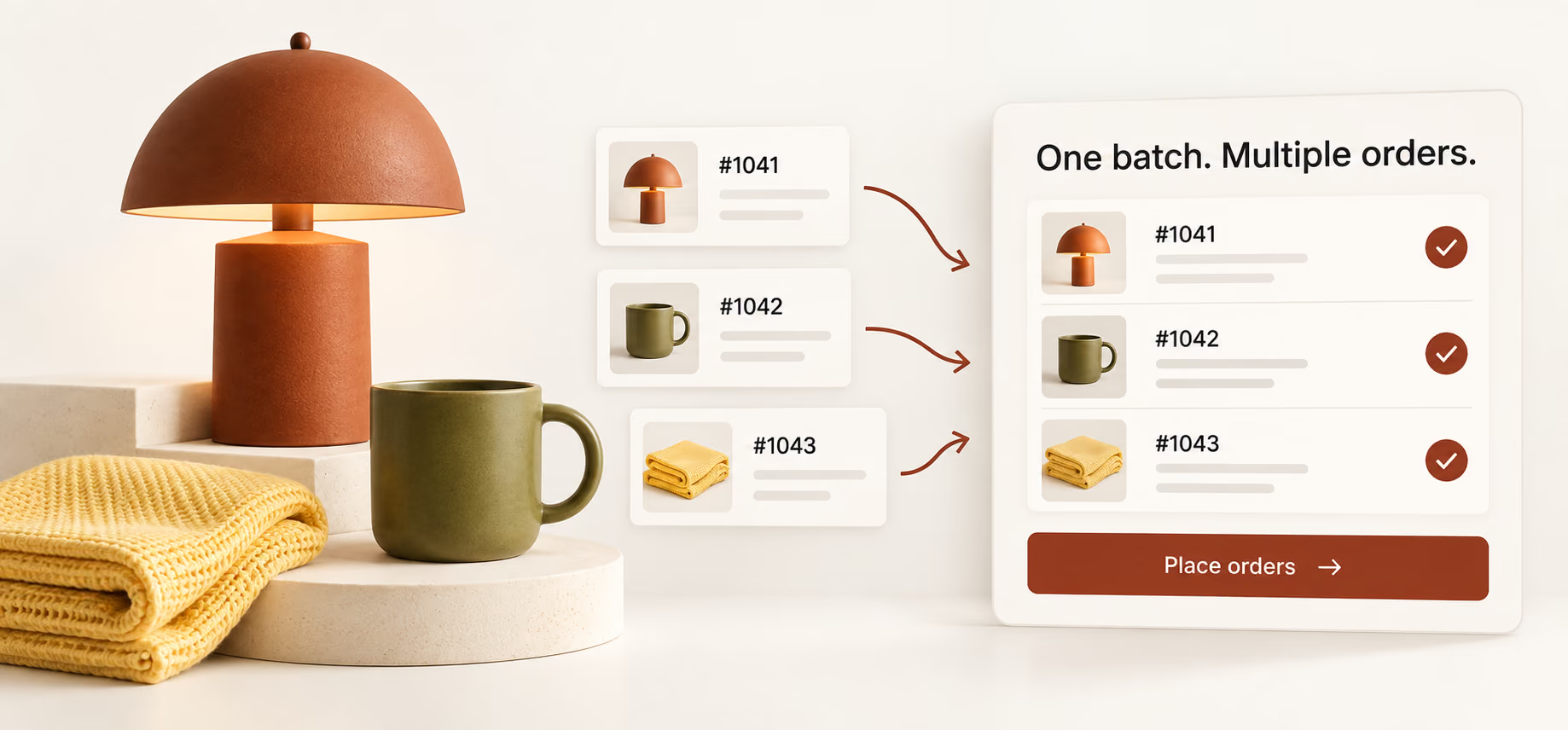
Illustration of separate customer orders grouped into one batch, with a lamp, cup, and textile

Don't Let Orders
Take Over Your Day.

A successful promotion is good news—until placing the orders becomes your entire afternoon. Every new sale adds another order to place, leaving less time for customers, products, and your next campaign. DSers replaces those repeated submissions with a batch workflow: prepare a group of orders, send them to AliExpress together, and review the results. You still make the important decisions. You just don't have to repeat the placement process for every customer. That's a better way to handle a busy store.

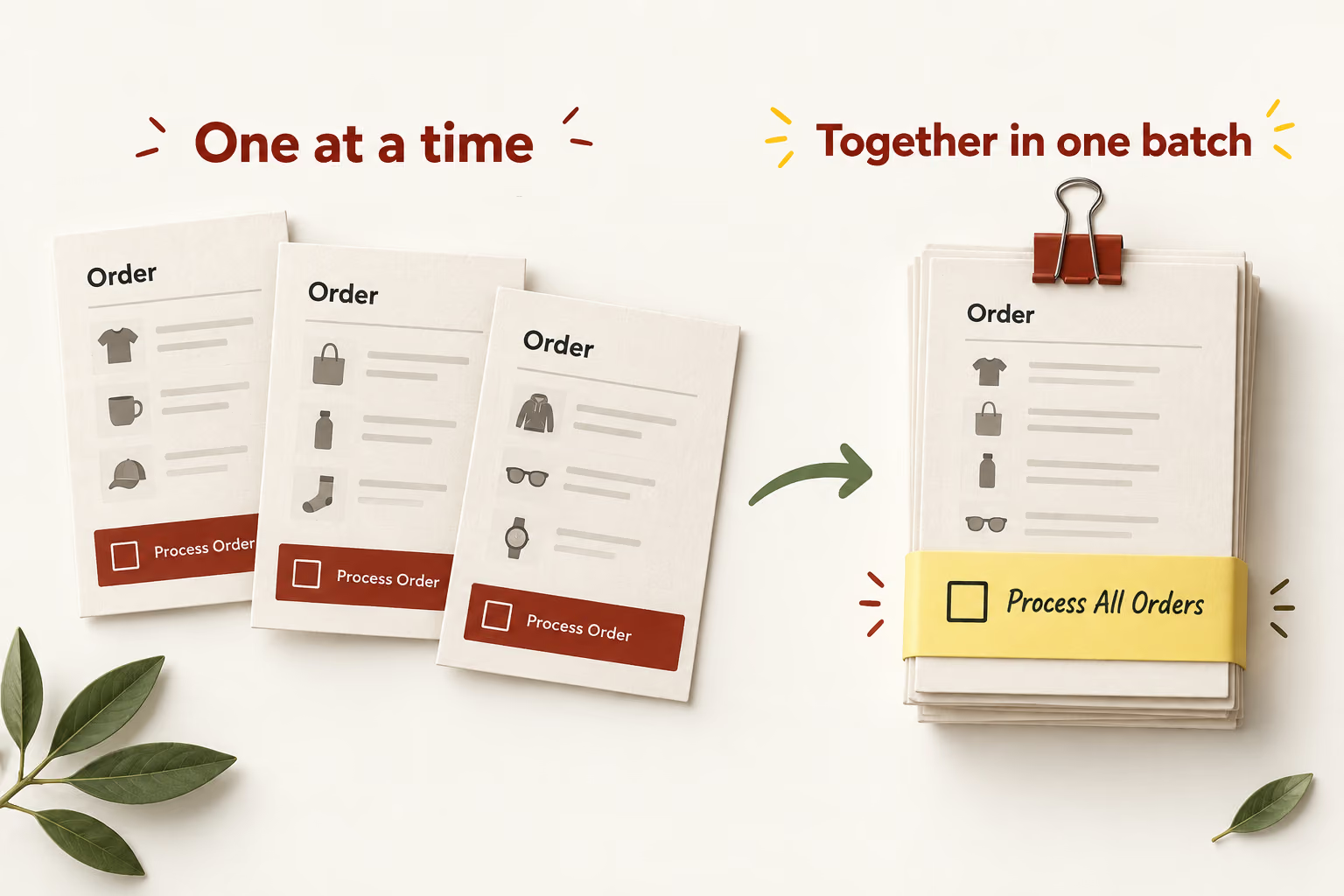
Individual order slips compared with an organized batch of orders
From individual submissions to a single batch

What Is Bulk Order Processing?

Bulk order processing lets you submit multiple customer orders together instead of placing each supplier order separately. In DSers, this AliExpress workflow starts with orders already synced from your store. Select the ones you want to process, then submit the batch. The word “bulk” describes how you place orders—not a requirement to stock up on products or order large quantities of the same item.

Bulk purchasing

Buy inventory
in volume.

Bulk purchasing usually means buying larger quantities ahead of customer demand. It can suit businesses that want to hold stock, but inventory, storage, and resale are part of that decision. It is not the order-placement process described here.

Batch order placement with DSers

Place customer orders
together.

Start with orders your customers have already placed. DSers groups your selected orders for submission to AliExpress. You're handling existing demand, not deciding how much stock to buy for future sales.
Get Started in 4 Steps

Start with your synced AliExpress orders in DSers. These four steps take you from checking the order details to reviewing the batch and paying your suppliers.

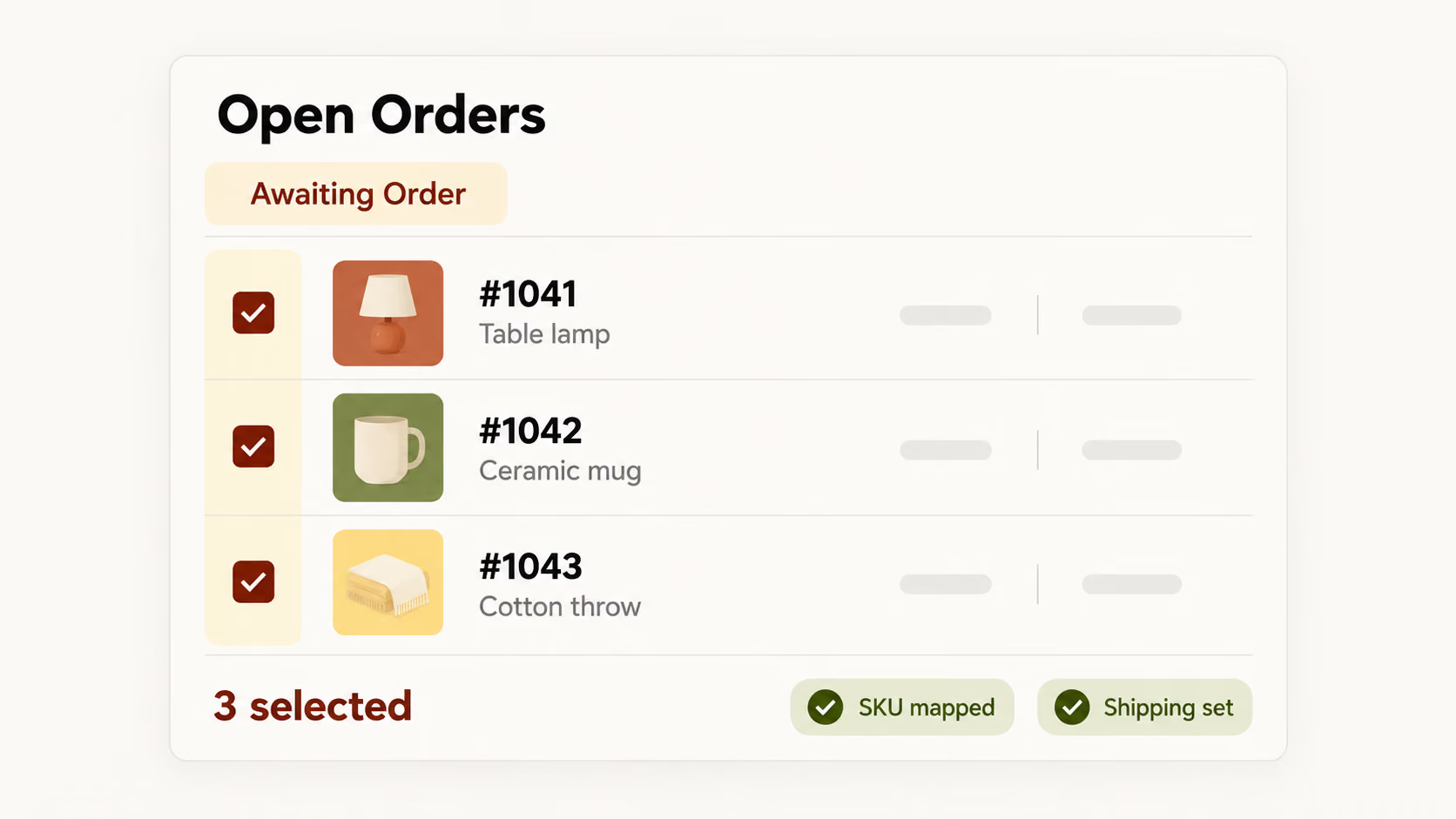
Awaiting Order list with selected orders and preparation checks

1. Select the orders that are ready

In DSers, go to Open Orders → Awaiting Order. Check that each product variant is mapped to the correct AliExpress SKU and that a shipping method is applied. You can select every order on the current page, filter the list first, or choose orders individually. Leave anything that needs a correction out of this batch.

Check the selected count before moving on.

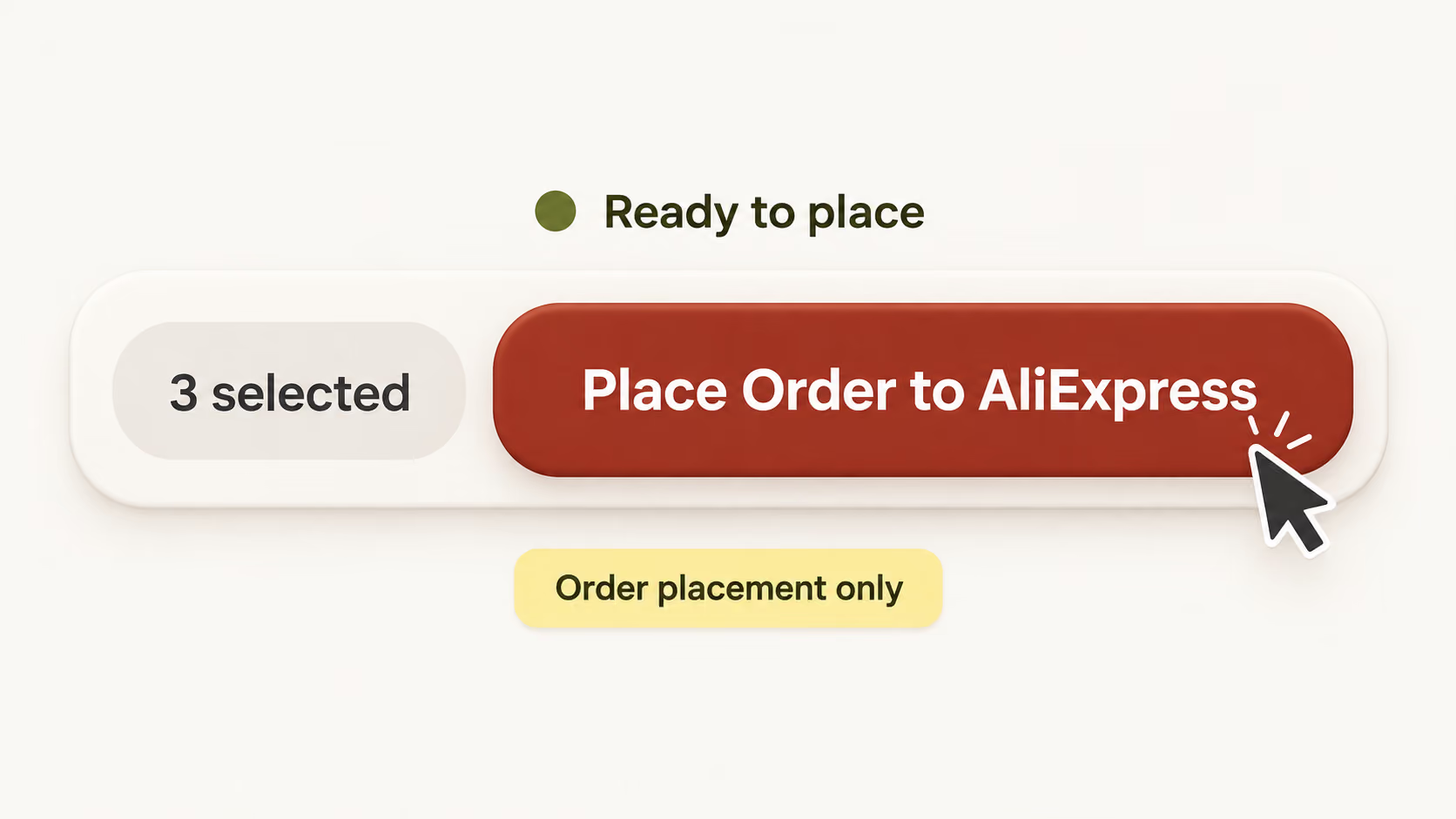
Place Order to AliExpress button activated for selected orders

2. Open the placement options

Click Place Order to AliExpress on the navigator bar. The button becomes available once you select at least one order. It opens the placement options for your selection, so you can choose how DSers sends the batch. You haven't submitted the orders yet; that happens when you confirm in the next step.

You'll pay on AliExpress after submitting your orders.

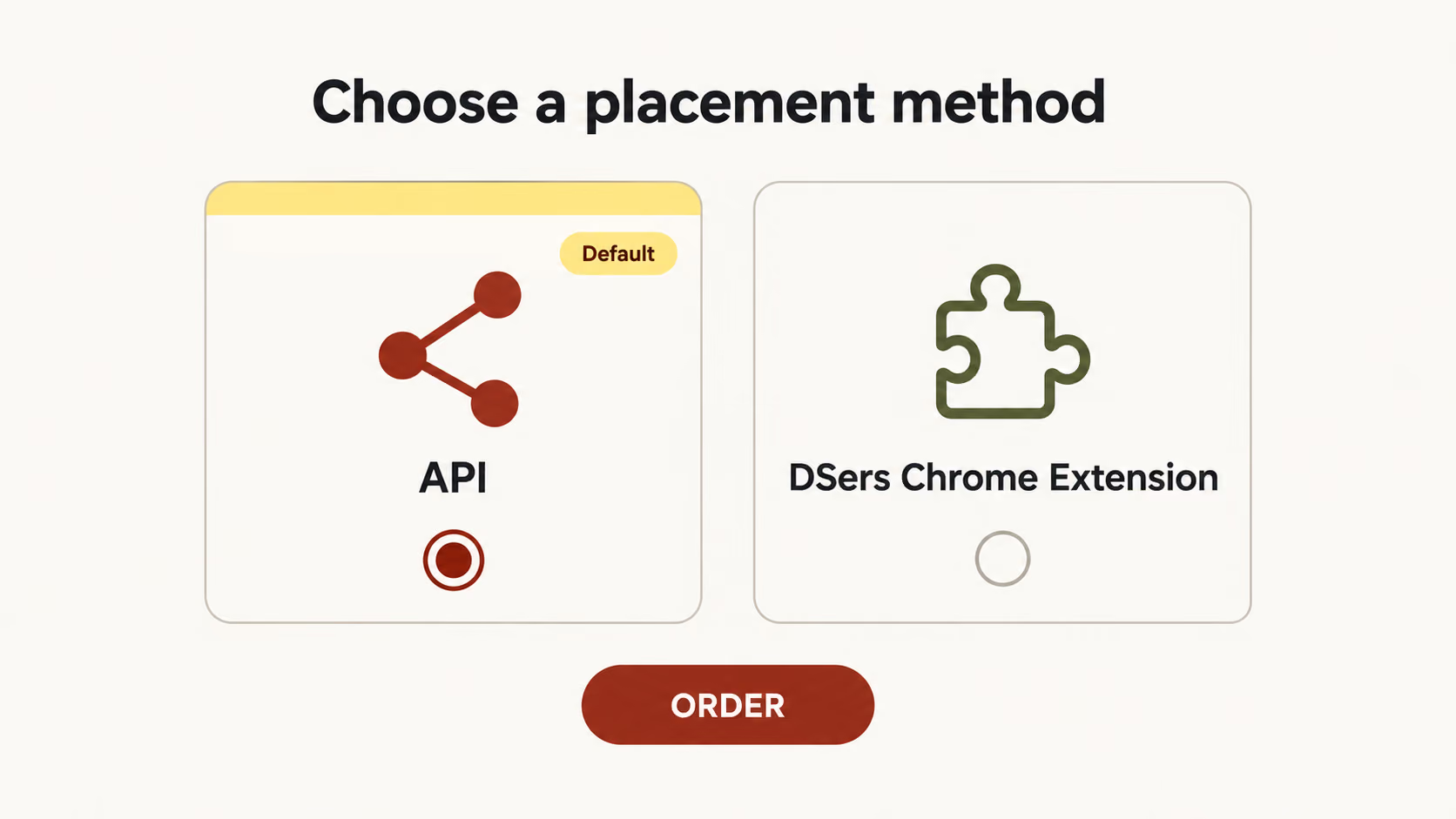
API and DSers Chrome Extension placement options with ORDER button

3. Choose your method and submit

Keep the default API option for faster processing of larger batches. Or choose the DSers Chrome Extension, which takes longer but can apply eligible AliExpress coupons and shipping discounts available to your account. Choose the method that fits your needs, then click ORDER to send your selected orders to AliExpress.

Discounts depend on eligibility, not batch size alone.

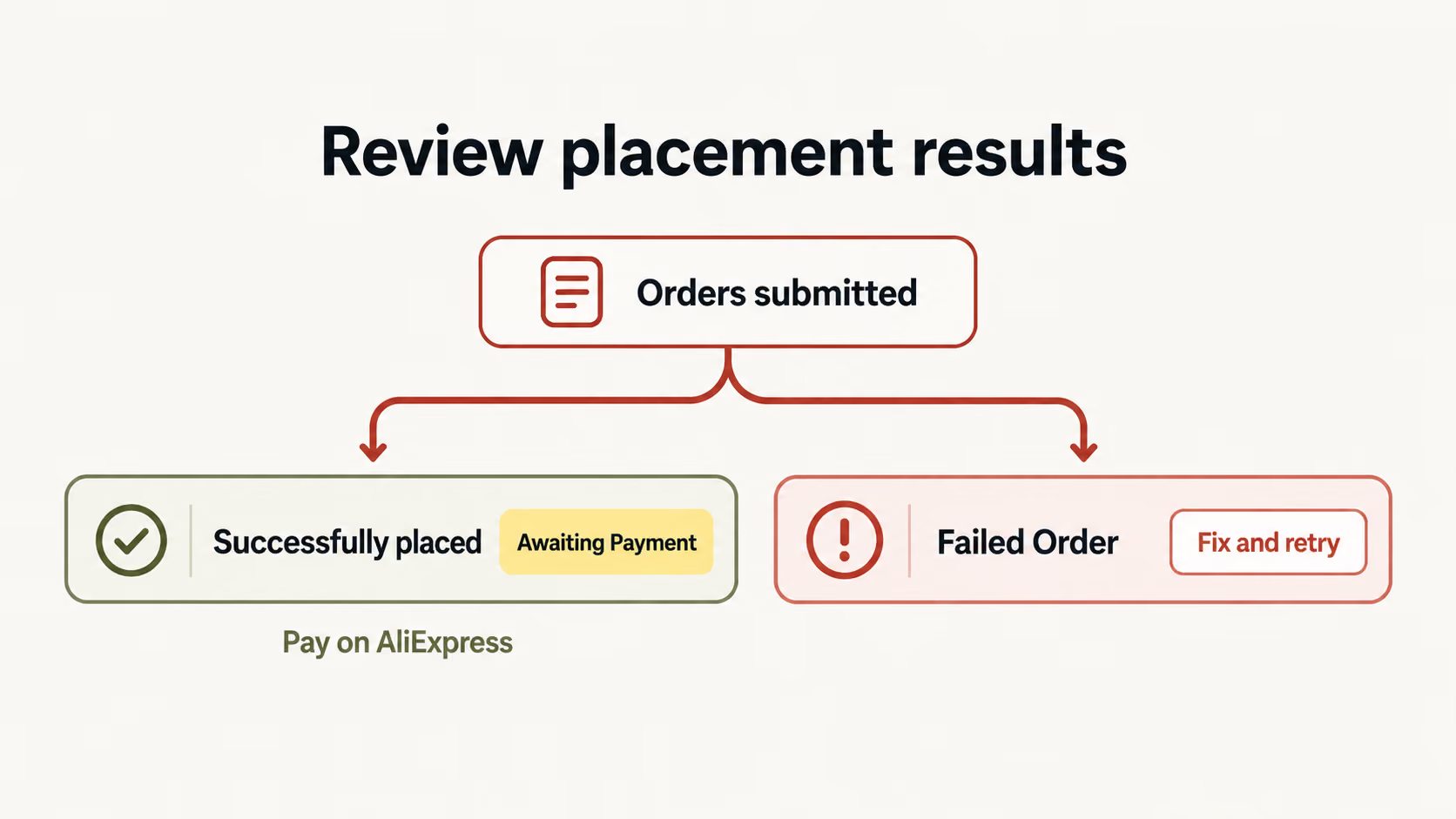
Successful placements await AliExpress payment; failed orders can be fixed and retried

4. Review the results and pay

Review successfully placed orders in checkout, then continue to AliExpress to complete payment. If an order fails, open Failed Order, read the reason, correct the problem, and retry the affected order. Prices shown in DSers are for reference, so check the final order total and payment details on AliExpress before paying.

Submitted orders still need payment before fulfillment can proceed.

Read the full bulk-order guide

Built for Your
Busy Order Days.

You don't need to hit a particular daily order count to make batch placement useful. Look at where the work piles up. DSers gives you a practical way to handle routine orders, sales spikes, and a queue where some orders are ready before others.

Keep daily orders manageable

When supplier ordering becomes a recurring chore, collect the ready orders into a batch. Make it part of your daily routine rather than letting individual submissions interrupt the rest of your work.

Get through the post-sale rush

After a promotion, a longer order list shouldn’t force you to handle every submission separately. Use the API option to place larger batches, then review the results before moving on to payment.

Place ready orders. Review the rest.

Not every order needs the same attention. Select the orders whose mappings and shipping methods are ready, and leave those needing changes for review.

More Orders.
Less Clicking.

Keep the momentum from your next sale. Place your next batch with DSers and get back to running your store.

Get Started

Bulk Order Processing FAQ

What is bulk order processing?

Bulk order processing means submitting multiple supplier orders in one batch. DSers lets sellers place selected AliExpress orders together as part of their sourcing and fulfillment workflow.

Who benefits from bulk ordering?

Bulk ordering suits dropshipping sellers managing steady daily orders or sales spikes, especially when placing orders individually takes time away from customers, products, and marketing.

How does bulk ordering compare with manual ordering?

With DSers, you submit selected AliExpress orders together instead of repeating the placement process for each order. This reduces repetitive clicks. You choose which orders to include.

What still needs my attention?

You still check product mappings and shipping methods, handle failed submissions, and complete payment on AliExpress.

Which sourcing platforms does DSers support?

DSers supports sourcing from AliExpress, Alibaba.com, and 1688, including wholesale-style opportunities on 1688. AliExpress bulk placement is one workflow; ordering methods vary by platform.