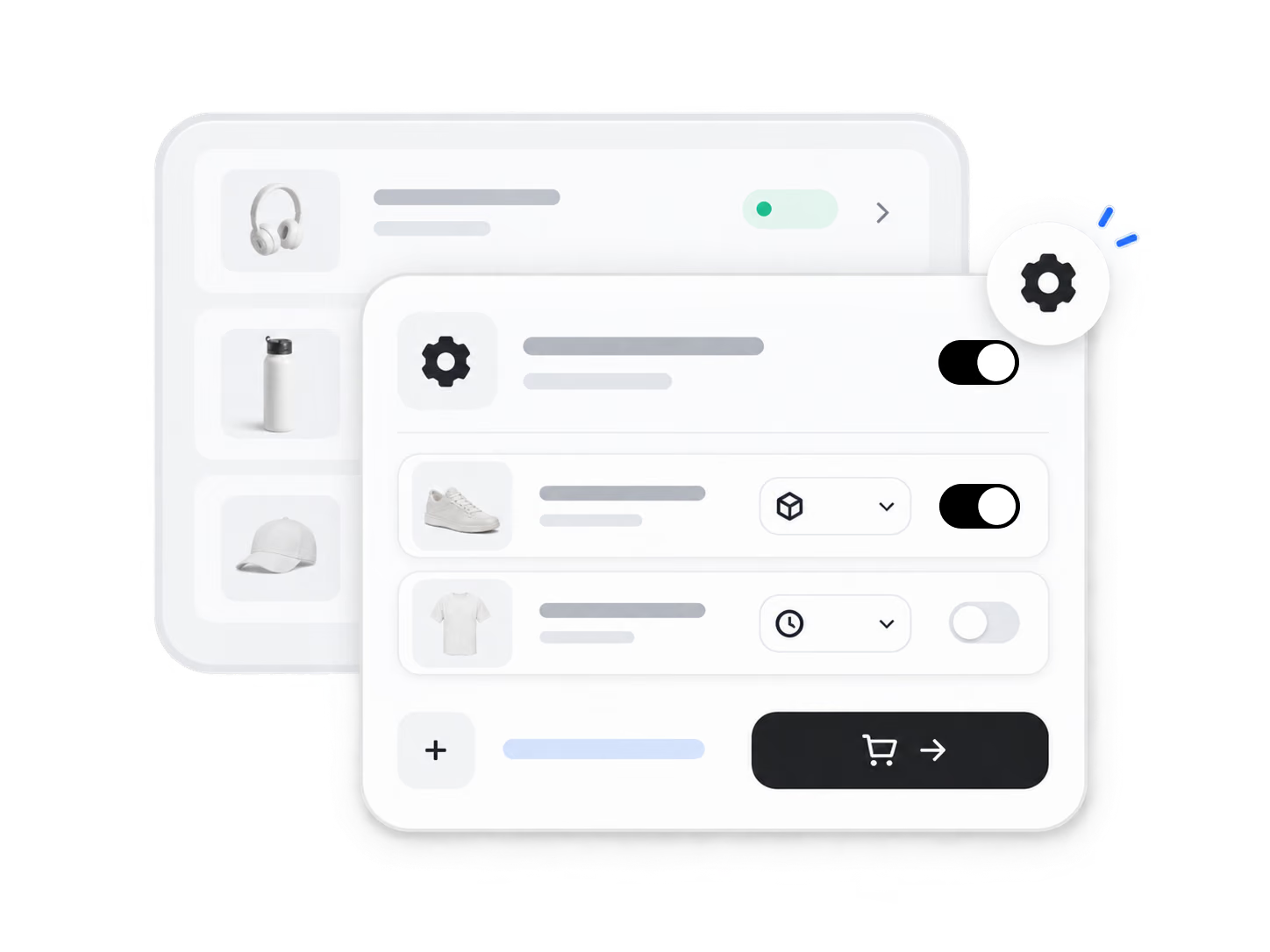
1. Set your auto-order rules under order settings.
Automation keeps fulfillment consistent and on schedule, freeing you to focus on growth.
Try It Now
Auto-Place Orders helps you place orders with your suppliers automatically based on rules you set, saving daily manual effort.
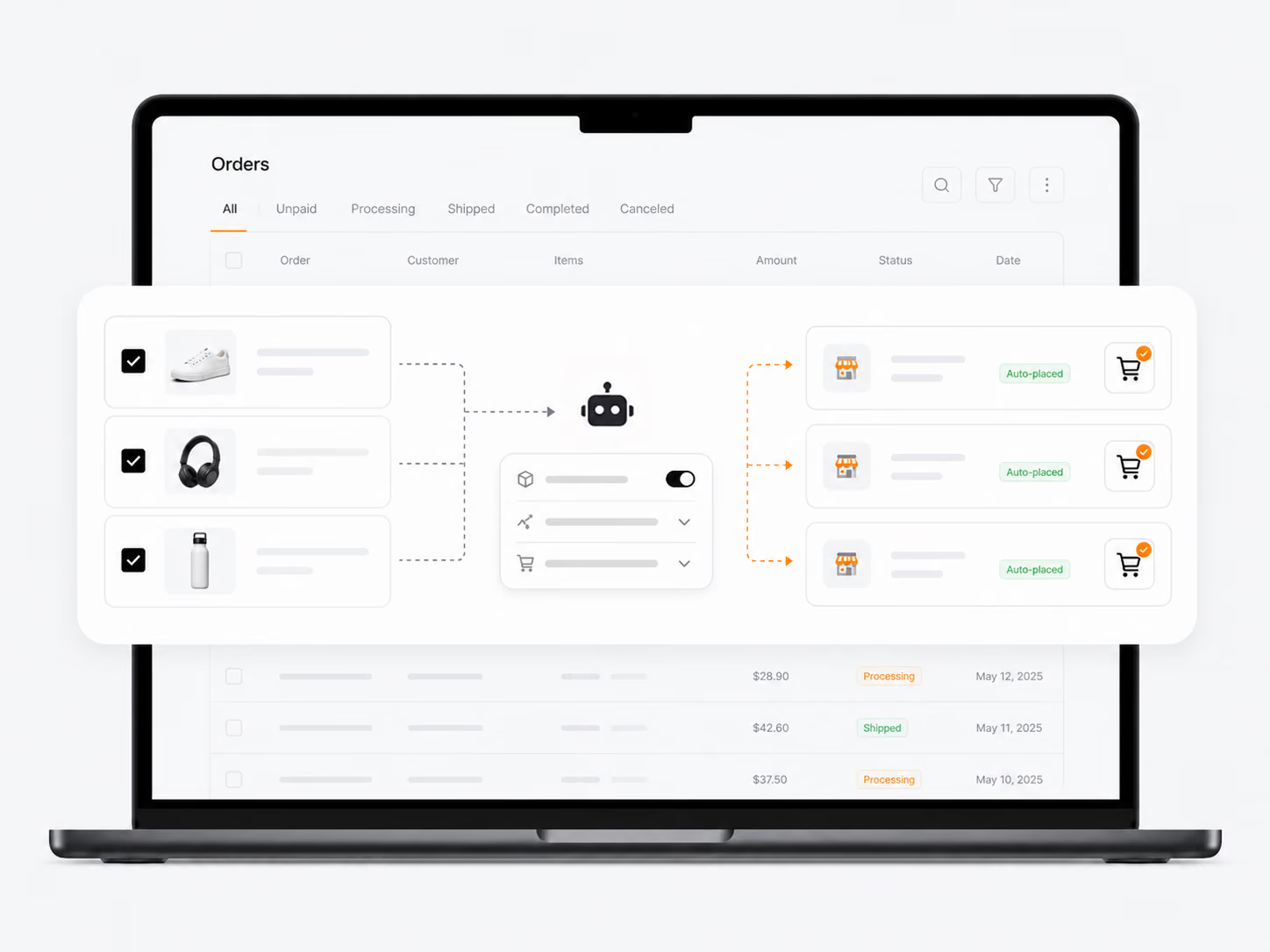
Auto-Place Orders
1. Set your auto-order rules under order settings.
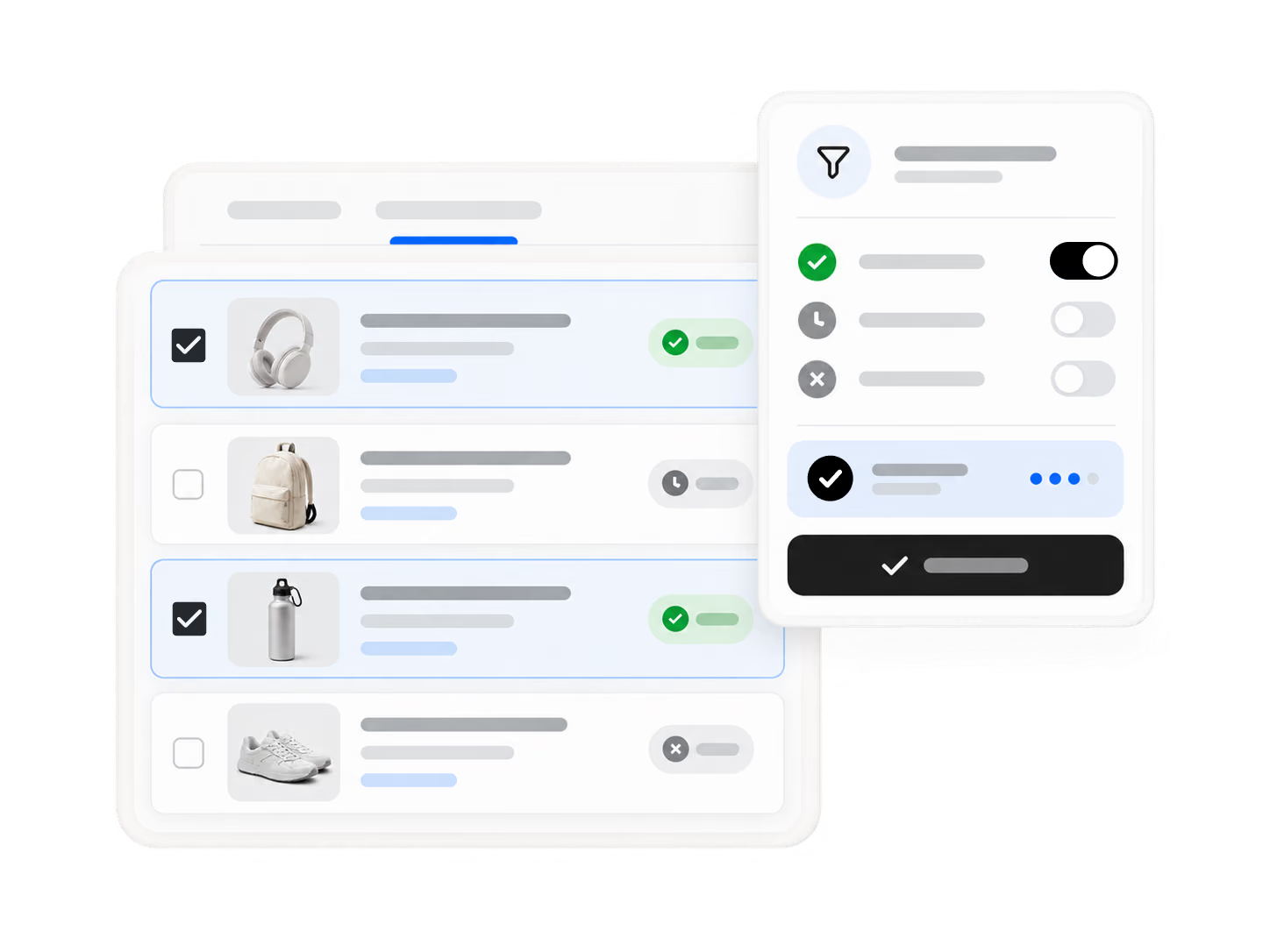
2. Choose which orders qualify for automatic placement.
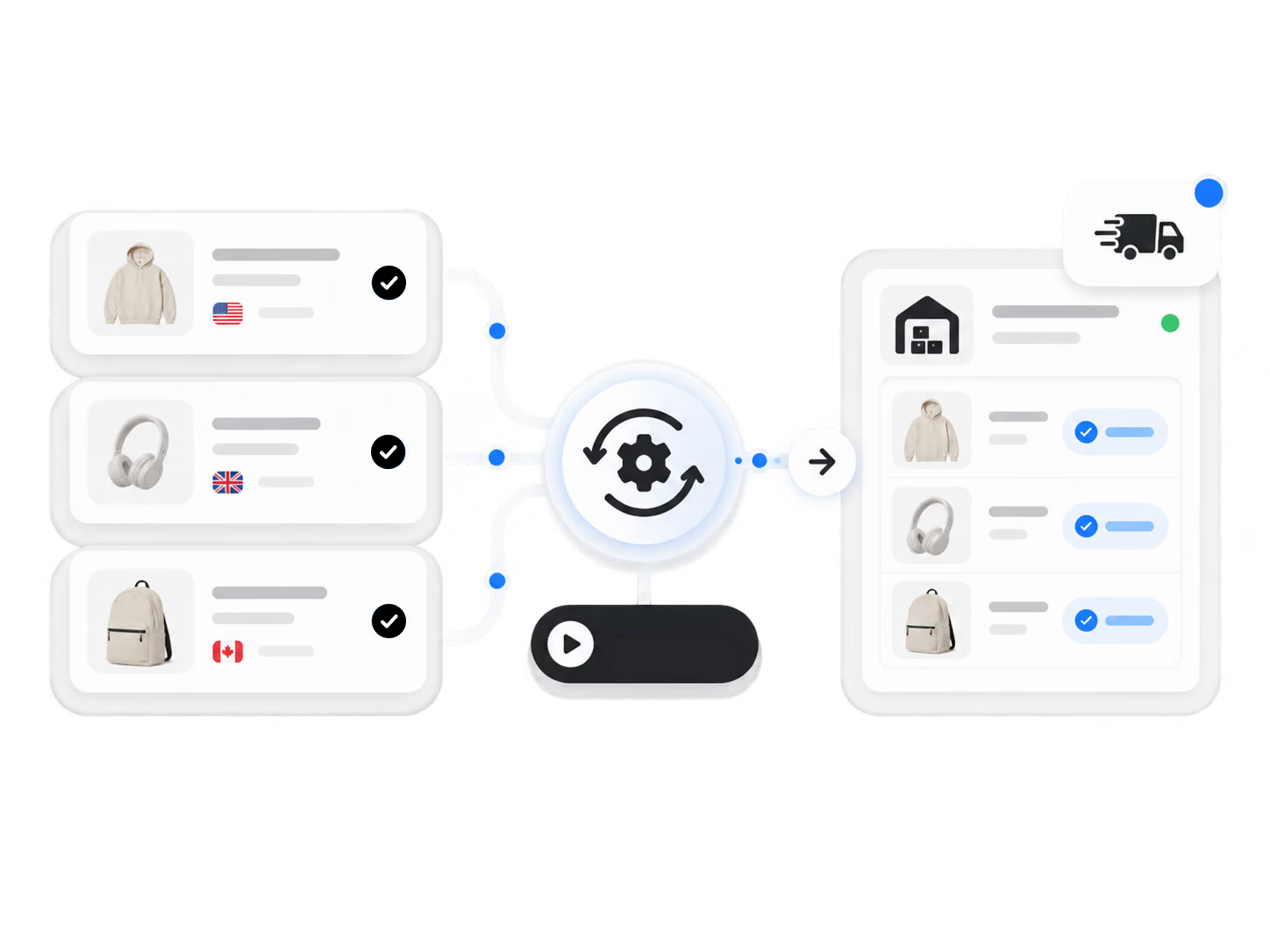
3. Let DSers send the order to the supplier when conditions are met.
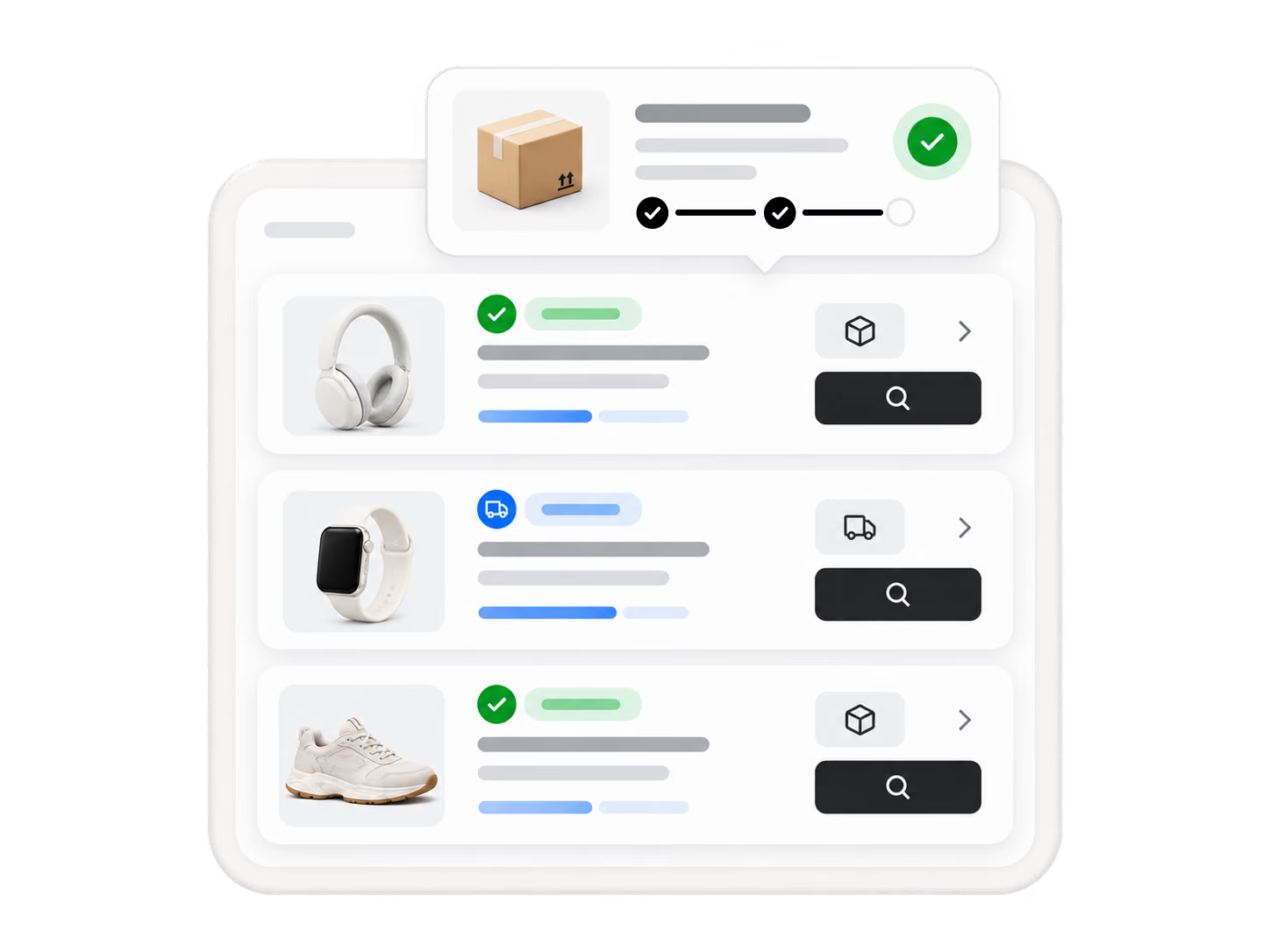
4. Review placed orders in your order list.
Build a sourcing and fulfillment workflow that can evolve as your ecommerce business grows.
Start for FreeAuto-Place Orders is a feature that automatically submits synced store orders to your Alibaba and Agent suppliers based on preset rules — saving daily manual effort and keeping fulfillment consistent and on schedule so you can focus on growth.
Set your auto-order rules under order settings, choose which orders qualify for automatic placement, let DSers send the order to the supplier when conditions are met, then review placed orders in your order list.
Orders that meet your preset mapping, stock, and shipping rules are submitted automatically. Orders that do not meet these conditions remain in the Awaiting Order list for your review — giving you control while maximizing automation.
Yes. You can configure your auto-order rules so that only orders meeting all conditions are placed automatically. Any order that falls outside your conditions stays in the Awaiting Order list, allowing you to manually review and confirm before submission.
Yes. Auto-Place Orders works with suppliers from Alibaba.com and the DSers Supplier Agent Network. For AliExpress orders, the Bulk Order Processing feature handles batch submission instead. DSers supports sourcing and fulfillment across all three platforms.