Sync tracking numbers automatically
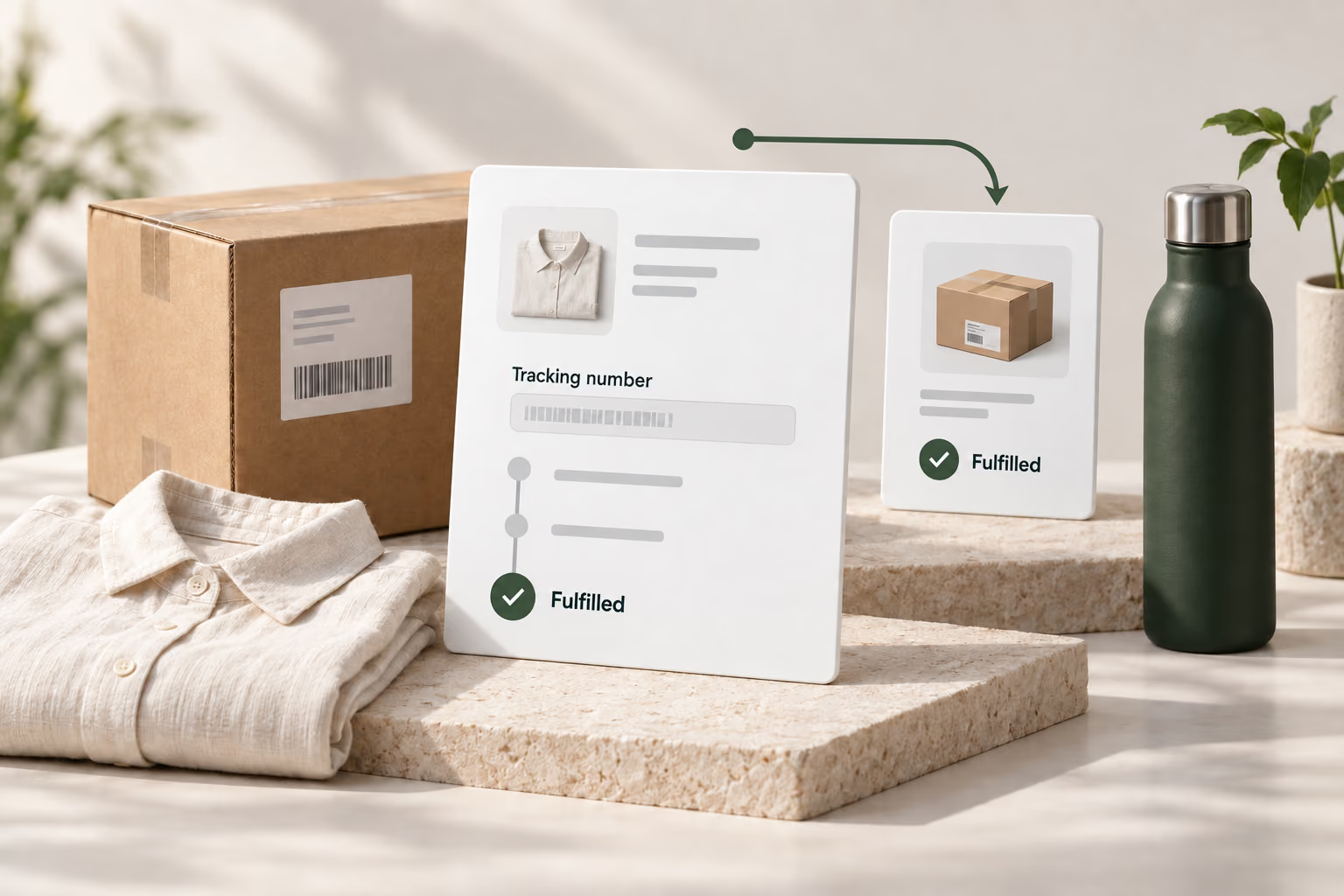
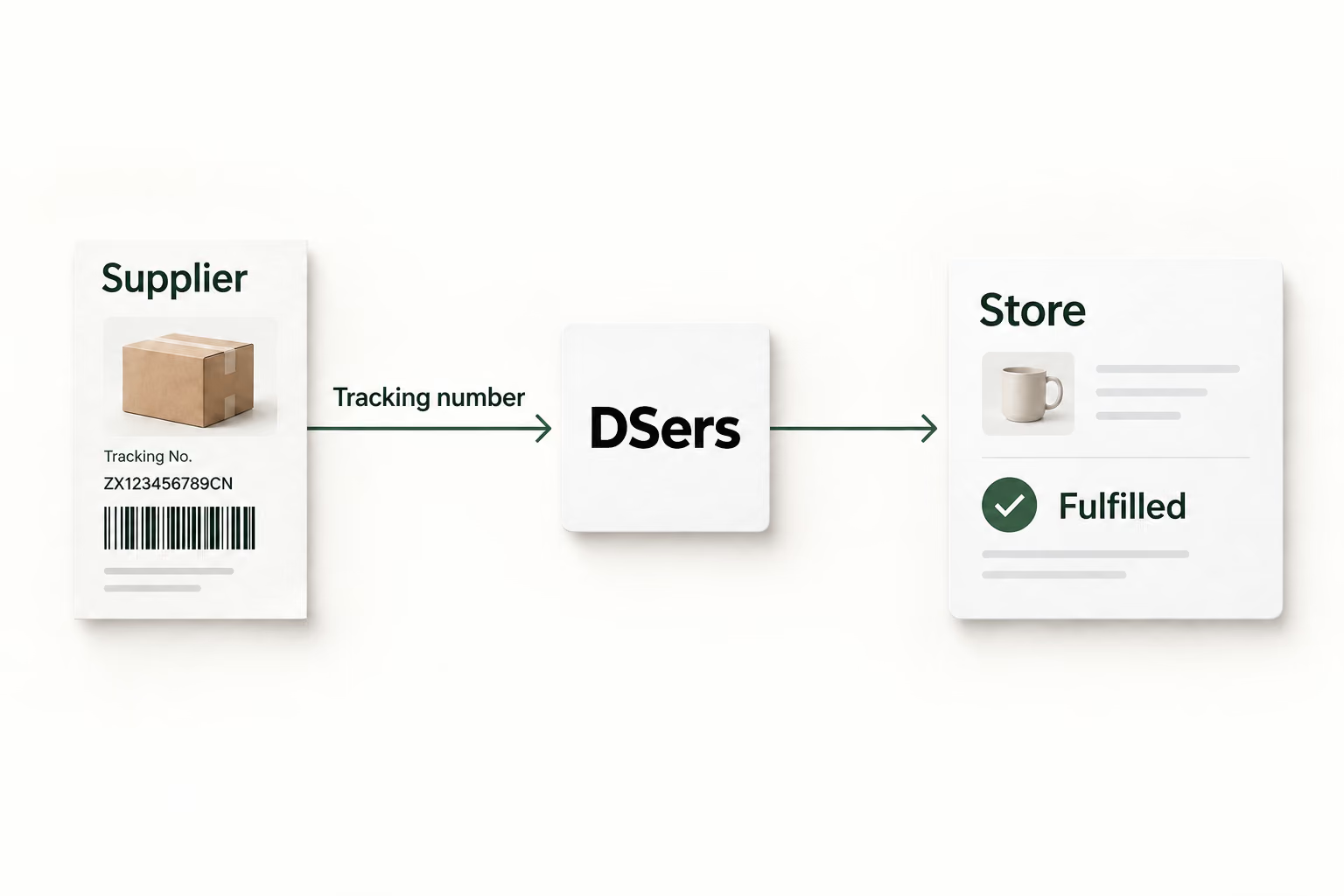
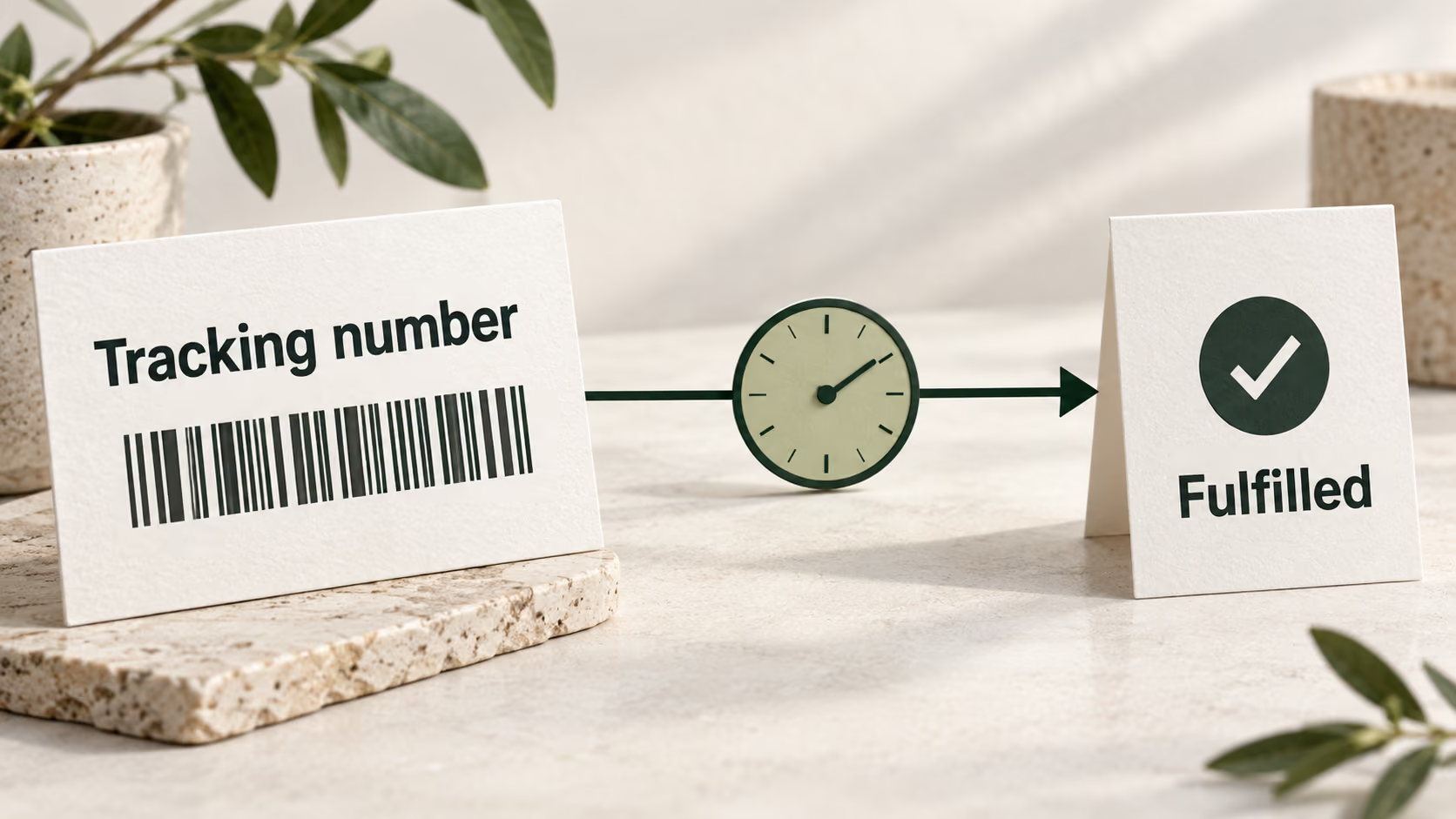
After you place and pay for an AliExpress order, your supplier prepares and ships it. Once tracking information becomes available, DSers retrieves it for your order. There is no need to copy each number from the supplier platform into your store.
Update fulfillment on your schedule
Tracking sync moves the order toward Fulfilled in DSers and your connected store. Choose when tracking details are sent for store fulfillment, including a configured delay if your business needs one. Your settings determine when that update happens.
Handle orders that ship in parts
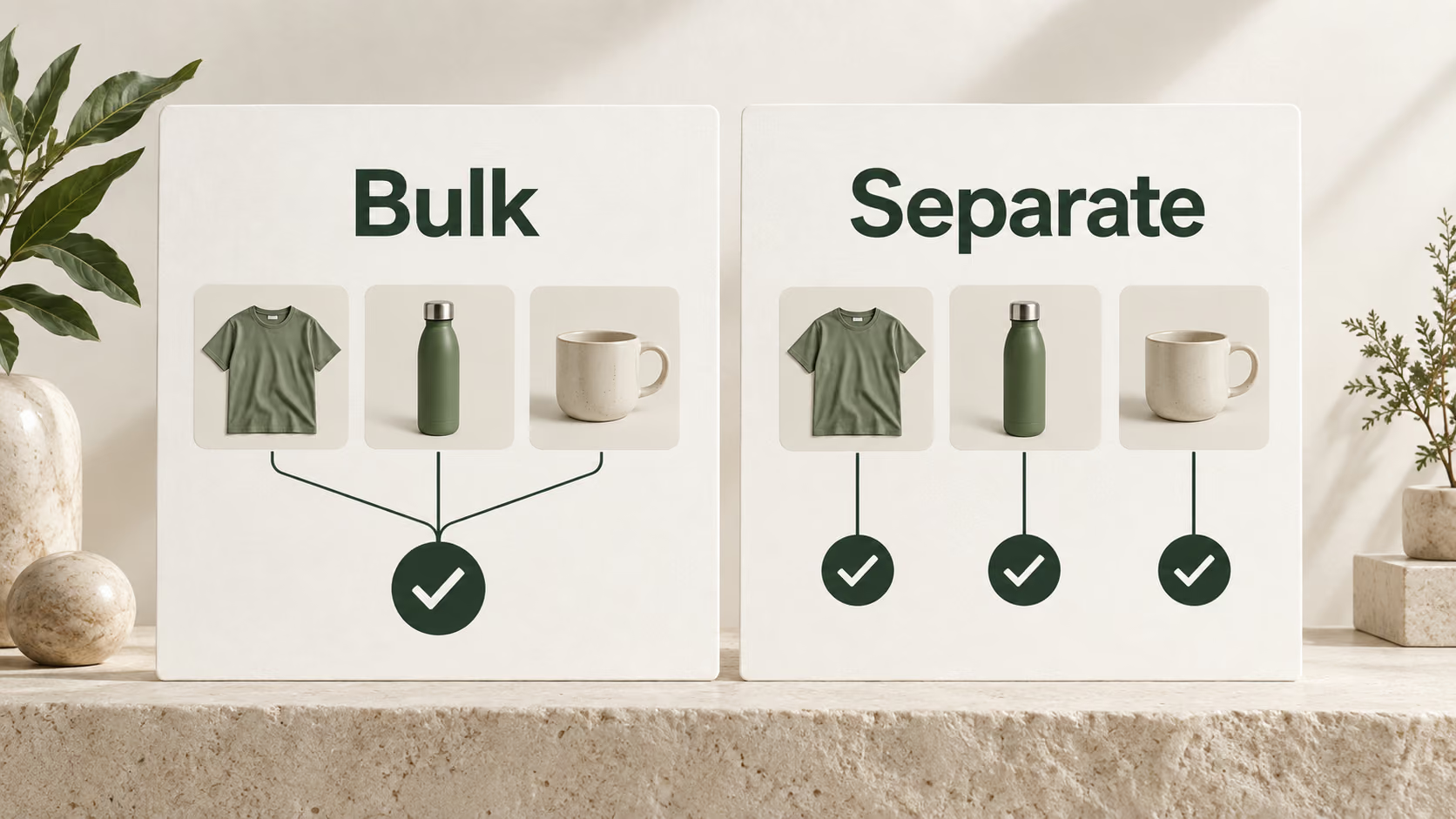
Wait until every item has a tracking number, or fulfill items separately as their tracking becomes available. Separate fulfillment depends on your sales channel; WooCommerce does not support it. Bundle and BOGO mappings still wait for tracking numbers for every component.
Choose when customers hear from you
Tracking updates can trigger your store’s shipping confirmation emails. Control whether and when those messages go out through Shipping Confirmation Email Settings. Coordinate fulfillment and email timing so customers receive shipment information in the way you intend.