Dropshipping Inventory Management That Keeps Store Stock Aligned

Dropshipping inventory management still matters when you never touch the products yourself. DSers helps you monitor supplier availability, choose how out-of-stock products and variants should be handled, and automatically update supported store inventory when documented conditions are met.

Get Started
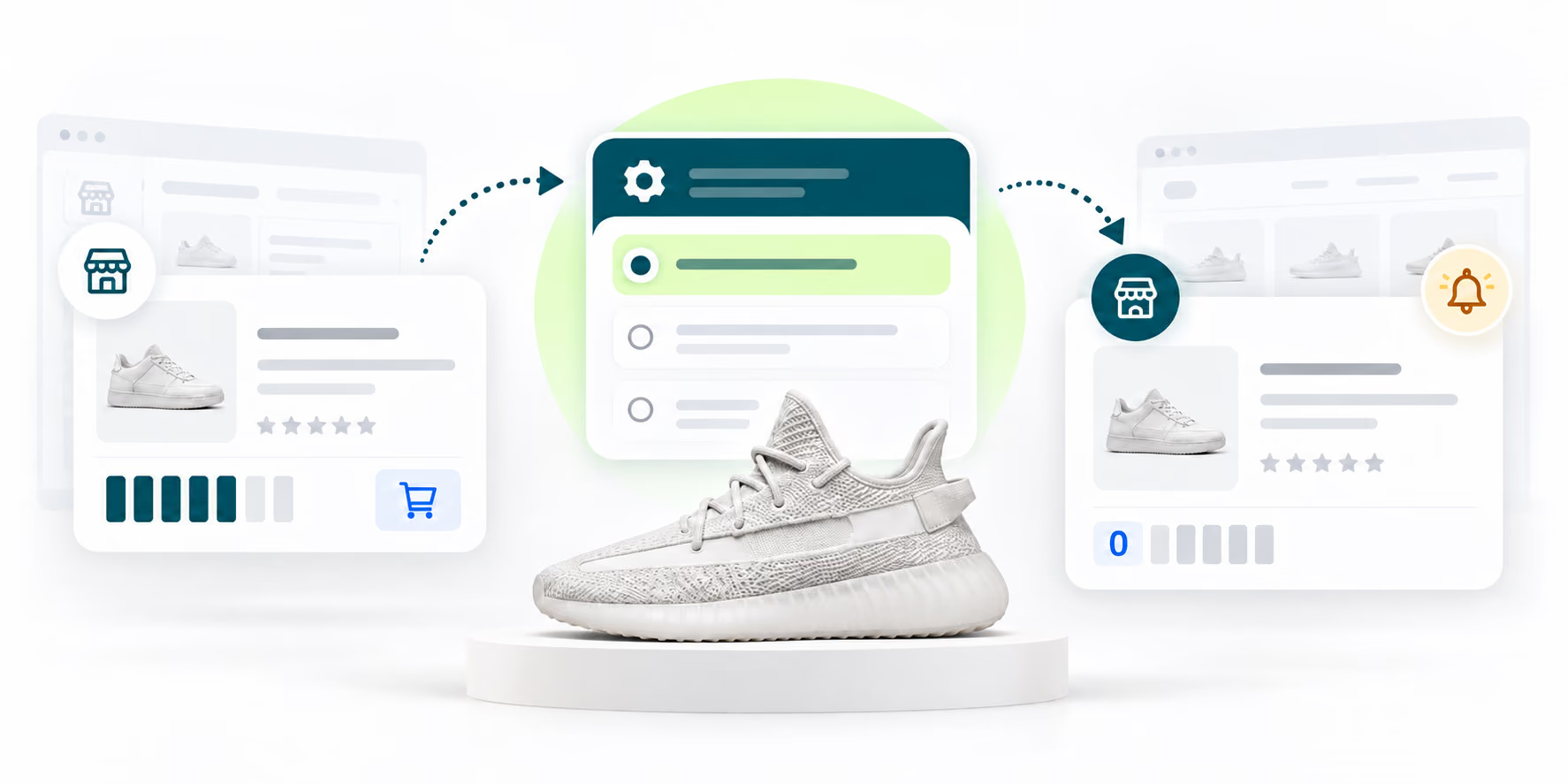
Supplier product availability passing through configurable inventory rules to a storefront zero-stock status and alert

The operating model

What Is Dropshipping Inventory Management?

Dropshipping inventory management means tracking supplier stock and keeping your store’s availability consistent with what suppliers can fulfill. You may not own a warehouse, but customers still rely on the quantities shown in your store.

Because products can disappear, variants can sell out, and SKU changes can break mappings, the workflow needs visibility, clear response rules, and human review of exceptions.

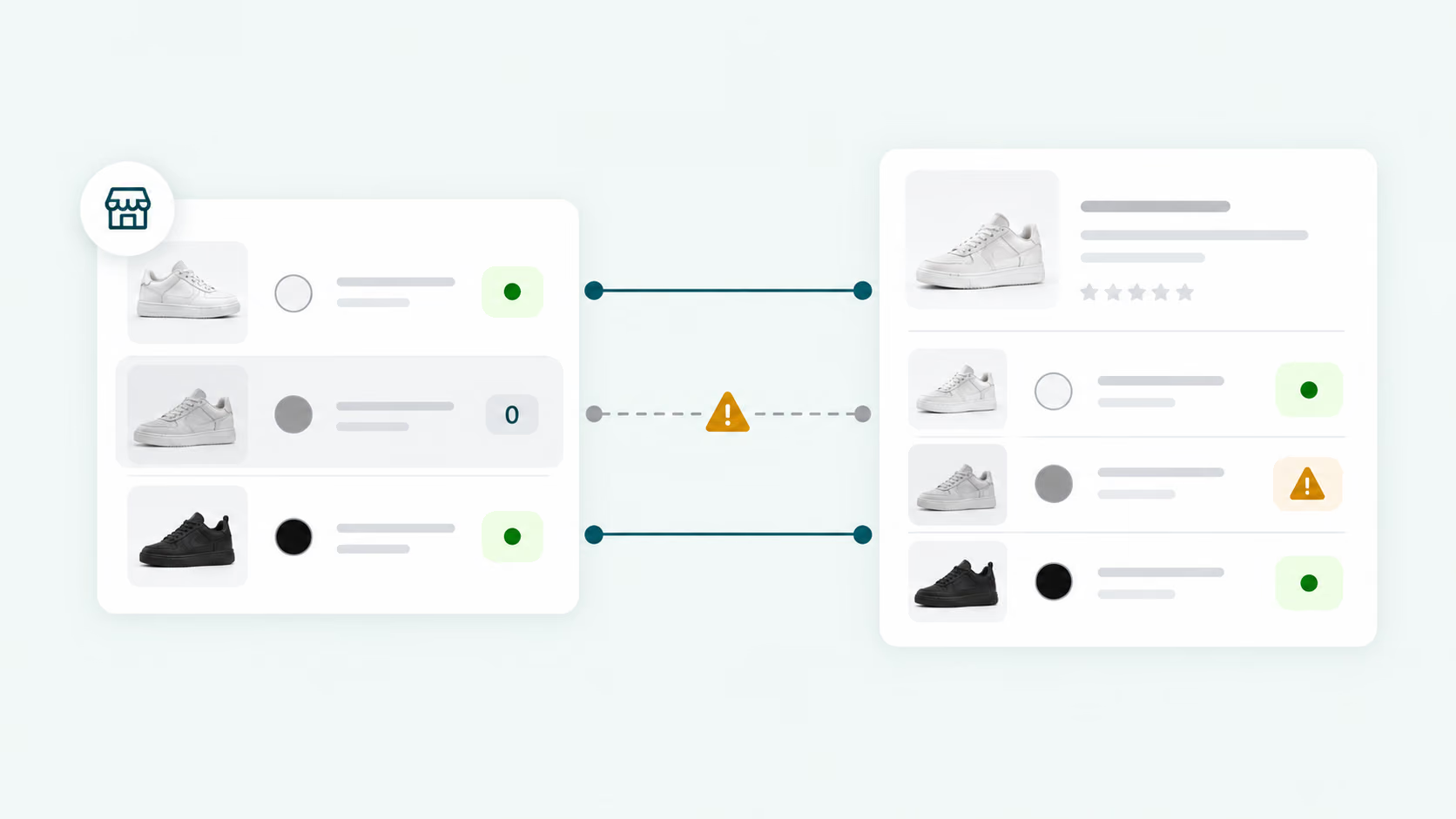
Variant-level inventory mismatch showing one unavailable supplier option and the corresponding storefront warning

Manual vs. structured

Replace Repeated Stock Checks With a Rules-Based Workflow

Use the same decision logic across your catalog while keeping the seller in control of exceptions.

Manual approach

Repeated checks, late decisions

  • Detect supplier changesInspect supplier pages one by one.
  • Update store availabilityEdit products after finding a mismatch.
  • Handle unavailable itemsDecide only after discovering an issue.
  • Review exceptionsSearch the catalog manually.
With DSers

Visible changes, consistent rules

  • Detect supplier changesReceive notifications when supported inventory changes are detected.
  • Update store availabilityApply your selected action when eligibility and synchronization conditions are met.
  • Handle unavailable itemsPreselect actions such as draft, zero quantity, or no action.
  • Review exceptionsUse product status and notification views to find affected products.

Automation does not remove every decision. Timing, mappings, locations, selling-channel behavior, and supplier conditions still affect the result. DSers provides a structured way to find changes and apply consistent responses.

Operational value

Reduce the Inventory Gaps That Lead to Unfulfillable Orders

Each benefit comes from a visible notification, configurable rule, eligible mapping, or seller review—not from a promise of unattended automation.

01

Catch unavailable products earlier

Notifications surface product- and variant-level changes without relying only on repeated supplier-page checks.

02

Apply a consistent response

Rules determine whether affected listings stay unchanged, move to draft, or show zero quantity.

03

Keep control over exceptions

Disable automatic updates for products that need another workflow. Review ineligible mappings, locations, or conditions instead of assuming the system acted.

04

Add sourcing resilience where appropriate

Basic Mapping can provide a backup supplier when the default is unavailable. This safeguard does not make every multi-supplier configuration eligible for automatic sync.

Recognizable signals

When to Use DSers for Dropshipping Inventory Management

Use inventory controls when supplier changes start creating a gap between what your store displays and what can actually be fulfilled.

01

A supplier runs out while your store still sells the variant

Use notifications and out-of-stock rules to identify the SKU and choose the correct storefront response.

02

Your catalog is too large for dependable manual checks

Focus attention on products whose availability or mapping changed instead of reopening every supplier page.

03

A supplier deletes a product or changes its SKUs

Repair the mapping, connect a suitable replacement, wait for a temporary restock, or remove the listing from sale.

04

Some products need different handling

Keep global rules for the main catalog, then disable automatic updates for products requiring manual control.

Set the rules once

Set Up Supplier-to-Store Inventory Updates in 4 Steps

Start with an eligible product mapping, then choose how supported supplier stock changes should update your store and where to review exceptions.

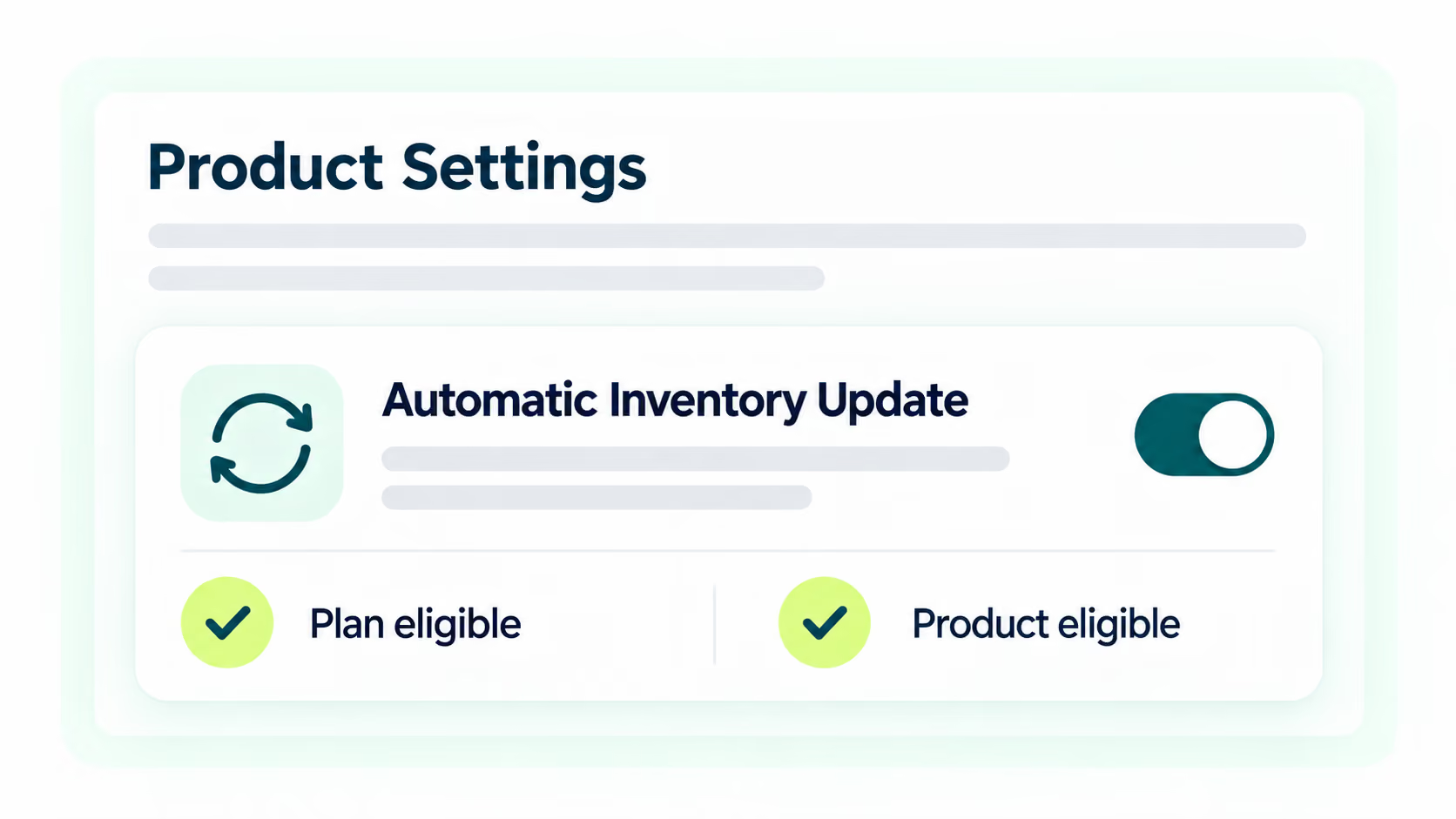
  1. Enlarged Product Settings panel showing Automatic Inventory Update with eligible plan and product checks

    Step 1

    Open Automatic Inventory Update

    Go to Settings → Product Settings → Automatic Inventory Update and confirm plan and product eligibility.

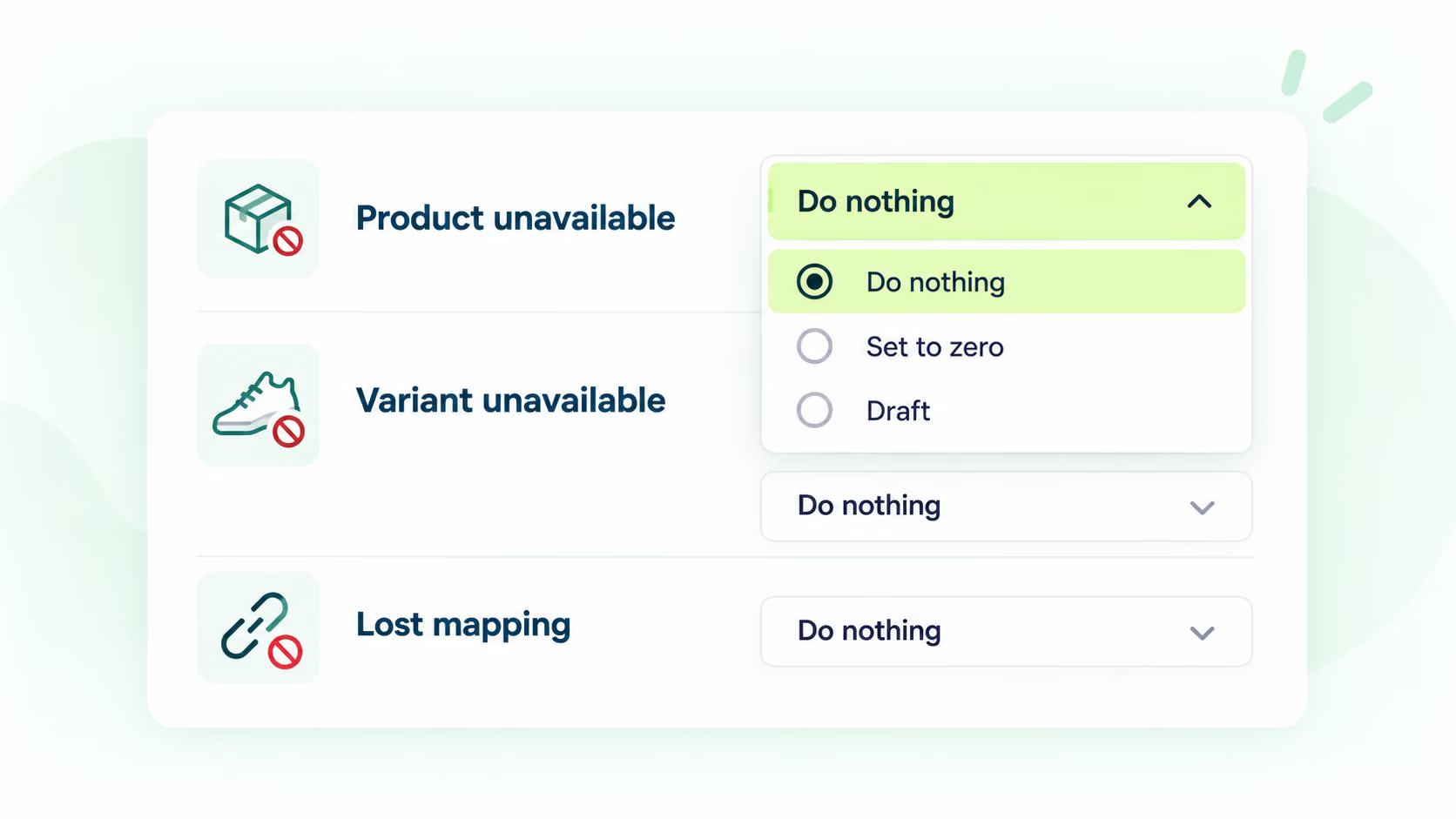
  2. Inventory response settings for unavailable products, unavailable variants, and lost mappings with Do nothing as the default

    Step 2

    Configure the rules

    Choose responses for unavailable products, variants, and lost mappings. The default is Do nothing, so review each rule.

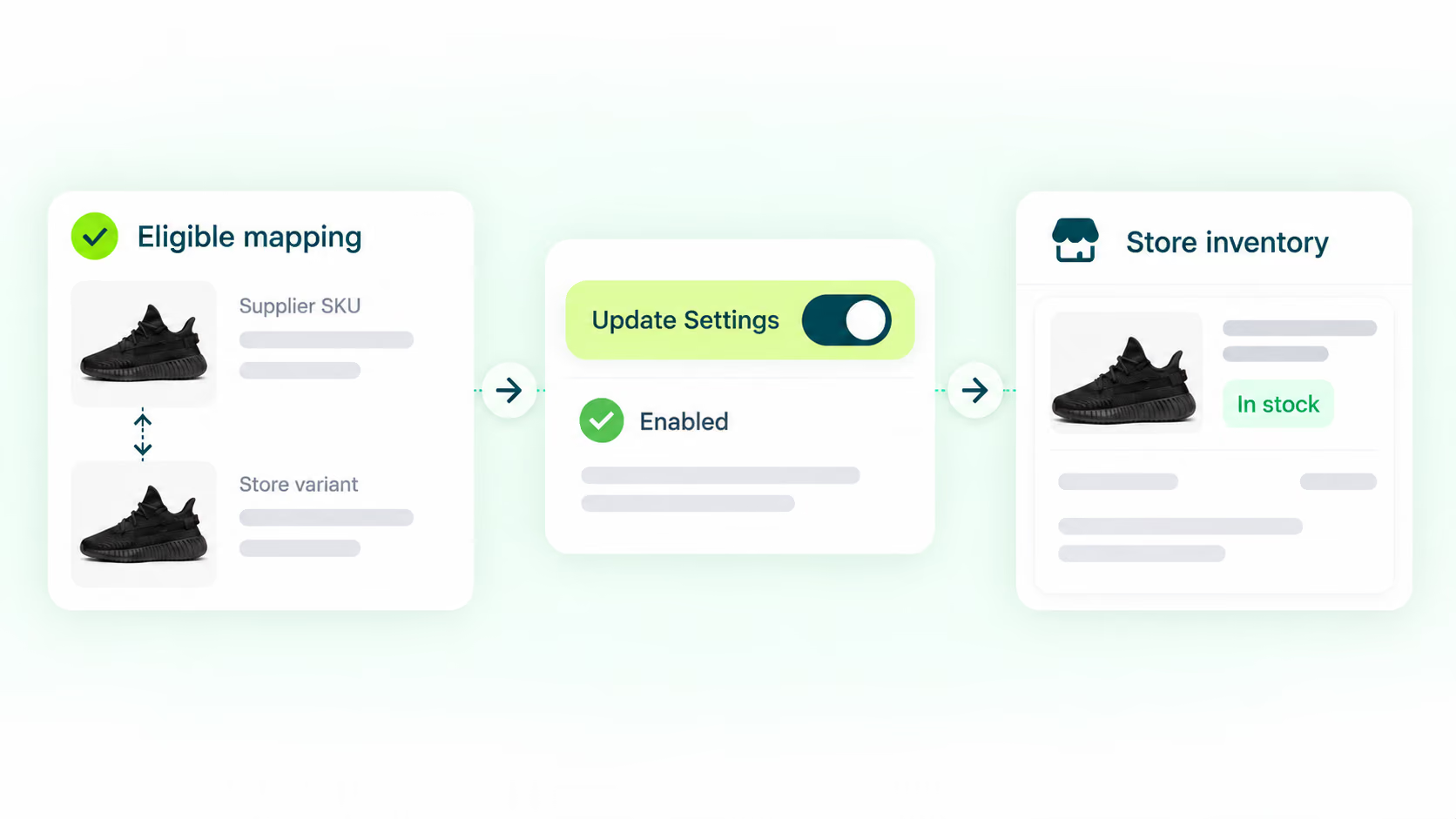
  3. Eligible product mapping passing through enabled Update Settings to store inventory

    Step 3

    Choose how changes reach your store

    Confirm each store variant is connected to the correct supplier SKU, select a supported fulfillment location, and enable product-level Update Settings. Eligible changes are applied through scheduled checks—not a real-time feed.

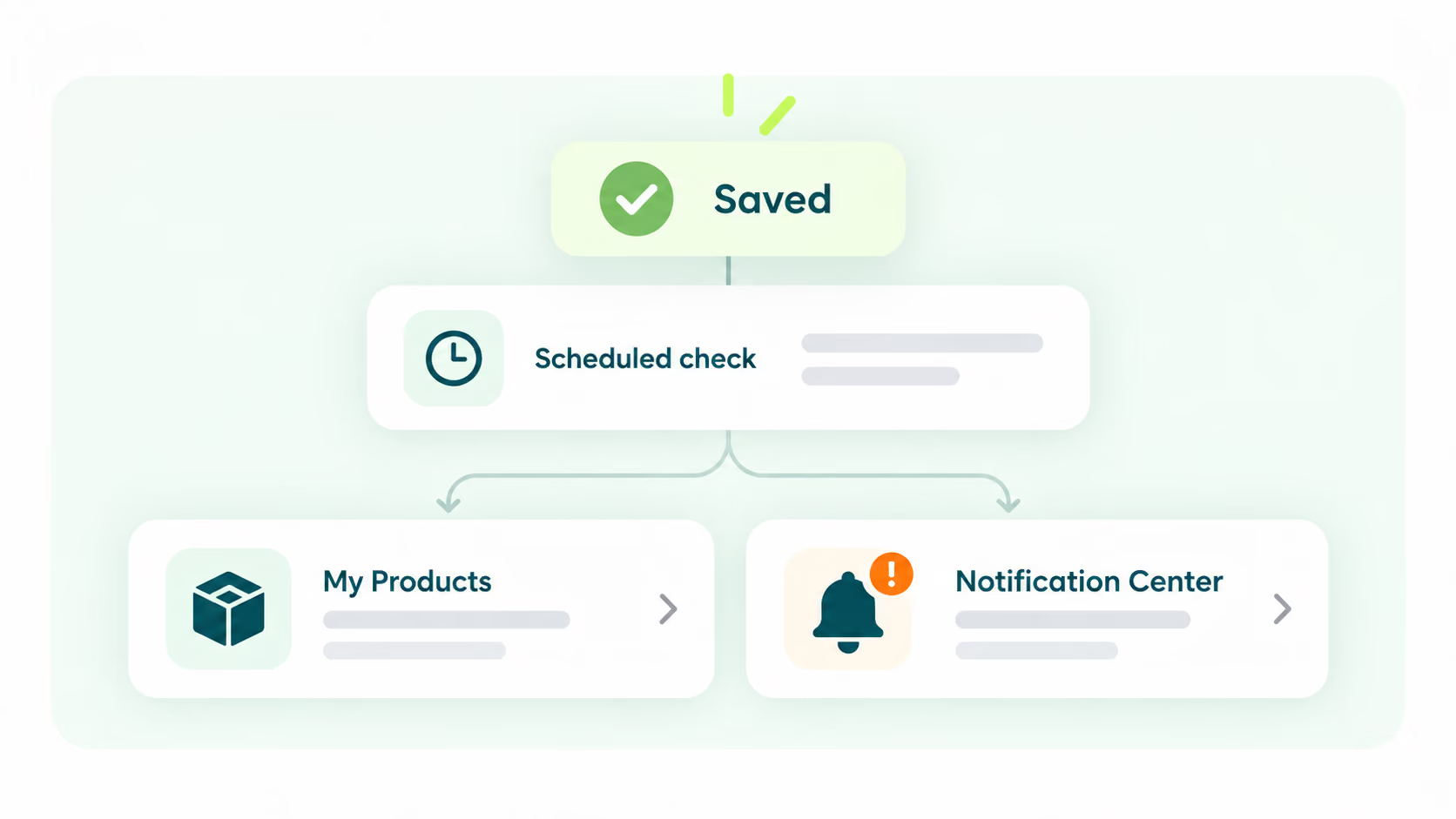
  4. Saved inventory settings followed by a scheduled check and review in My Products or Notification Center

    Step 4

    Save, monitor, and resolve exceptions

    Review stock changes in My Products or the Notification Center. When action is still needed, repair the mapping, connect a suitable supplier, or take the unavailable item offline.

Read the full inventory auto-sync guide

Build a More Controlled Inventory Workflow With DSers

Connect supplier availability, product mappings, inventory rules, and store updates in one workflow. Start with notifications, add automatic updates where supported, and keep exception review in your hands.

Get Started

Dropshipping Inventory Management FAQ

What is dropshipping inventory management?

It is the process of monitoring supplier stock and aligning store availability with what suppliers can fulfill. Even without holding physical inventory, a seller must manage stock information to reduce orders for unavailable products.

Does DSers update inventory in real time?

No. DSers uses scheduled checks whose timing depends on the supported plan and workflow. Updates also require eligible mappings, locations, and inventory conditions.

Is Automatic Inventory Update available on every DSers plan?

No. Automatic store inventory updating is a paid capability. Inventory-change notifications are available more broadly, with check frequency varying by plan.

Which products can use automatic inventory updates?

Products need eligible mappings and fulfillment locations. Current help documentation supports Basic Mapping and 1:1 Advanced or Bundle Mapping, while multi-supplier products are not eligible. Channel-specific limits may apply.

What should I do when a supplier product goes out of stock?

Check whether the issue affects the full product or one variant. Apply your store rule, wait for a restock, remap to a suitable supplier, use an eligible backup supplier, or take the product offline. The seller still reviews sourcing and fulfillment exceptions.