Manual variant pairing
Read option names
Compare labels one by one
Handle differences
Interpret each mismatch manually
Confirm the result
Track pairs across separate selections
Keep control
Depend on a separate checklist
Connect each store variant to the supplier SKU intended to fulfill it. DSers Smart Variant Matching suggests connections across imported products, so you can review exceptions and confirm the mapping before placing orders.
Try Product Mapping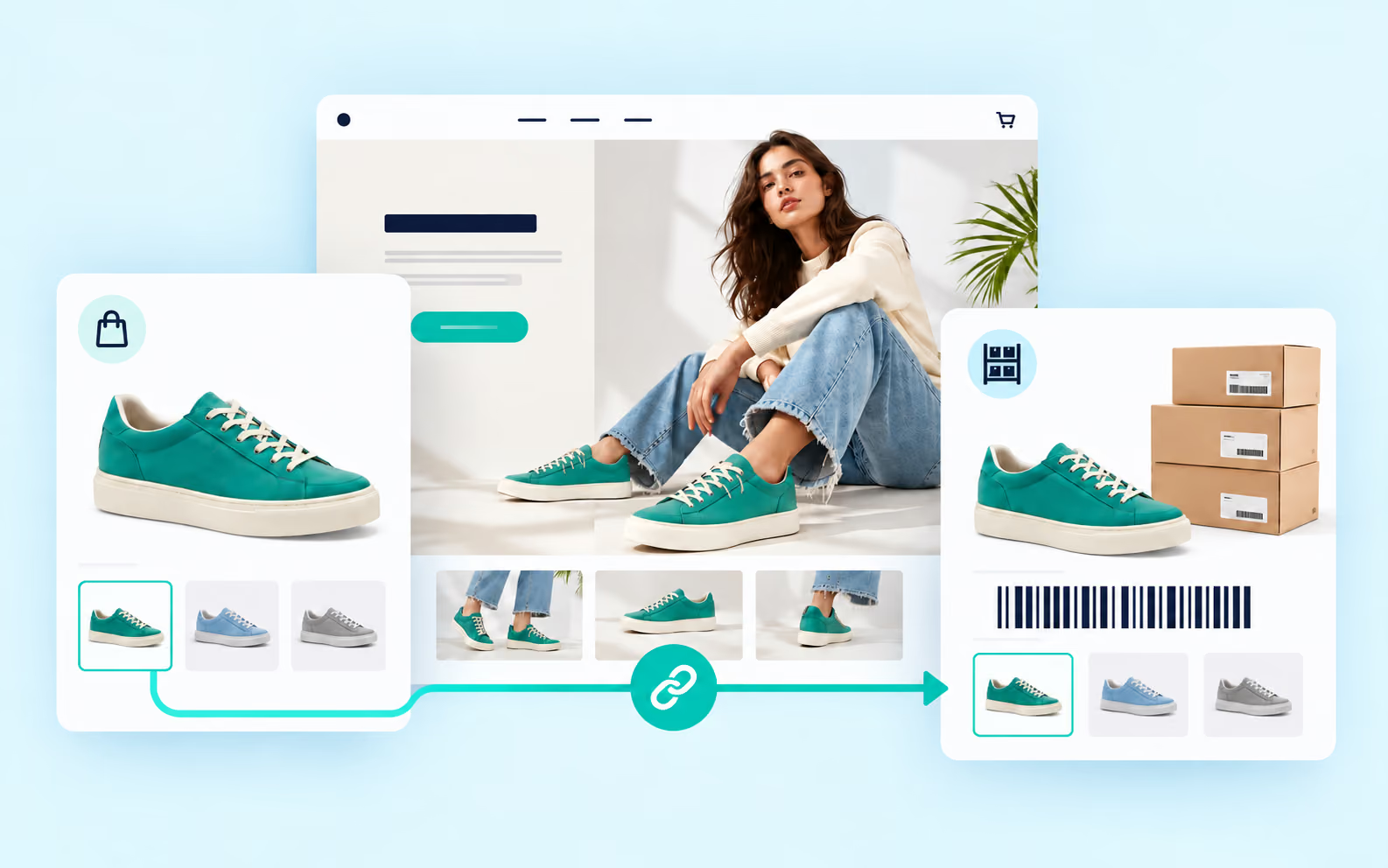
Product mapping links a variant customers choose in your store to the corresponding supplier option or SKU. If your store says “Black / Large” while the supplier uses “Jet Black / L,” the mapping tells DSers those selections represent the same item.
That connection gives fulfillment a specific supplier variant to use. It does not rewrite your live product page, replace images, or update descriptions. Storefront content stays under your control.
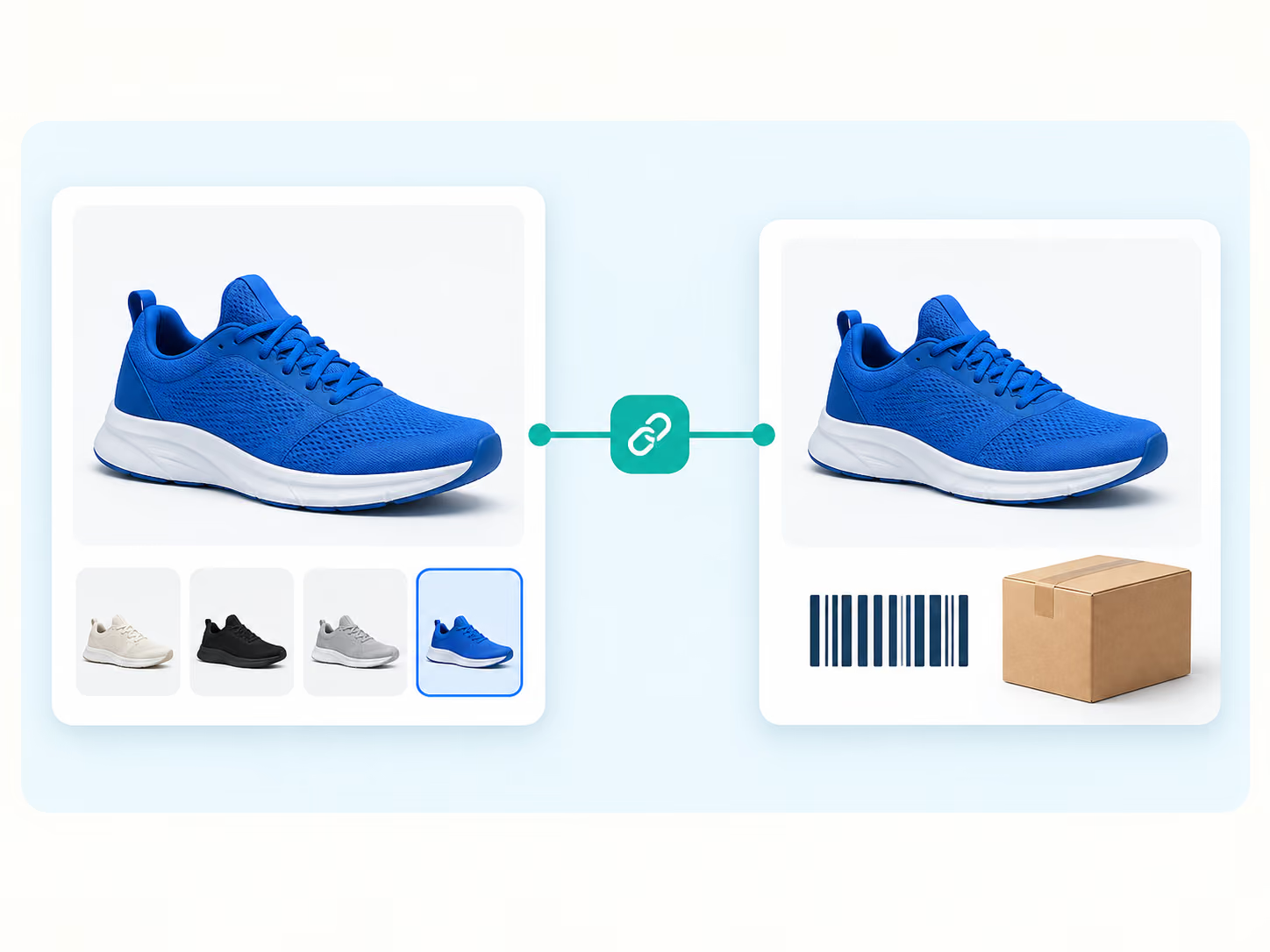
When products contain many option combinations, manual pairing becomes difficult to scan. DSers turns the task into a structured workflow with a result you can review before use.
Compare labels one by one
Interpret each mismatch manually
Track pairs across separate selections
Depend on a separate checklist
Generate suggested connections across the product
Review suggestions and adjust exceptions
Review proposed matches together before applying
Confirm or correct matches before placing orders
Automation supports repetitive matching; seller review remains part of the process. You move through complex variant sets without treating an AI suggestion as a final decision.
DSers provides different mapping approaches for standard products, imported multi-variant products, and complex supplier configurations.
Map values such as “Large” to “L” or “Blue” to “Navy.” DSers combines those option-level relationships across available variants. Basic Mapping suits products that do not need special routing or multi-item rules.
Generate suggested supplier-variant matches in Edit Product, then review and adjust them before pushing. The current feature supports imported products from AliExpress, Alibaba.com, and 1688.
Map individual store variants to supplier SKUs for configurations such as country-based supplier selection, BOGO, or bundles. Advanced Mapping is separate from Smart Variant Matching.
Backup suppliers and templates support fallback supply or repeatable Basic Mapping structures. They are not automatic outcomes of Smart Variant Matching.
Product mapping is a fulfillment relationship—not a storefront rewrite. It tells DSers which supplier item belongs to each customer-facing choice when an order is placed.
Size, color, material, plug type, or another option remains part of the product listing your customer sees.
DSers connects that store choice to the specific supplier variant intended to fulfill it.
When the matching store variant is ordered, DSers uses the mapping to identify the corresponding supplier SKU.
If a SKU is removed, renamed, or becomes unavailable, review and repair the mapping before placing orders.
Mapping controls fulfillment selection. It does not rewrite storefront images, descriptions, option names, or prices.
Review suggested size, color, material, and SKU matches.
Re-map affected variants to available supplier options.
Choose another supplier and complete the new mapping.
Map new SKUs that have no supplier connection.
Use Advanced Mapping for country, bundle, or BOGO setups.
DSers can surface SKU-change notifications when a supplier edit disrupts a relationship. You then decide whether to remap, change suppliers, or take the product offline.
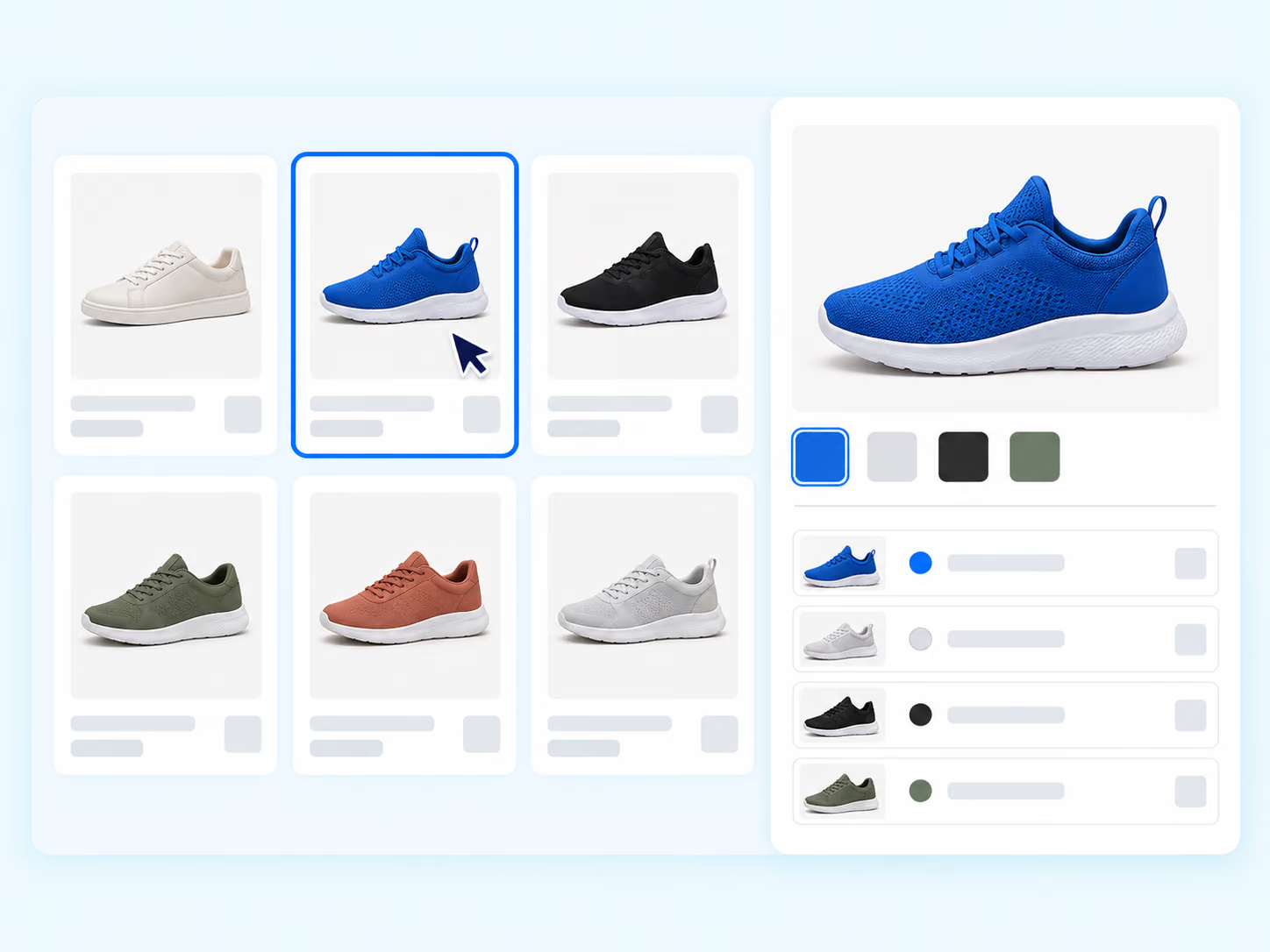
Choose an imported product whose supplier options need mapping.
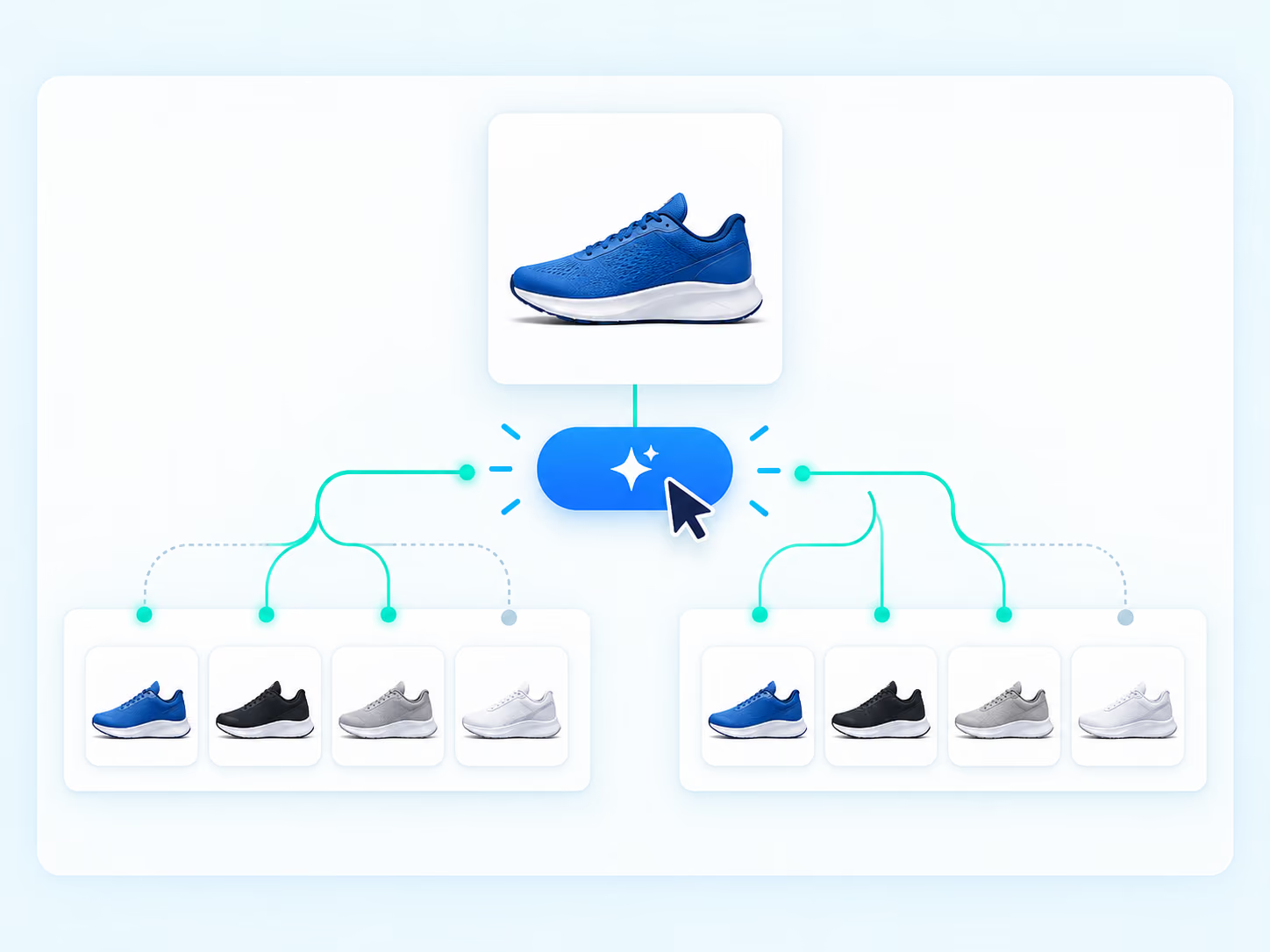
DSers prepares suggested matches from the available variants.
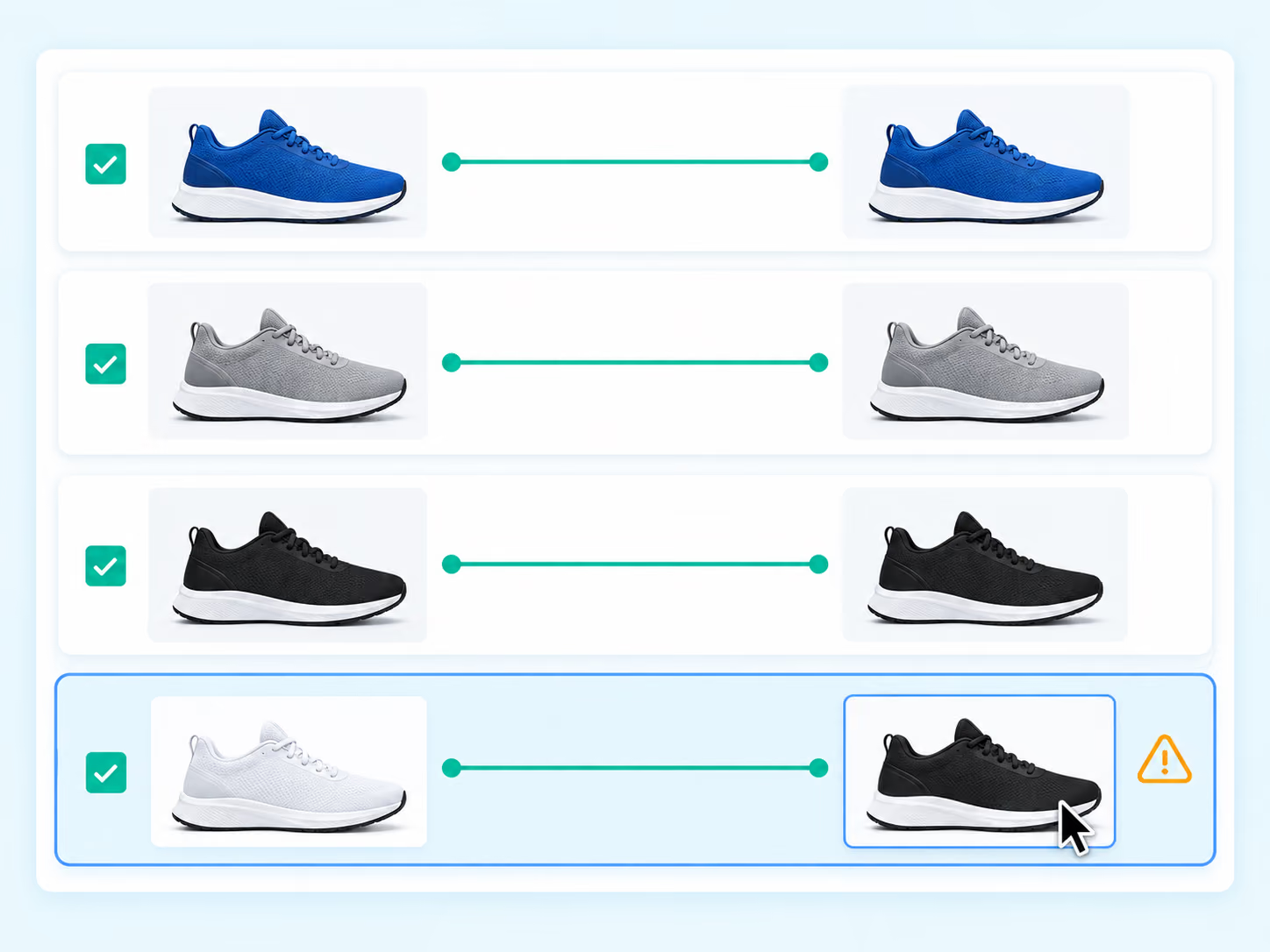
Check that every store choice points to the intended supplier SKU.
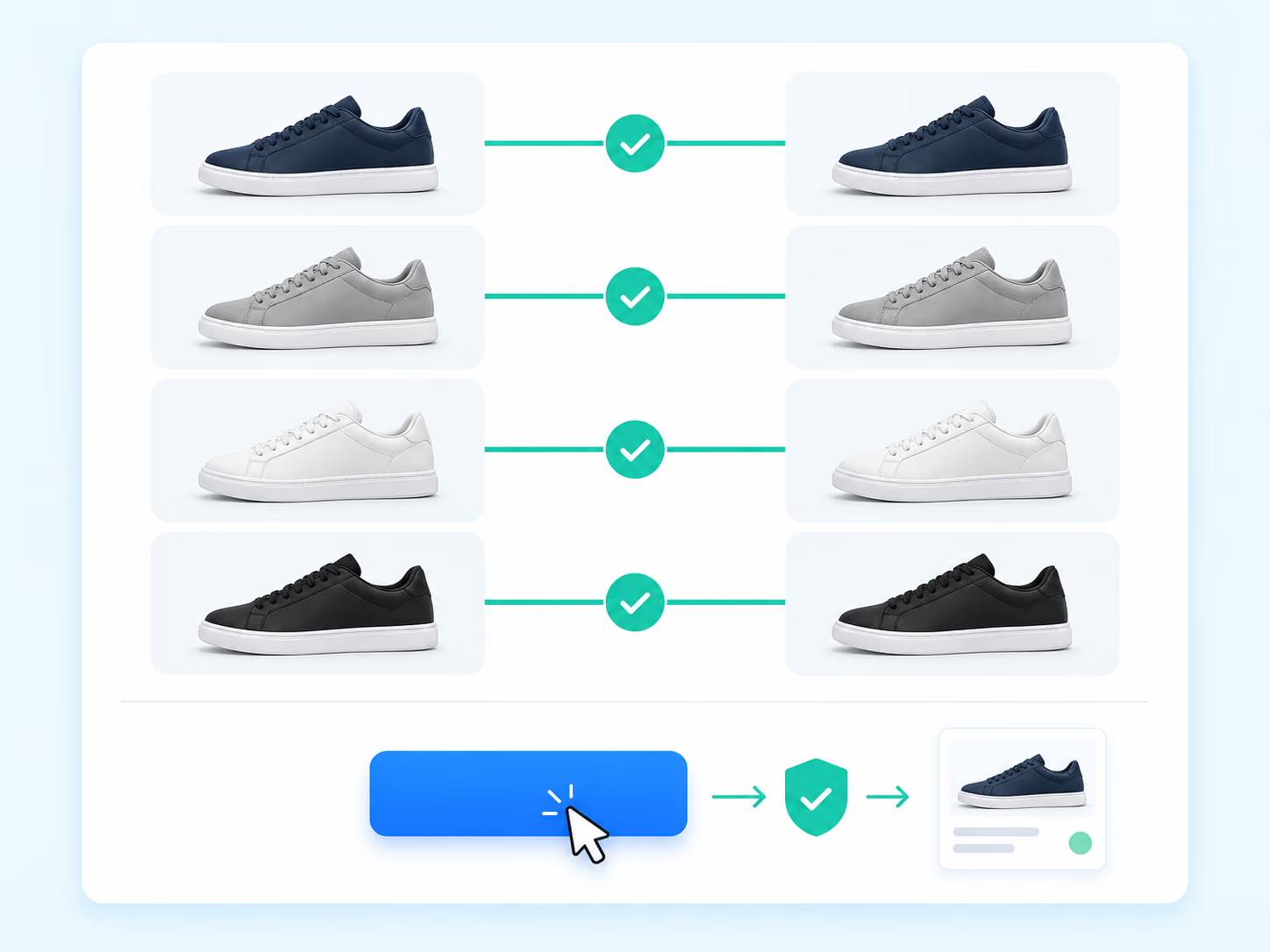
Correct exceptions, apply the mapping, and continue to order placement.
The result is a reviewed set of variant-to-SKU connections—not an automatic replacement for seller judgment.
Read the full product-mapping guideTurn customer-facing options into reviewed supplier-SKU connections. Use Smart Variant Matching for imported multi-variant products, or choose Basic or Advanced Mapping when the structure calls for it.
Product mapping connects a store variant to a supplier option or SKU. It tells DSers which supplier item represents the size, color, material, or other option selected by the customer.
Not always. When you push an AliExpress product through DSers, the initial mapping is normally created automatically. Smart Variant Matching can suggest connections for imported multi-variant products. Review mappings before use and when products or suppliers change.
No. Mapping determines which supplier product or SKU connects to a store variant for fulfillment. It does not rewrite your storefront. Edit images, descriptions, and other listing content through the product-editing workflow.
Open the affected product's mapping, compare current options, and repair missing relationships. If the supplier is no longer suitable, choose another one and complete the new mapping before future orders use it.
Smart Variant Matching suggests variant-to-SKU connections before an imported product is pushed. Advanced Mapping is a separate SKU-level setup for country-based supplier selection, BOGO offers, or bundles.
The current feature supports multi-variant products imported from AliExpress, Alibaba.com, and 1688. Review every suggested match and adjust supplier options that do not represent the intended store variant.