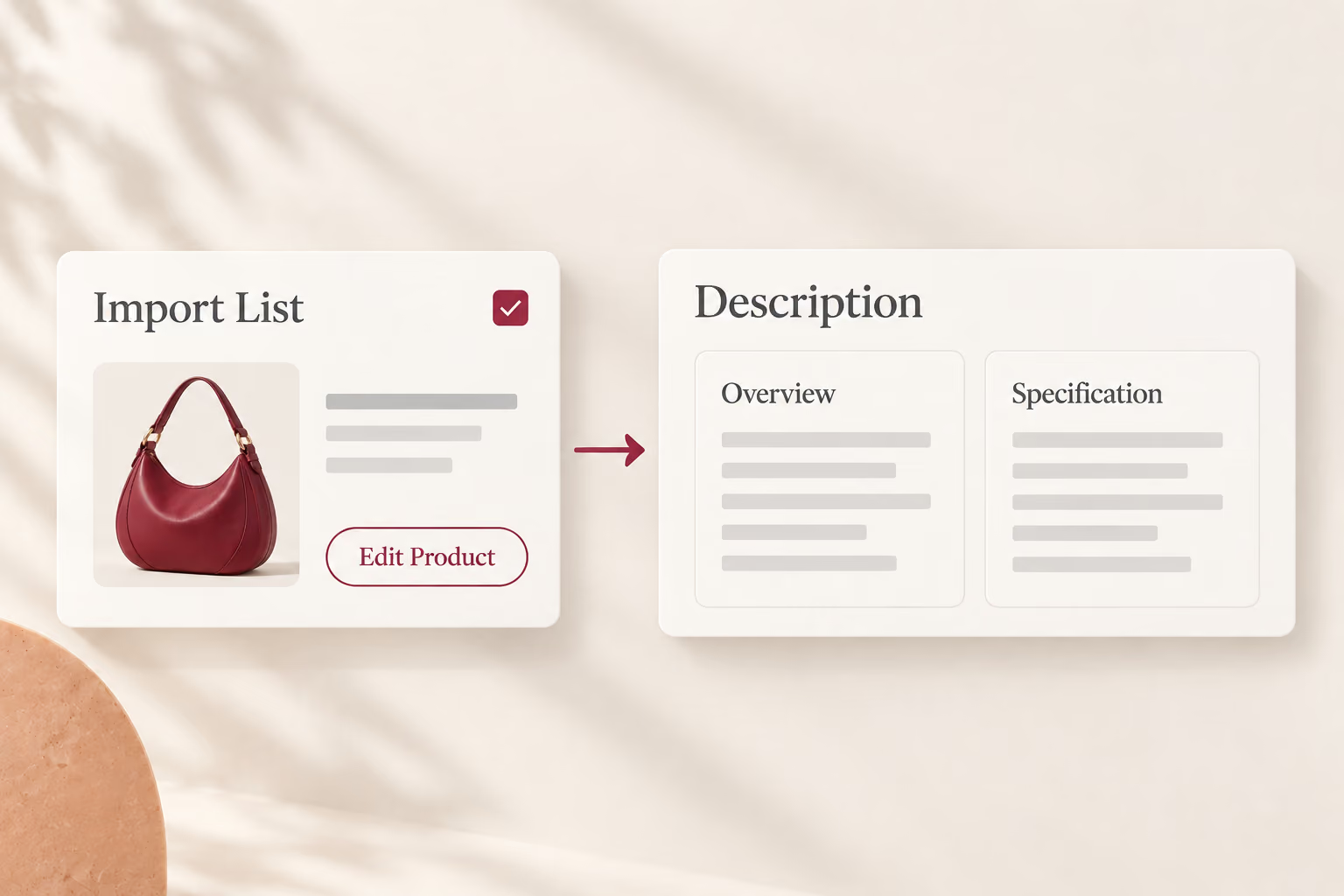

1. Open a product in Edit Product from your Import List.
AI turns dry supplier specs into persuasive, SEO-friendly listings in one click, saving hours of writing.
Try It Now
AI Optimize Product Info helps you rewrite product titles and descriptions into clean, conversion-focused copy with built-in AI — before you push to your store.

AI Optimize Product Info

1. Open a product in Edit Product from your Import List.

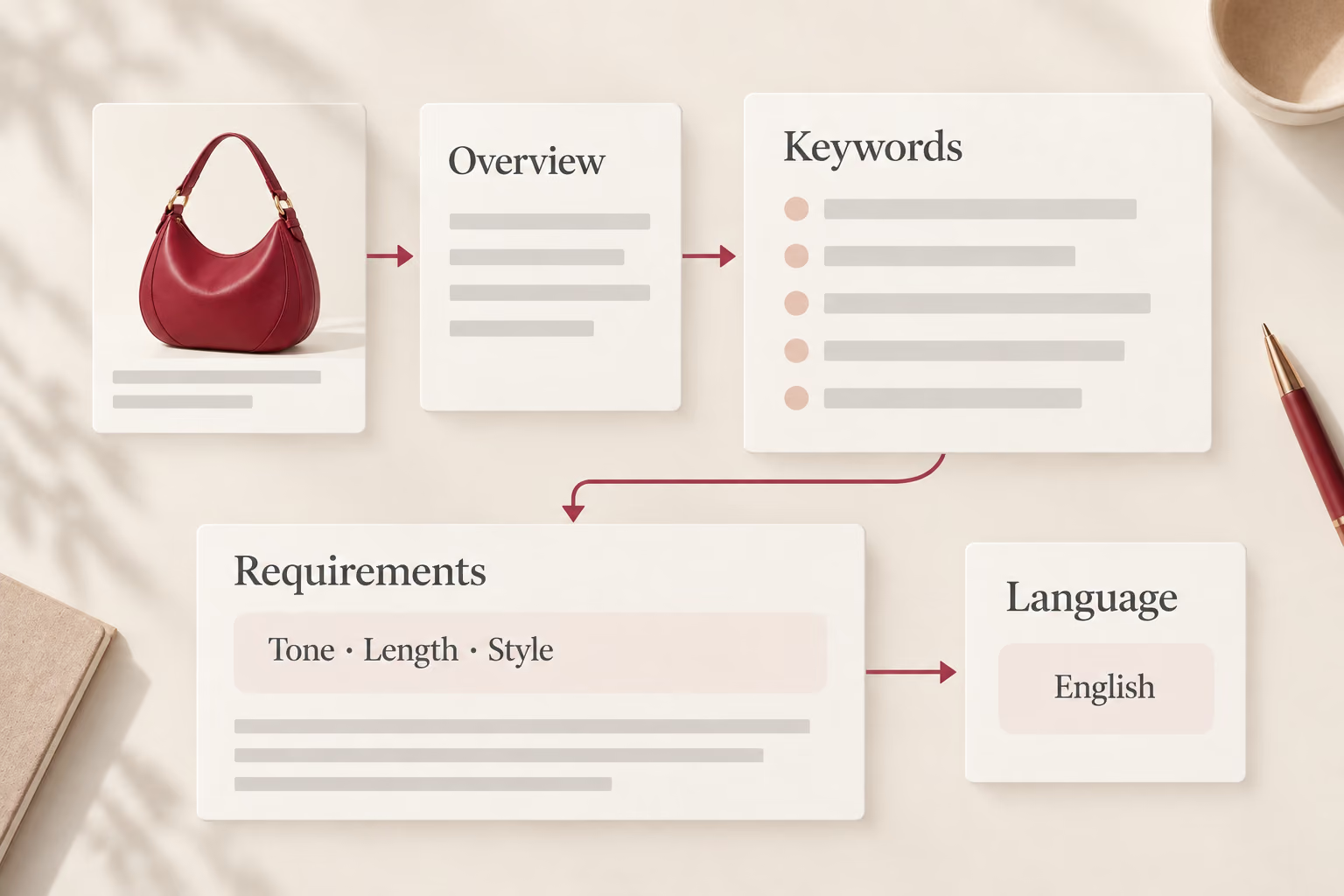
2. Click the AI icon in the Product or Description tab.

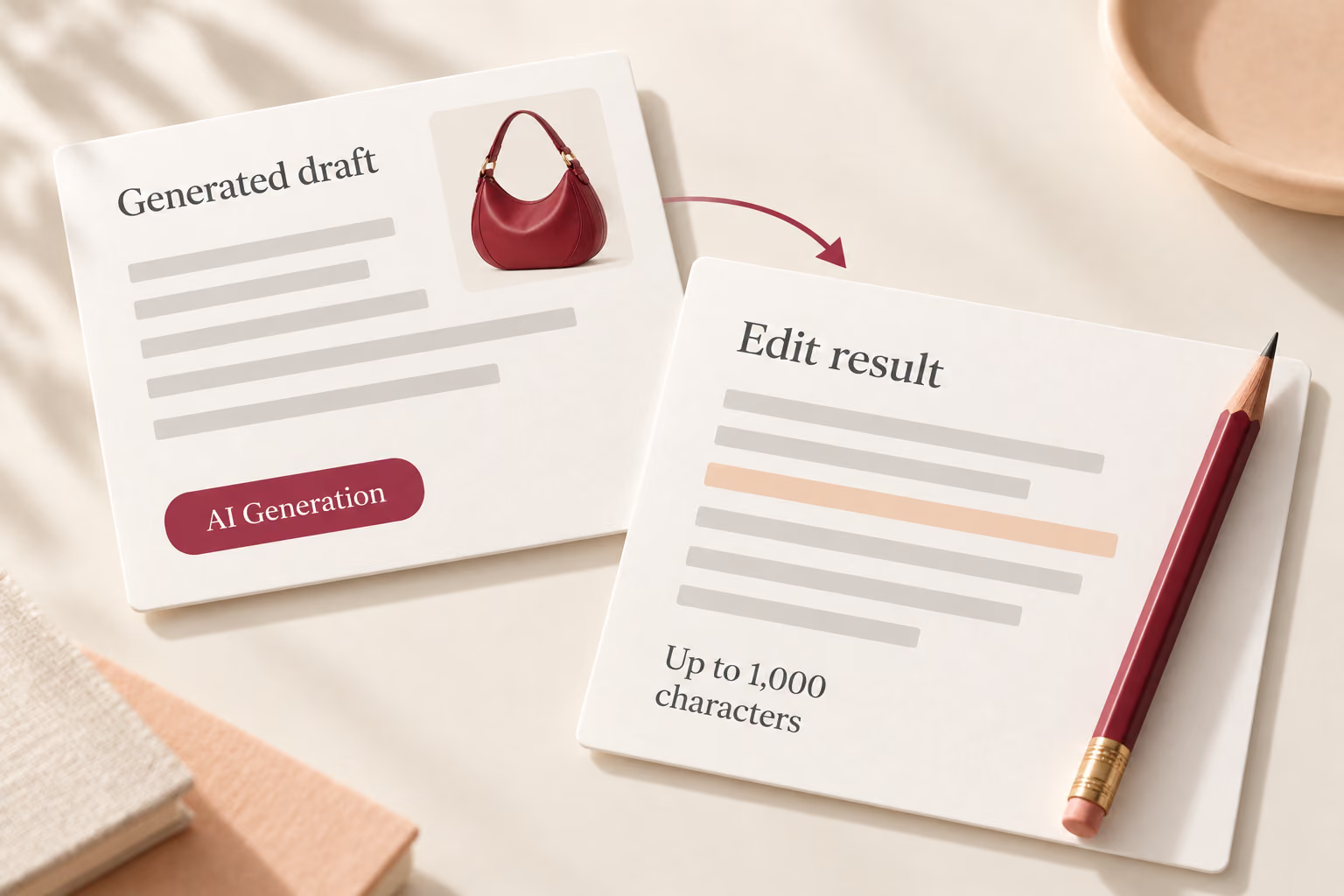
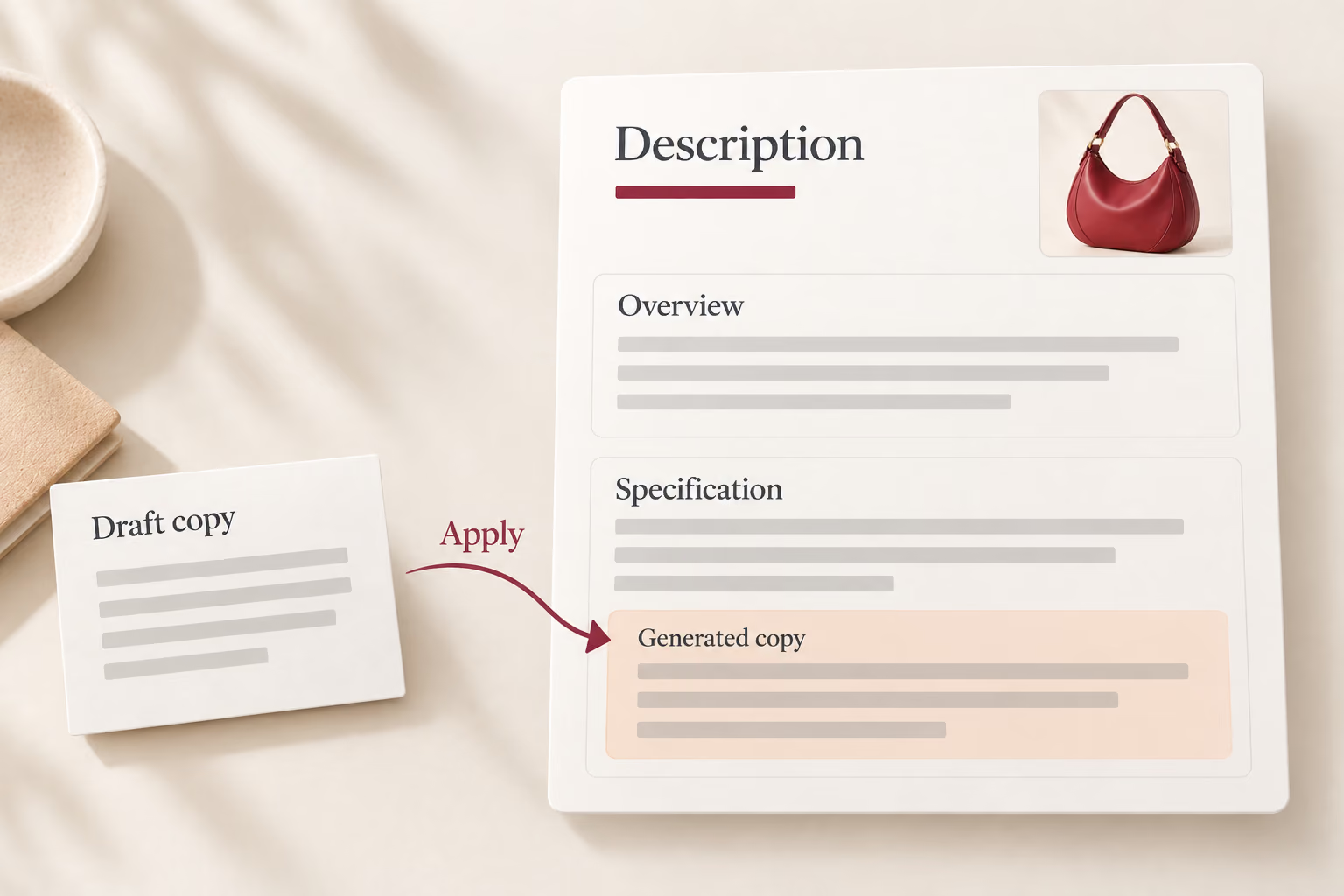
3. Generate an optimized title or description, then review and apply.

4. Optionally translate the copy into one of 14 languages.
Build a sourcing and fulfillment workflow that can evolve as your ecommerce business grows.
Start for FreeAI Optimize Product Info is a feature that uses built-in AI to rewrite product titles and descriptions into clean, conversion-focused copy before you push to your store. It turns dry supplier specs into persuasive, SEO-friendly listings in one click, saving hours of writing.
Open a product in Edit Product from your Import List, click the AI icon in the Product or Description tab, generate an optimized title or description, review and apply. Optionally, you can translate the copy into one of 14 supported languages.
The AI optimizes product titles and descriptions — transforming keyword-stuffed supplier text into natural, persuasive copy that reads well for customers and searches effectively. You can apply the AI-generated content individually or in bulk.
Yes. After generating an optimized title or description, you can translate the copy into one of 14 languages — making your listings ready for international markets without additional translation tools or manual rewriting.
Yes. The feature works on products sourced from AliExpress, Alibaba.com, and 1688. Once imported into your DSers Import List, any product can be optimized with AI before publishing to your connected sales channels.