Attention: check the shipment
Instead of guessing whether a parcel has been shipped, you get a flag the moment its tracking goes missing or stalls — so you can ask your supplier before the delay ever reaches your customer.
SHIPMENT TRACKING & ALERTS
Track every parcel your supplier ships in one list, and see which ones need your attention first. DSers pulls the latest carrier status for each shipment, flags the ones with missing updates or delivery exceptions, and hands you the tracking details to take to your supplier.

AFTER FULFILLMENT
DSers Shipment Tracking & Alerts is the part of DSers that keeps watching an order after you place it with your supplier. It pulls the latest carrier status for every parcel into one list, flags the shipments with missing updates or reported exceptions, and shows the tracking details you need when you contact the supplier or the carrier.
That distinction matters: marking an order fulfilled in DSers means it's with your supplier — not that it has shipped or been delivered. Since a tracking number can appear before a carrier collects the parcel, Tracking Status is where you actually see whether a delivery is still on track.
SIGNALS THAT MATTER
Instead of guessing whether a parcel has been shipped, you get a flag the moment its tracking goes missing or stalls — so you can ask your supplier before the delay ever reaches your customer.
A reported delivery problem shows up in your list with the details attached, so you know exactly what happened and can go straight to your supplier or the carrier.
Every order's shipping status lives in one DSers list, so you can monitor all your shipments from a single place instead of checking carrier sites separately.
A CLEARER PLACE TO START
Without DSers
Tracking many orders means exporting an order list, looking up tracking numbers on carrier sites, and checking the results yourself to spot stalled shipments or delivery exceptions.
With DSers
DSers automatically syncs available carrier updates, monitors shipment status, and flags missing updates or carrier-reported exceptions. You can review the flagged orders and follow up with the supplier or carrier.
See which shipments need attention first.
Get StartedCARRIER TRACKING INFORMATION
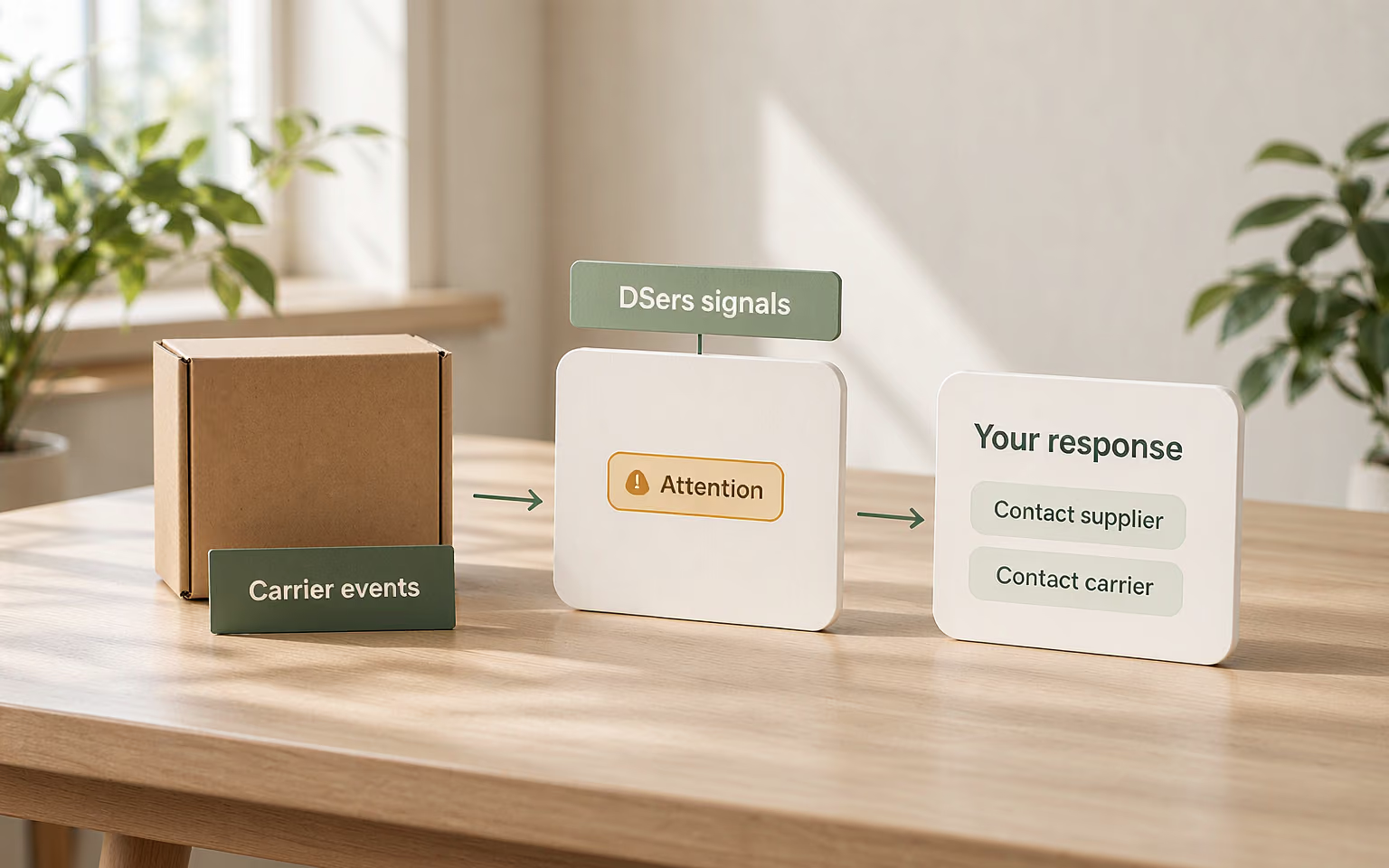
DSers syncs carrier-reported package information from logistics tracking sources and displays it in Tracking Status. You can view each shipment's latest status and tracking history alongside its order, rather than opening separate carrier websites.
EVERYDAY DELIVERY QUESTIONS
A tracking number can be generated before the carrier collects anything. If the status is still Pending, ask the supplier whether the parcel has actually been handed over — a printed label doesn't mean it has shipped.
Silence usually means a missing scan or a slow handover, not a lost parcel. DSers raises an Attention flag after 48 hours without an update, so you can check with the supplier before promising a delivery date.
Check the parcel's tracking details in DSers and confirm its delivery status with the carrier. If the carrier confirms delivery but the customer still has not received the parcel, request proof of delivery from the carrier.
GET STARTED
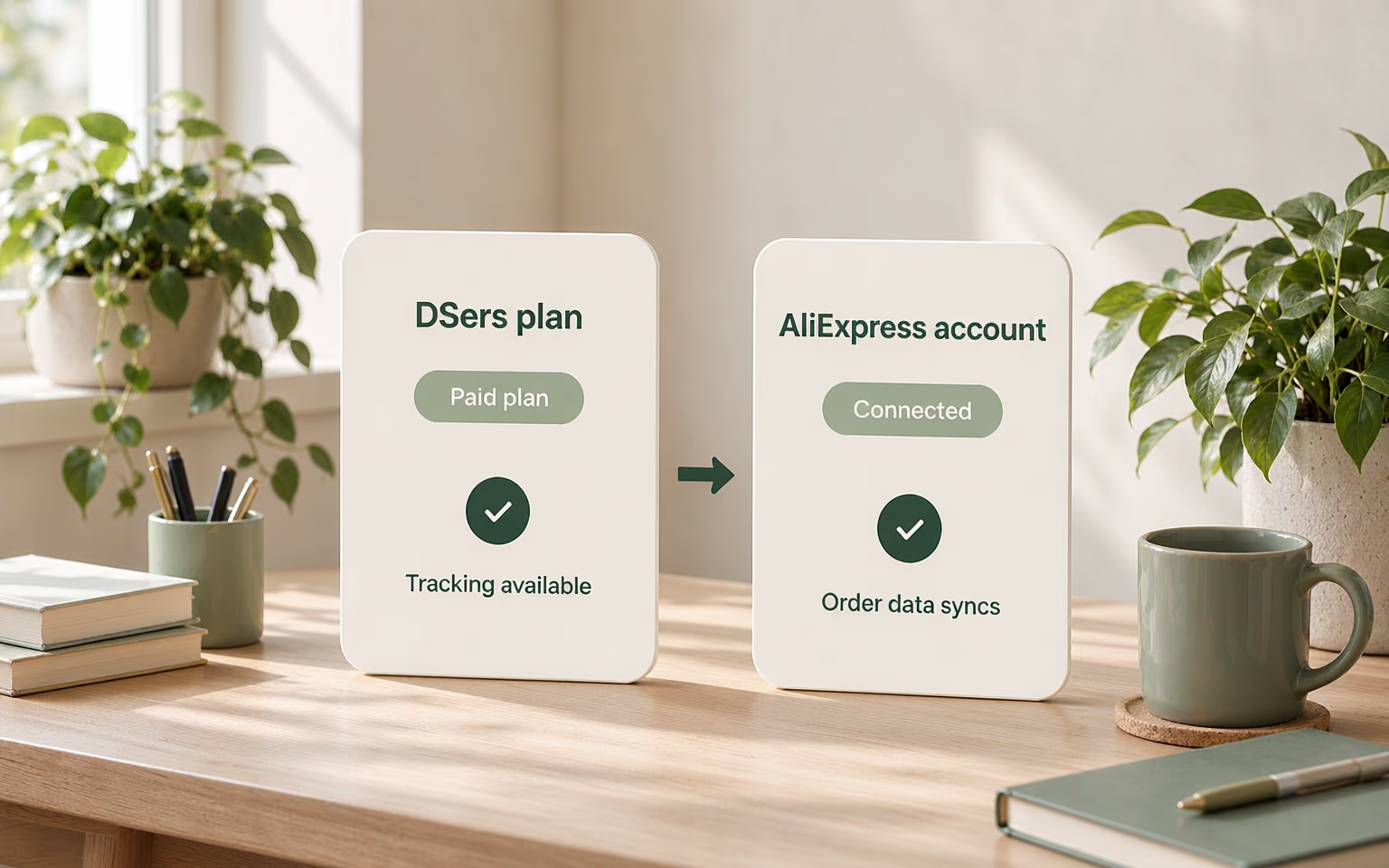
Tracking Status is available on paid DSers plans and activates automatically. Make sure your AliExpress account is connected so order tracking information can sync.
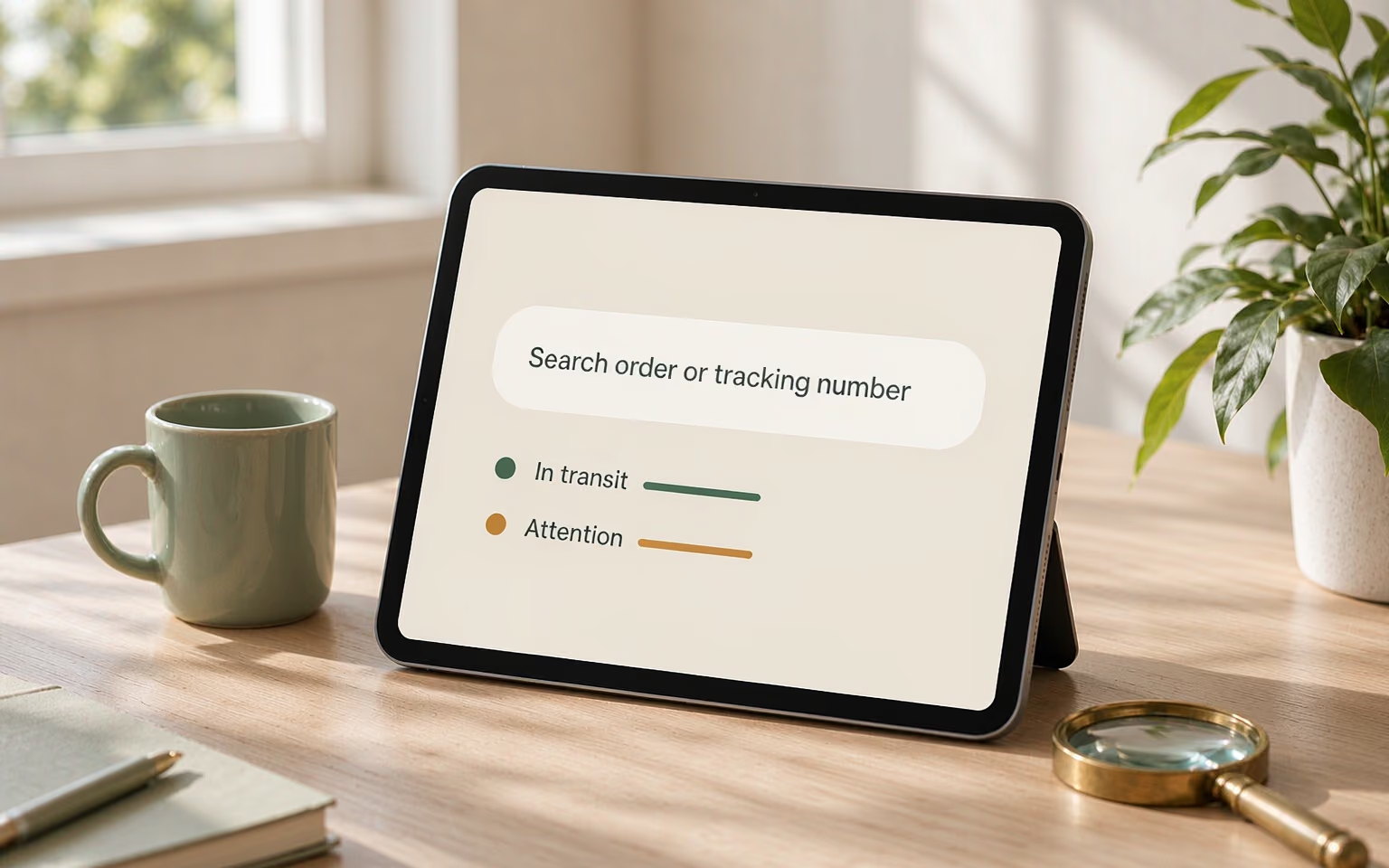
In DSers, open Tracking > Tracking Status. Use the status tabs to review tracked orders by shipment status, or Search Order to find a specific shipment by order number, customer email, or tracking number.
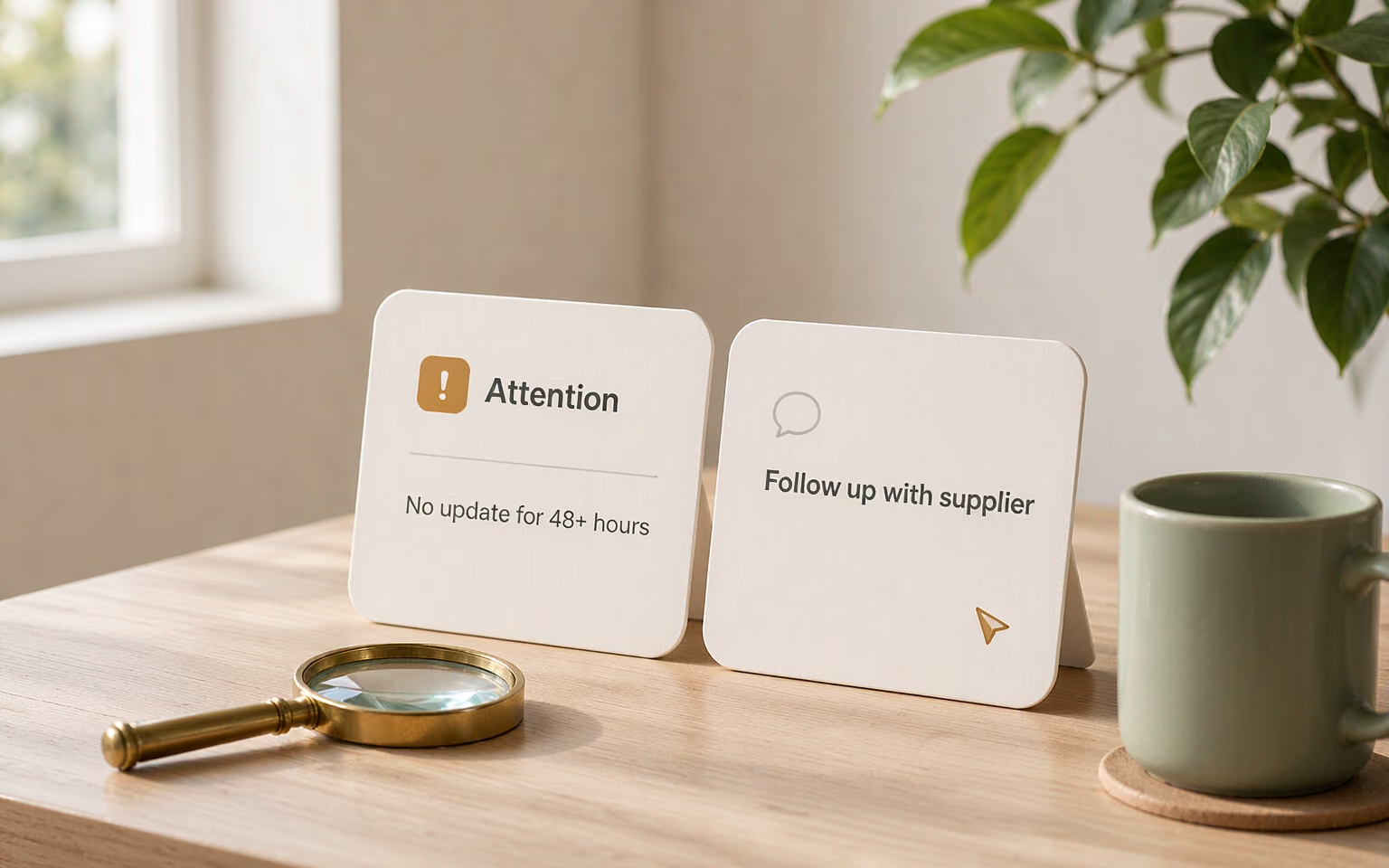
Check orders marked Attention or Abnormal. Open the tracking details, then contact the supplier or carrier if a shipment needs investigation.
KEEP DELIVERY IN VIEW
Let DSers flag tracking gaps and delivery exceptions while you focus on follow-up.
Attention marks missing or outdated tracking information; Abnormal marks a delivery problem the carrier reported, such as a failed attempt or a returned package. One points to a gap in tracking, the other to a confirmed exception.
Yes. In-app tracking is a paid DSers feature and switches on automatically with a paid plan. You can still copy a tracking number into a carrier's website to check it yourself.
No. A missing scan or a delayed update is not proof of loss. The supplier or carrier has to investigate the shipment before that can be confirmed.
No. DSers shows tracking information and flags the orders that need a check. You still coordinate with the supplier or the carrier to resolve the exception.
Yes, but changing the status stops automatic tracking for that order; use Re-track to start it again. The change affects what you see in DSers only — it does not alter the carrier's report or the shipping confirmation email your customer received.