OFFICIAL PAYMENT INTEGRATION

Stripe Payment for the Orders Behind Your Store

Through the official DSers–Stripe integration, eligible wholesale and Agent Network orders can be paid by card. It brings a familiar way to pay to the sourcing work that keeps your store moving.

Office accessories beside a concept card showing Stripe as a payment method for eligible DSers bills and orders
DSERS + STRIPE

A payment partner in the DSers order journey

DSers helps merchants source products and manage orders. Stripe provides a way to pay at an eligible payment point within that journey. The two services meet when a merchant needs to settle a supported order: DSers presents the available methods, and Stripe handles the card transaction if selected. This is a merchant payment integration. Your customers still pay through the checkout configured for your store.

SUPPORTED CONTEXTS

Where you can choose Stripe

01

1688 wholesale orders

The current DSers integration lists wholesale orders as a Stripe payment scenario. For a supported order, review the wholesale agent's quotation and choose Stripe if it appears among the available methods. Availability belongs to the particular order and payment stage.


02

Agent Network orders

For a supported agent order, review its order and agent details before payment. If Stripe is shown, it can be used to settle the amount due to that agent.

03

Direct DSers subscriptions

Stripe can also pay for a DSers plan billed directly by DSers. This is plan billing, separate from supplier and agent orders. A plan bought through Shopify or Wix follows that platform's billing process, so its invoices and payment choices may differ.

Concept Stripe card-payment screen on a tablet beside a lavender bank card on a sunlit stone desk
PAYMENT VALUE

Why Stripe is useful here

Stripe offers a familiar card-payment route for merchants who prefer to pay an eligible charge by card. It supports major card networks and provides transaction monitoring and fraud detection. Those are Stripe payment capabilities applied at the point where DSers offers it; they are not claims about product quality, supplier reliability, or delivery speed.

AFTER PAYMENT

After payment, follow your order

Payment is one stage in an order's life. Once a Stripe payment is completed, return to the related order in DSers to follow its status. A supplier or agent may still need to process, source or ship it. The payment result alone does not guarantee that every later step has happened, and it should not be read as a shipment notification.

GET STARTED

Start with the payment you need to make

Concept interface showing Order and Plan tiles, with Order highlighted
01

Prepare the right transaction

Create or review an eligible 1688 wholesale or Agent Network order in DSers, or select a plan billed directly by DSers. Confirm which kind of charge you are paying.

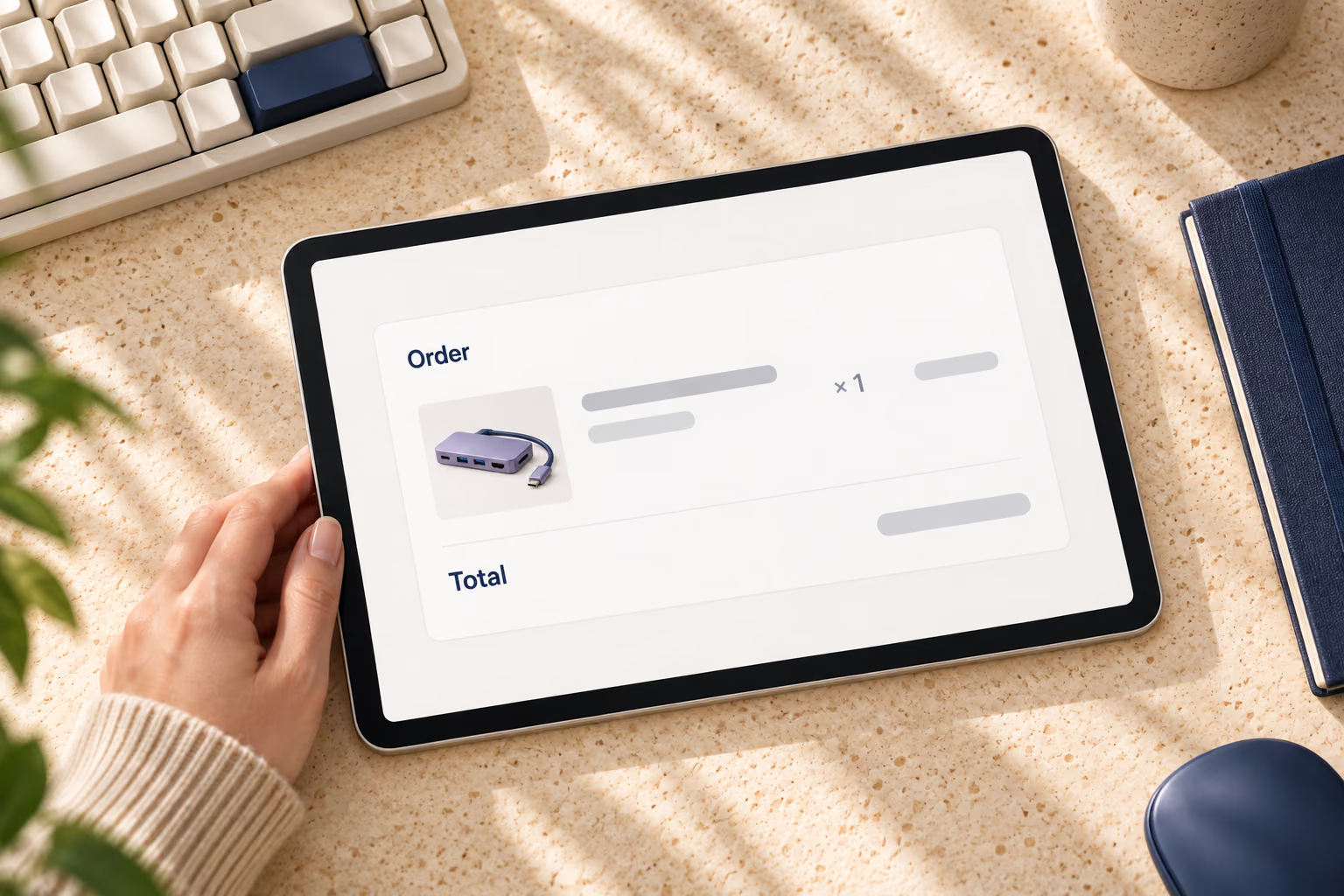
Top-down tablet view of a conceptual order summary and total
02

Review the details before payment

Check the order details or plan bill, including the amount due, before choosing a payment method.

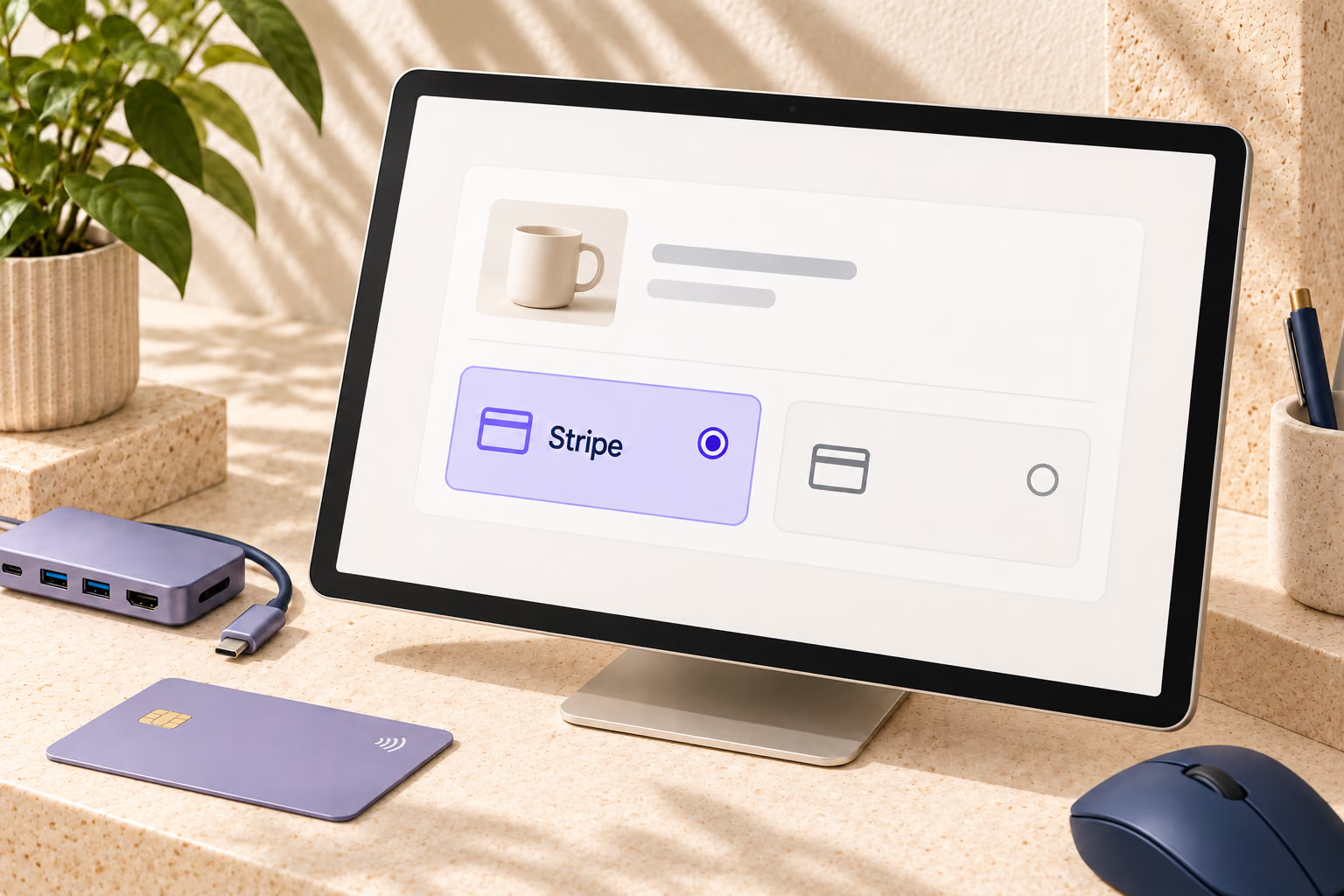
Concept payment panel on a desktop display with Stripe selected
03

Choose Stripe if offered

Complete the card payment, then return to the corresponding order status or subscription invoice. Continue to follow the normal supplier, agent or billing process.

READY TO EXPLORE DSERS?

Put Stripe in context with your DSers orders

Explore DSers sourcing workflows and choose Stripe at an eligible payment point when it fits the order you need to settle.

FAQ

What is the DSers Stripe payment integration?

It is an official payment integration for eligible merchant charges in DSers. Stripe can process a supported card payment for a sourcing order or a directly billed DSers subscription. It does not add Stripe checkout to your storefront.

Can I pay a 1688 wholesale order with Stripe?

The current DSers Stripe integration page lists 1688 wholesale orders as a supported scenario. Choose Stripe only when it appears among the methods for your particular wholesale order. Review the agent quotation and payment details before paying.

Can I use Stripe for an Agent Network order?

Yes, where Stripe is offered for that order. Review the agent order details and the amount due, then select Stripe at payment. Paying and fulfilling the order remain separate stages; check the order status afterward.

Does Stripe work for DSers subscriptions?

Stripe may be offered for subscriptions billed directly by DSers. If you bought your plan through Shopify or Wix, that platform manages its own billing and invoice history. Check the billing route for your plan before looking for a payment method.

Does choosing Stripe mean my order has shipped?

No. A successful payment settles the charge; sourcing, processing and shipment follow their own order stages. Return to the DSers order record to see its current status instead of treating payment confirmation as a delivery update.

What if Stripe is not available for my order?

Use another method shown for that transaction, such as PayPal or bank transfer where offered. Available methods depend on the transaction and can vary. If you need help with a payment issue, follow the guidance for the specific order or billing route.