What Is Bulk Order Processing?
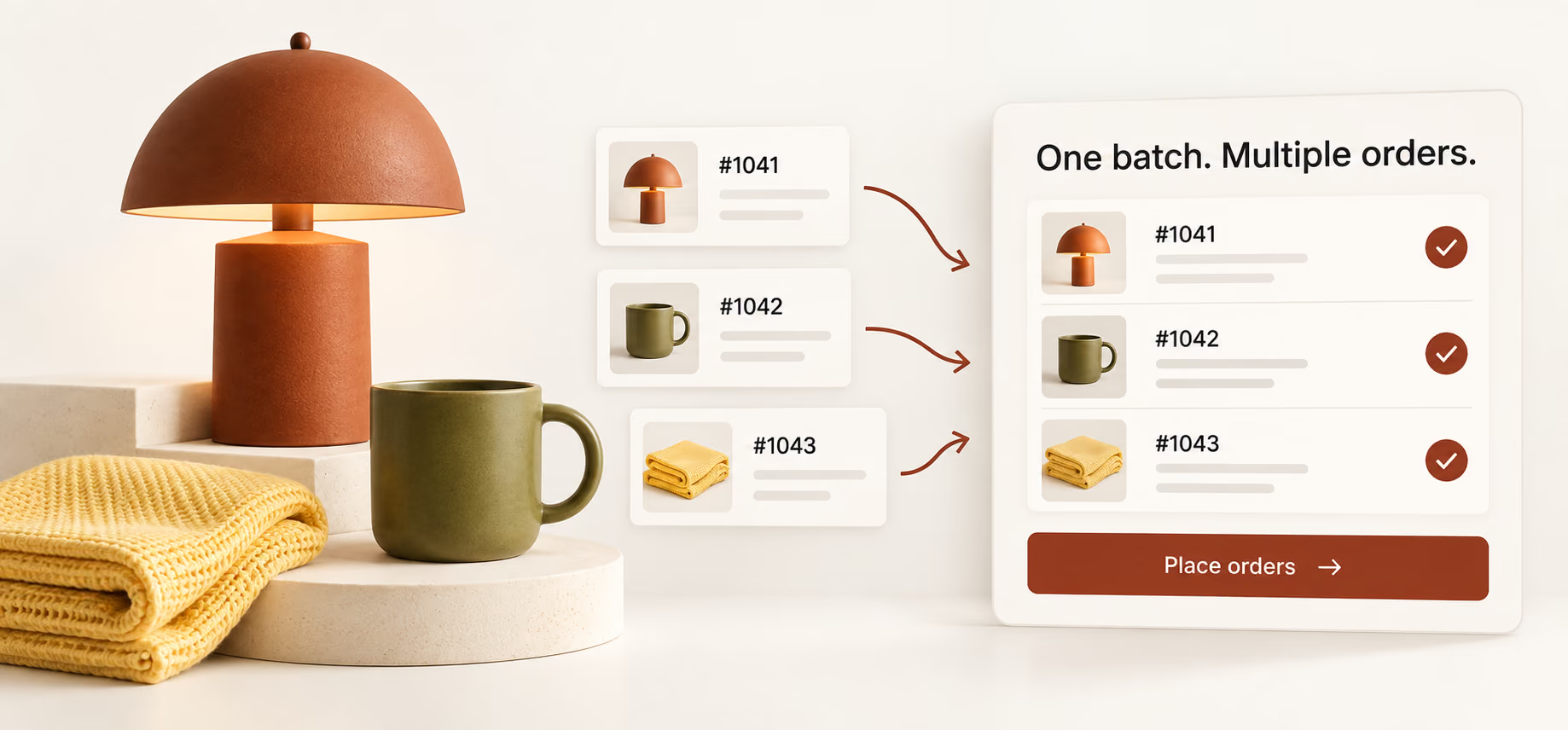
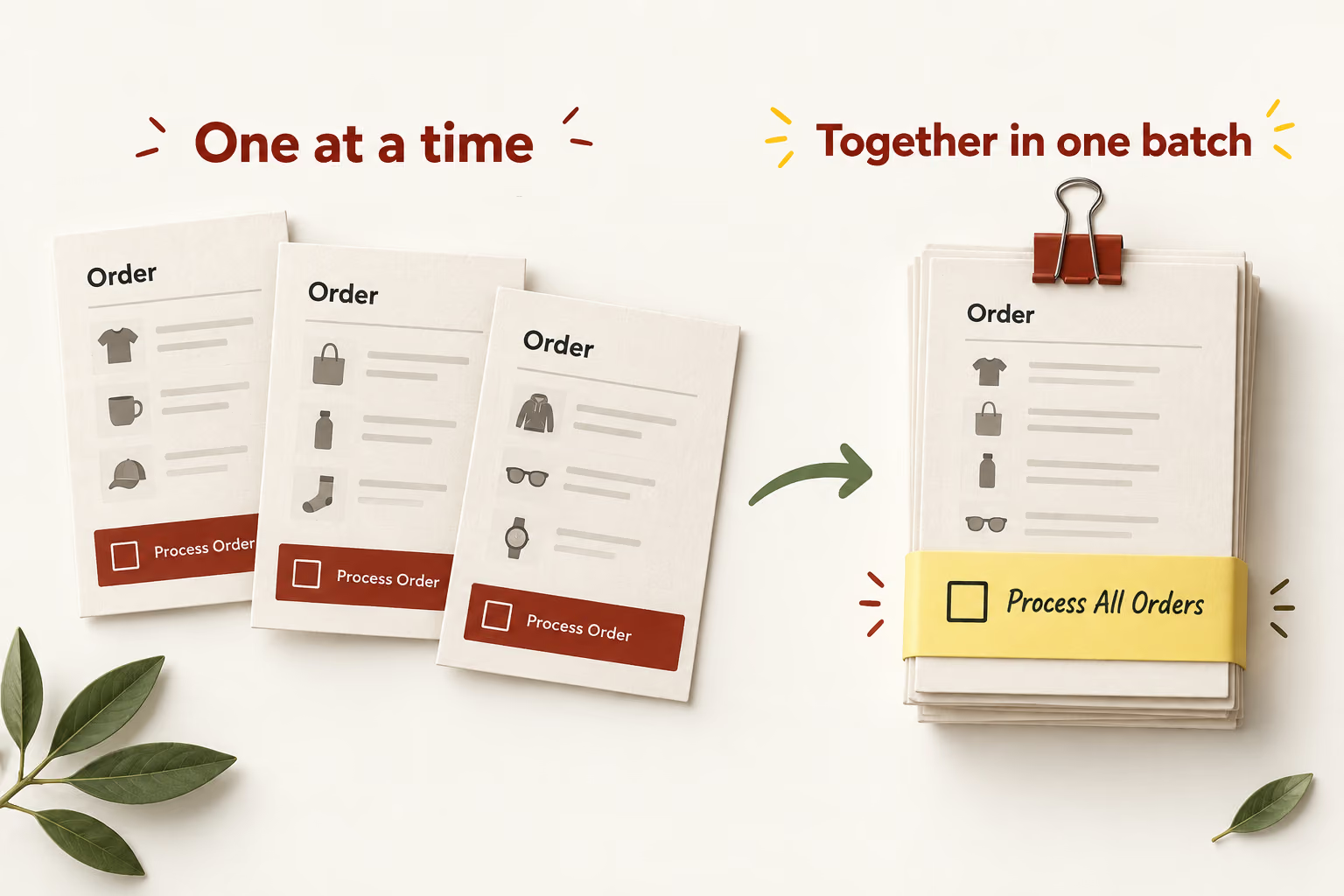
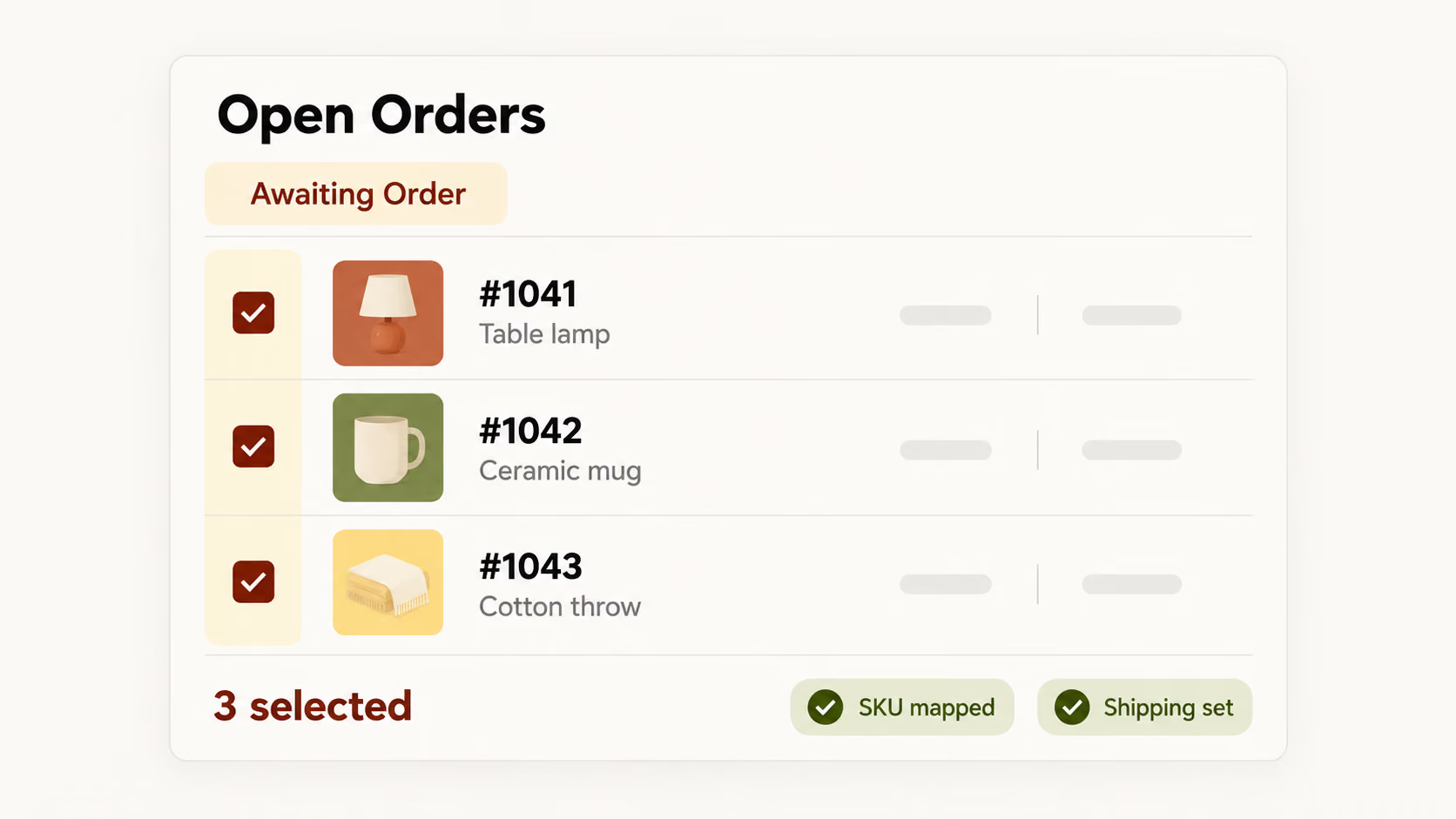
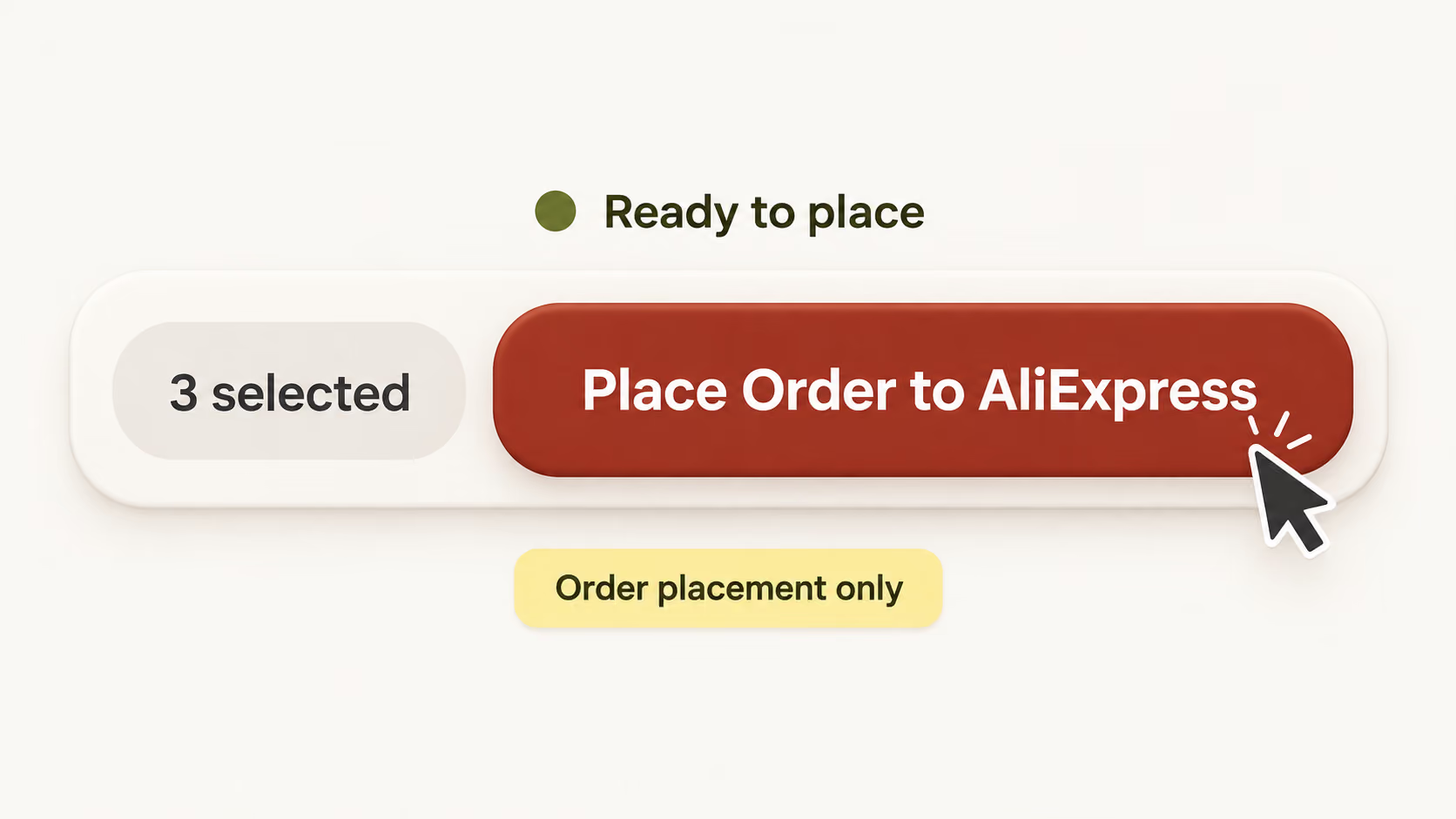
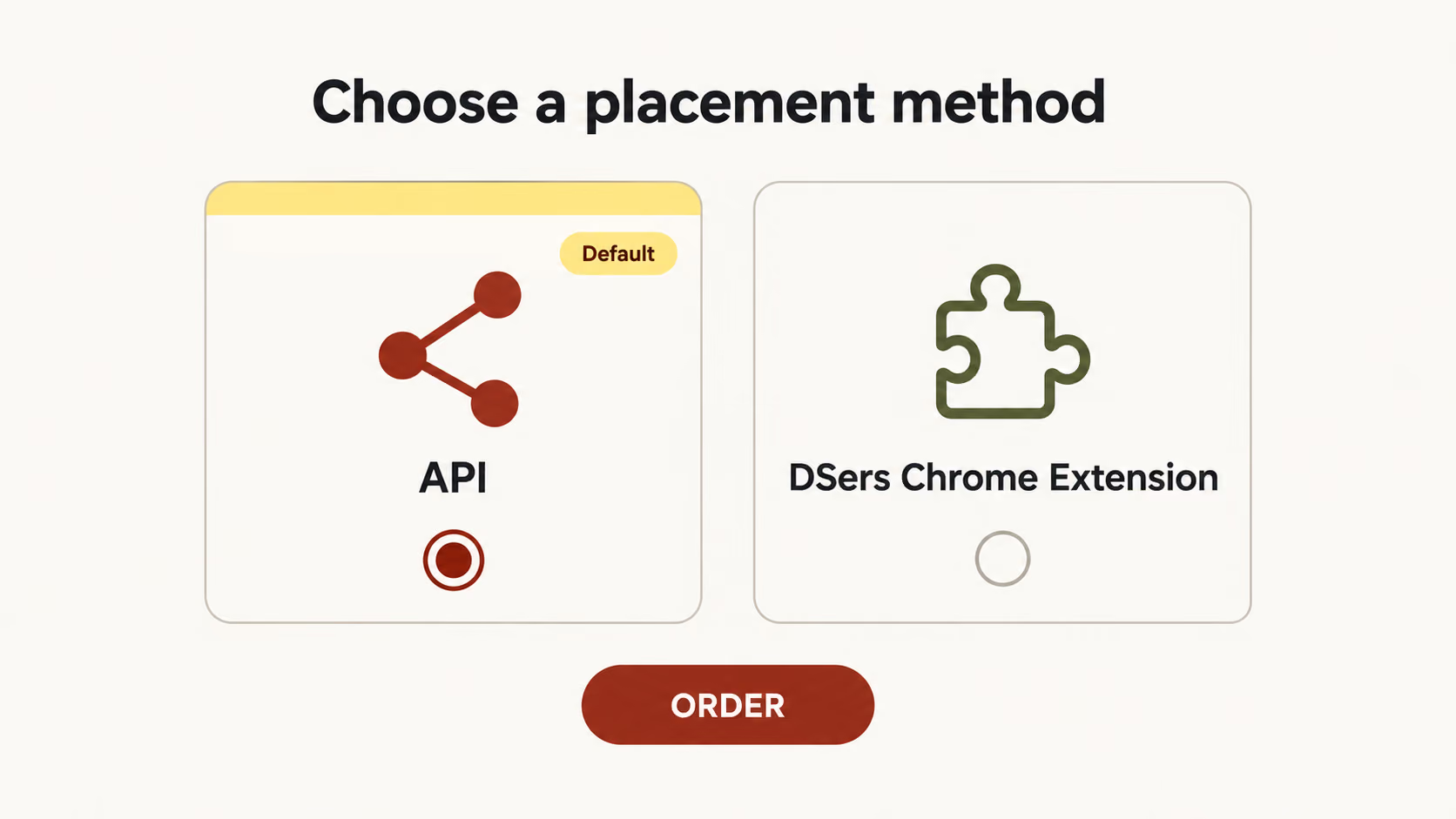
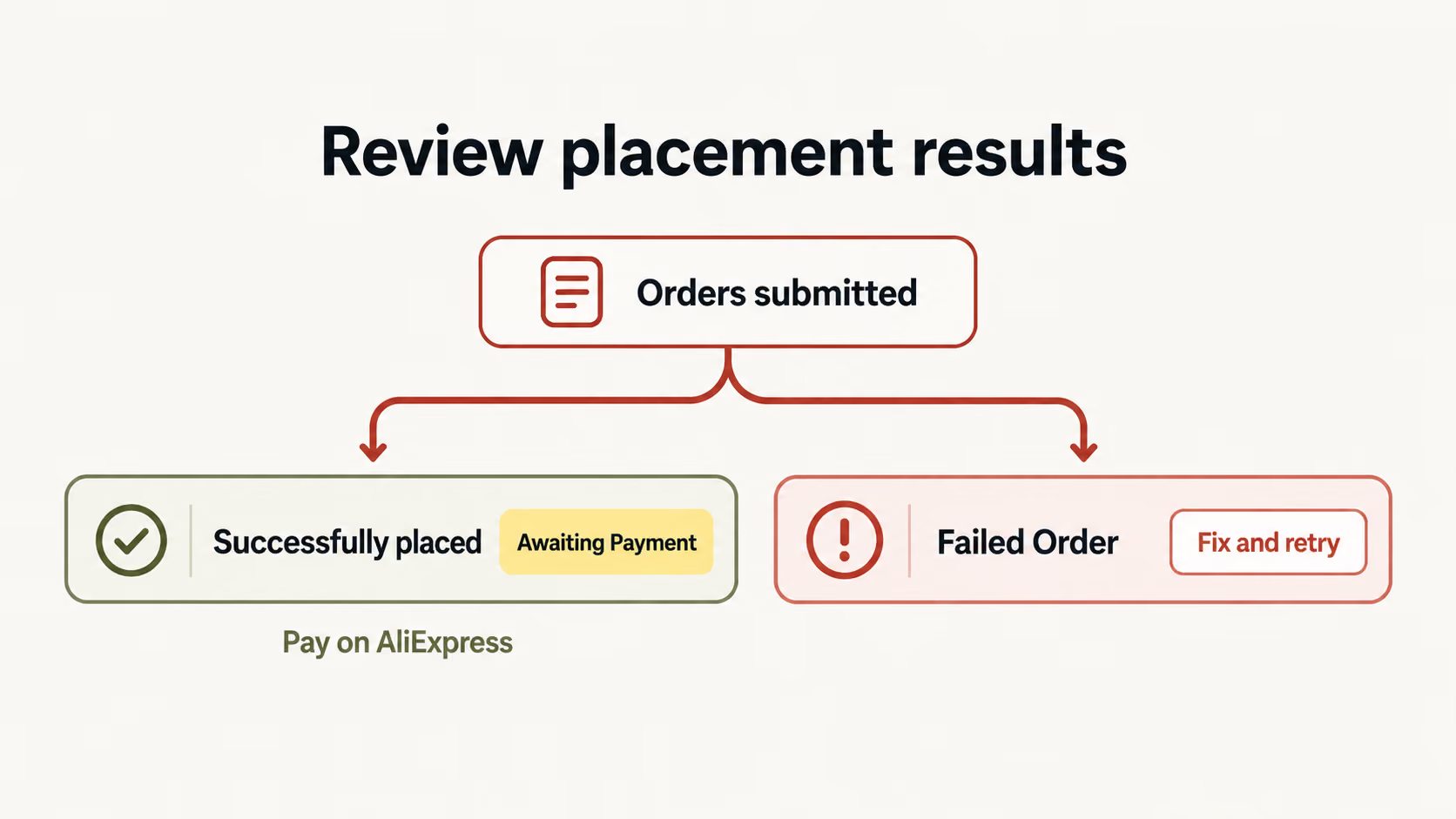
Bulk order processing lets you submit multiple customer orders together instead of placing each supplier order separately. In DSers, this AliExpress workflow starts with orders already synced from your store. Select the ones you want to process, then submit the batch. The word “bulk” describes how you place orders—not a requirement to stock up on products or order large quantities of the same item.
Bulk purchasingBuy inventory
in volume.
Bulk purchasing usually means buying larger quantities ahead of customer demand. It can suit businesses that want to hold stock, but inventory, storage, and resale are part of that decision. It is not the order-placement process described here.
Batch order placement with DSersPlace customer orders
together.
Start with orders your customers have already placed. DSers groups your selected orders for submission to AliExpress. You're handling existing demand, not deciding how much stock to buy for future sales.