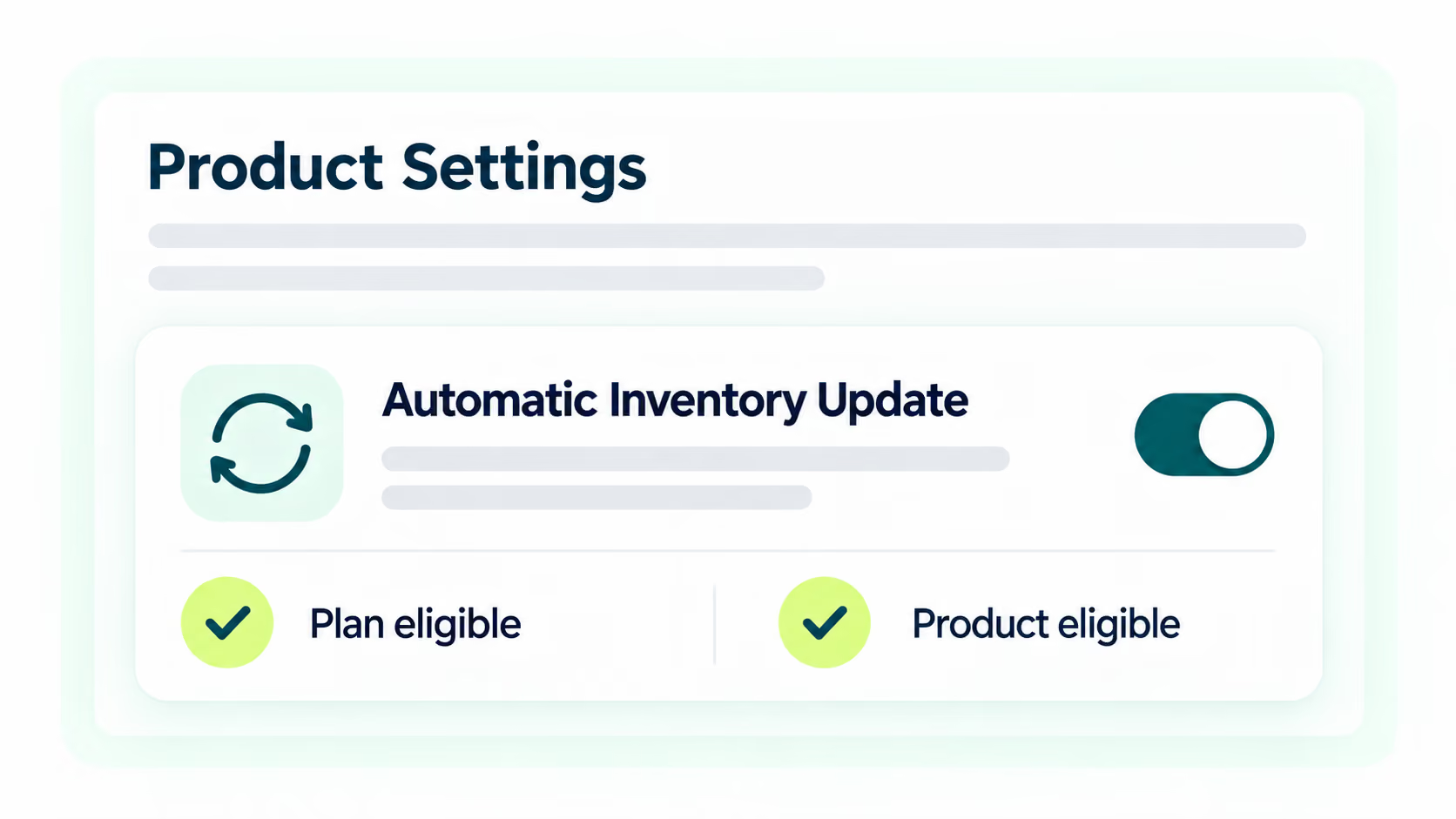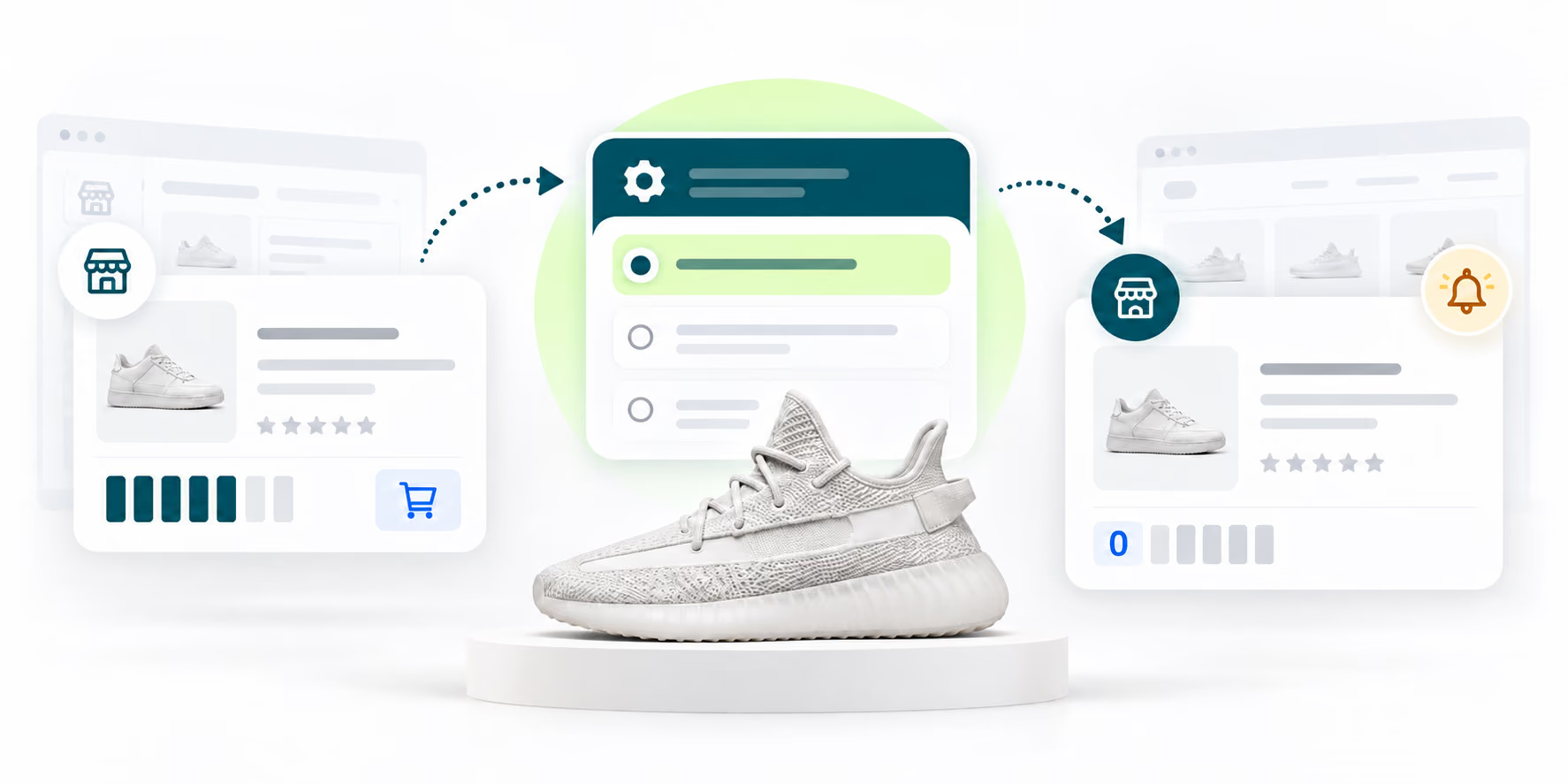
1. Go to Settings - Product Settings - Automatic Inventory Update.
Auto-sync stops you from selling items that have gone out of stock, avoiding refunds and unhappy customers.
Try It Now
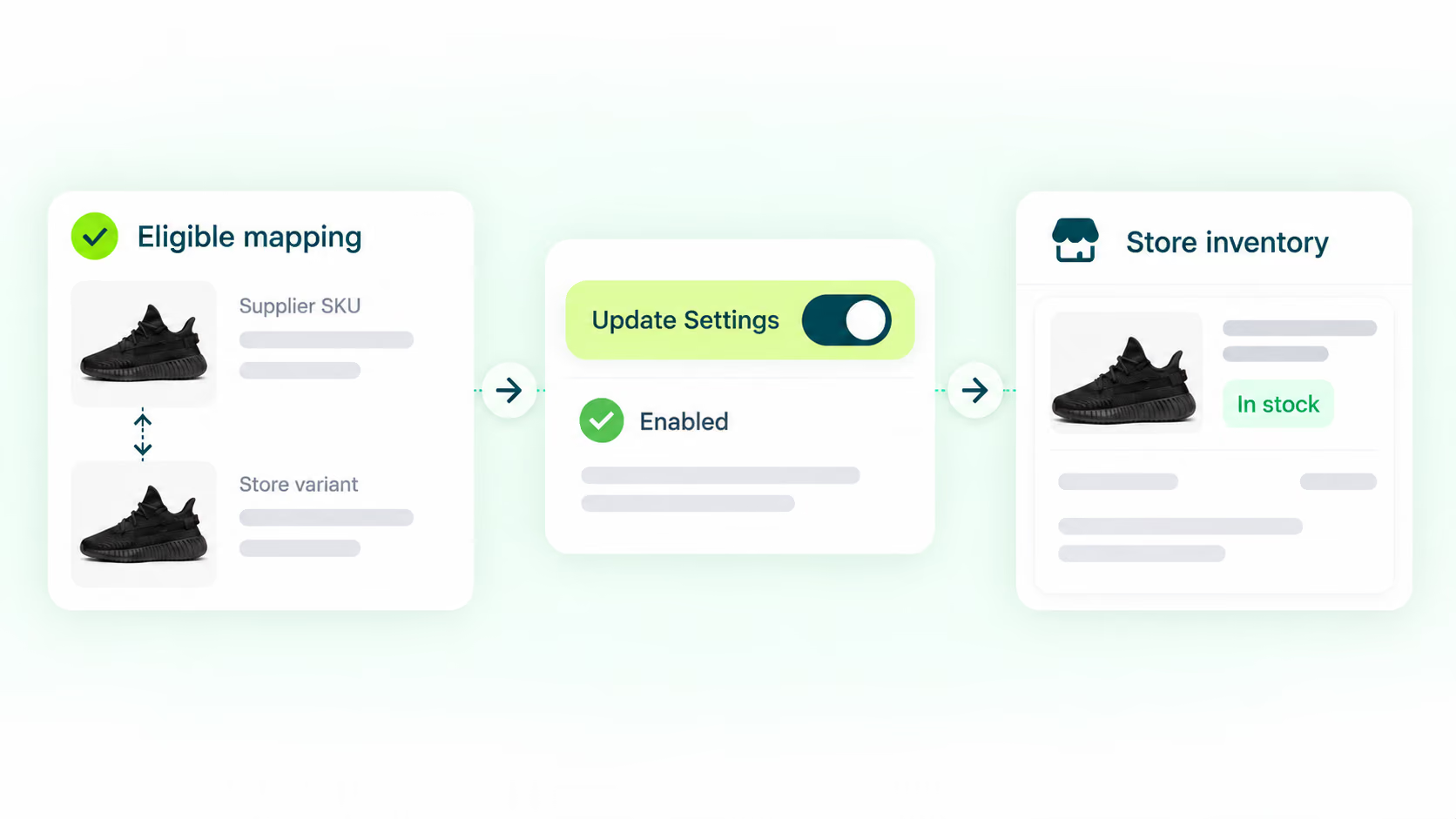
Stock Auto-Update helps you keep your store inventory aligned with supplier stock automatically, preventing overselling.

Stock Auto-Update

1. Go to Settings - Product Settings - Automatic Inventory Update.

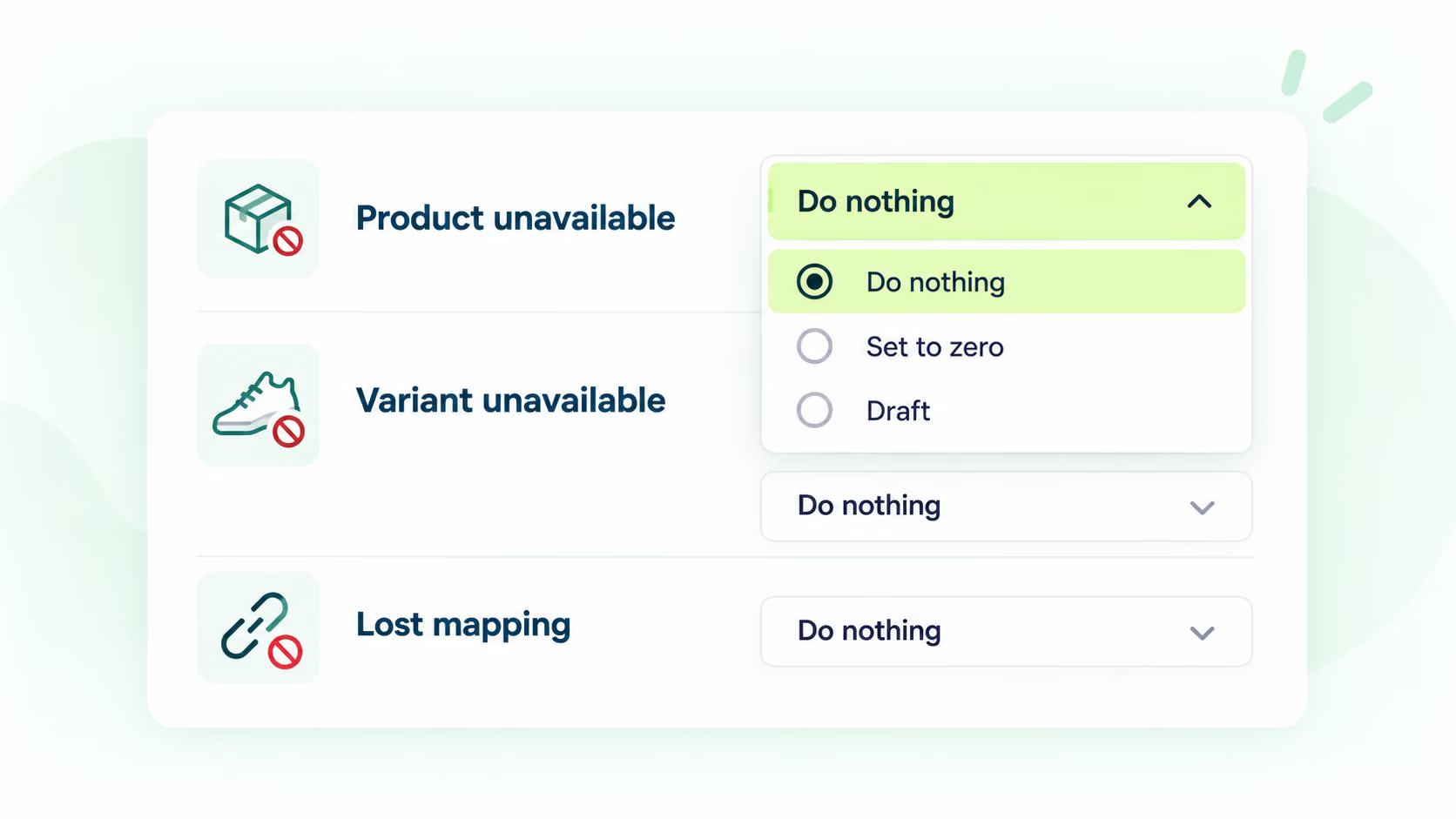
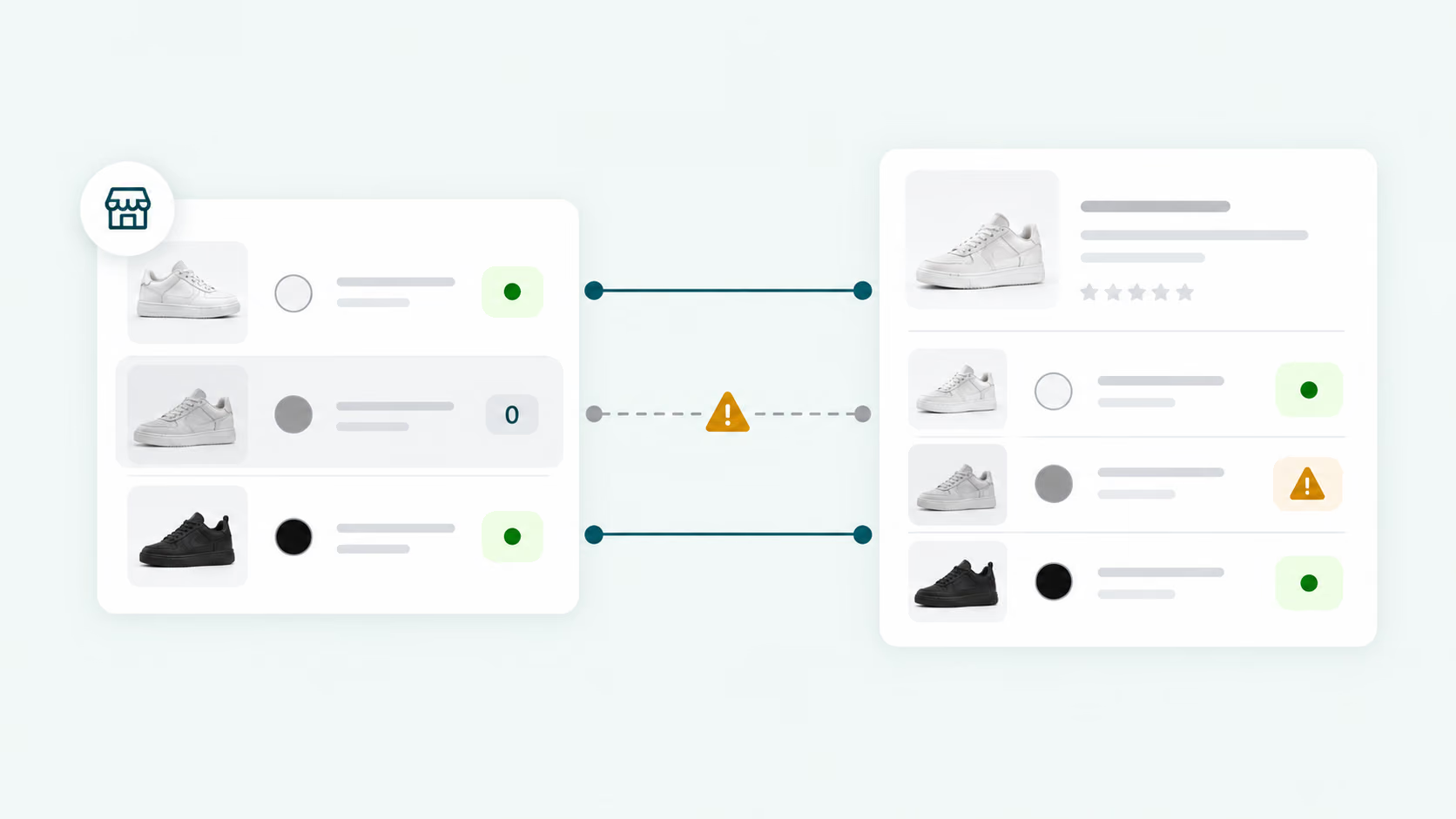
2. Configure the rules for out-of-stock and variant changes.

3. Choose when DSers should sync inventory to your store.

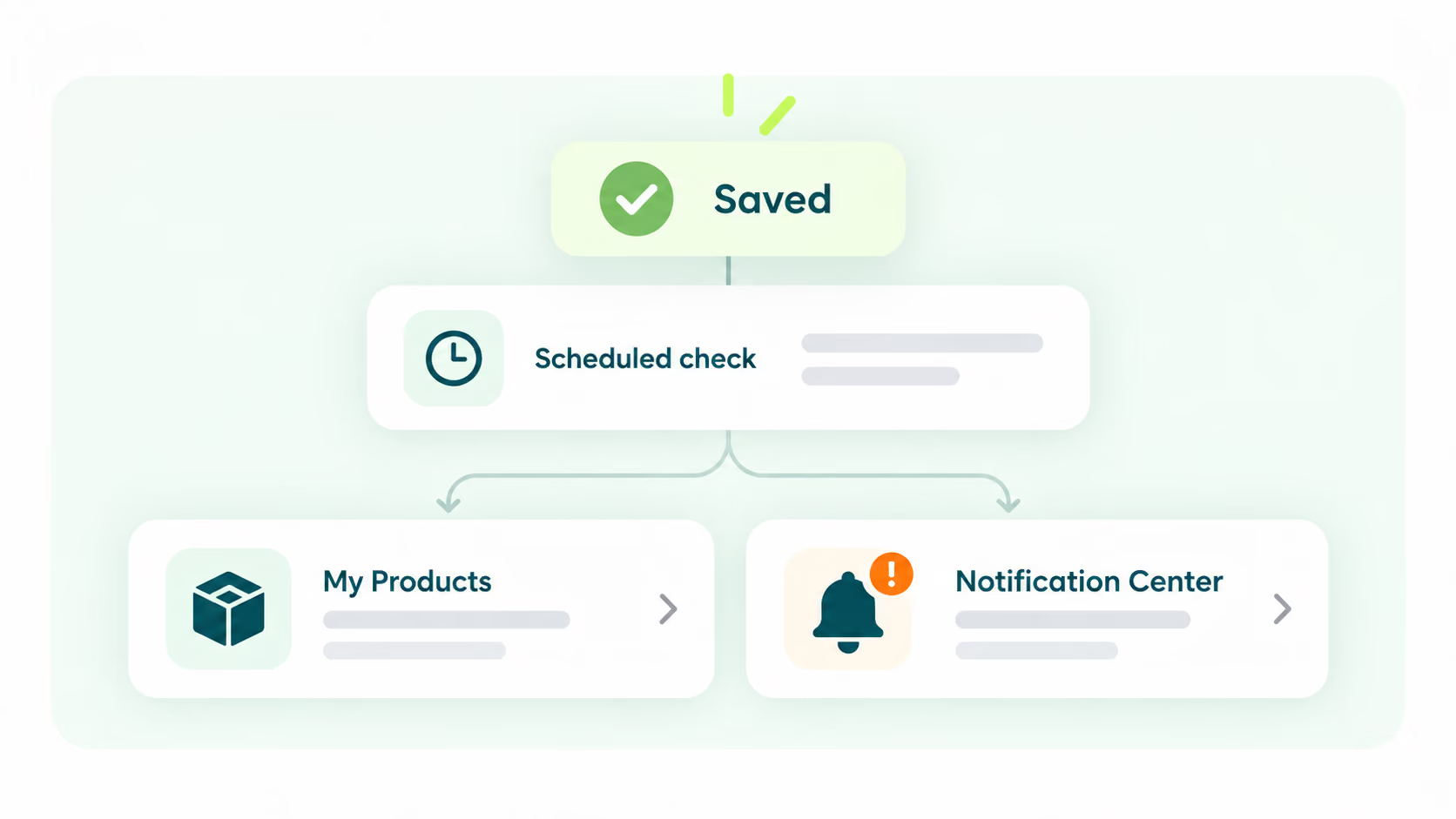
4. Save the settings; DSers checks supplier stock daily.
Build a sourcing and fulfillment workflow that can evolve as your ecommerce business grows.
Start for FreeStock Auto-Update is a feature that keeps your store inventory aligned with supplier stock automatically — preventing overselling by stopping you from selling items that have gone out of stock, avoiding refunds and unhappy customers.
Go to Settings - Product Settings - Automatic Inventory Update, configure rules for out-of-stock and variant changes, choose when DSers should sync inventory to your store, then save. DSers checks supplier stock daily and updates your store accordingly.
When a supplier's stock reaches zero, DSers can automatically unpublish the product from your store or trigger an alert — helping you avoid selling items that cannot be fulfilled, reducing refunds and customer complaints.
Yes. The feature supports inventory syncing for products sourced from AliExpress, Alibaba.com, and 1688. DSers checks stock availability across all connected suppliers and updates your store inventory accordingly.
Yes. In the Automatic Inventory Update settings, you can configure when DSers should sync inventory to your store, giving you flexibility to balance real-time accuracy with your preferred update frequency.