
1. Install the DSers Chrome Extension and refresh AliExpress.
Bulk import and edit save hours and keep listings consistent as your catalog grows.
Try It Now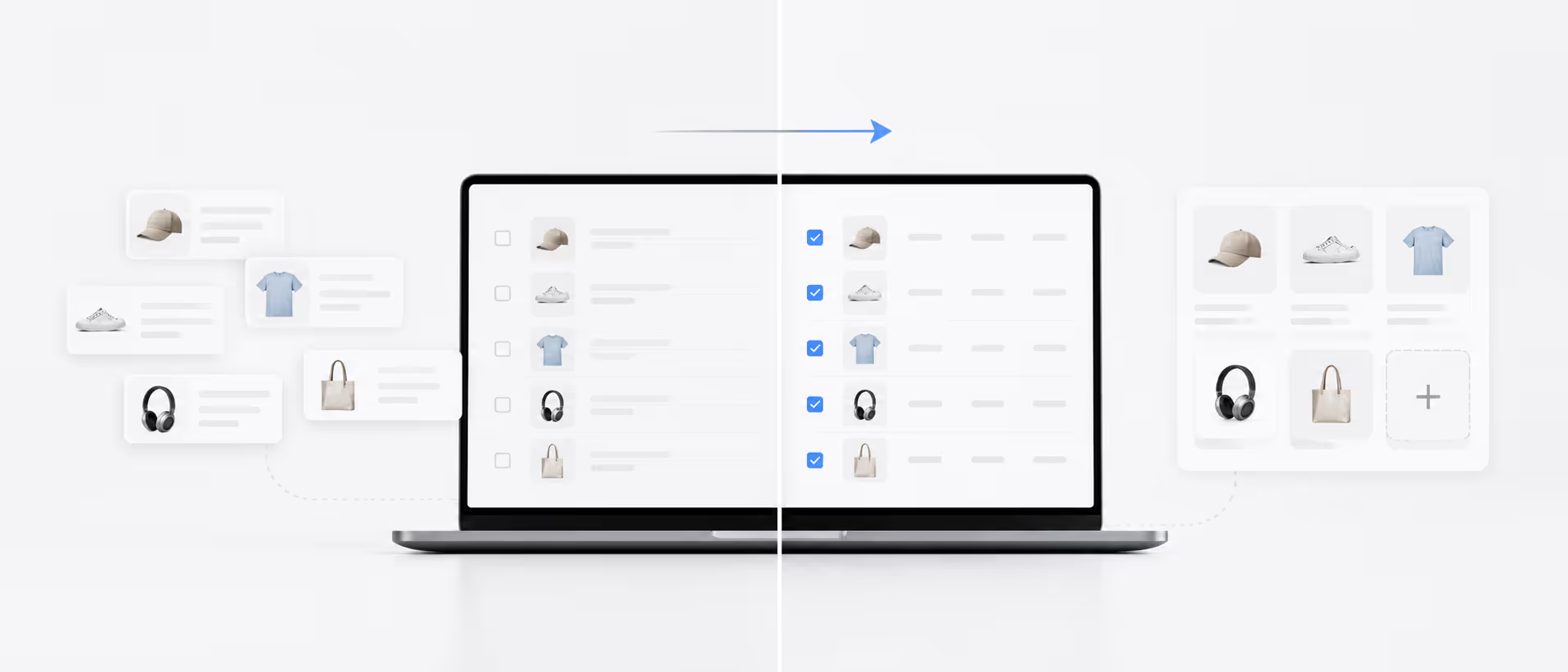
Bulk Import Products helps you import dozens of products at once from AliExpress or DSers Find Products, then edit them in bulk.
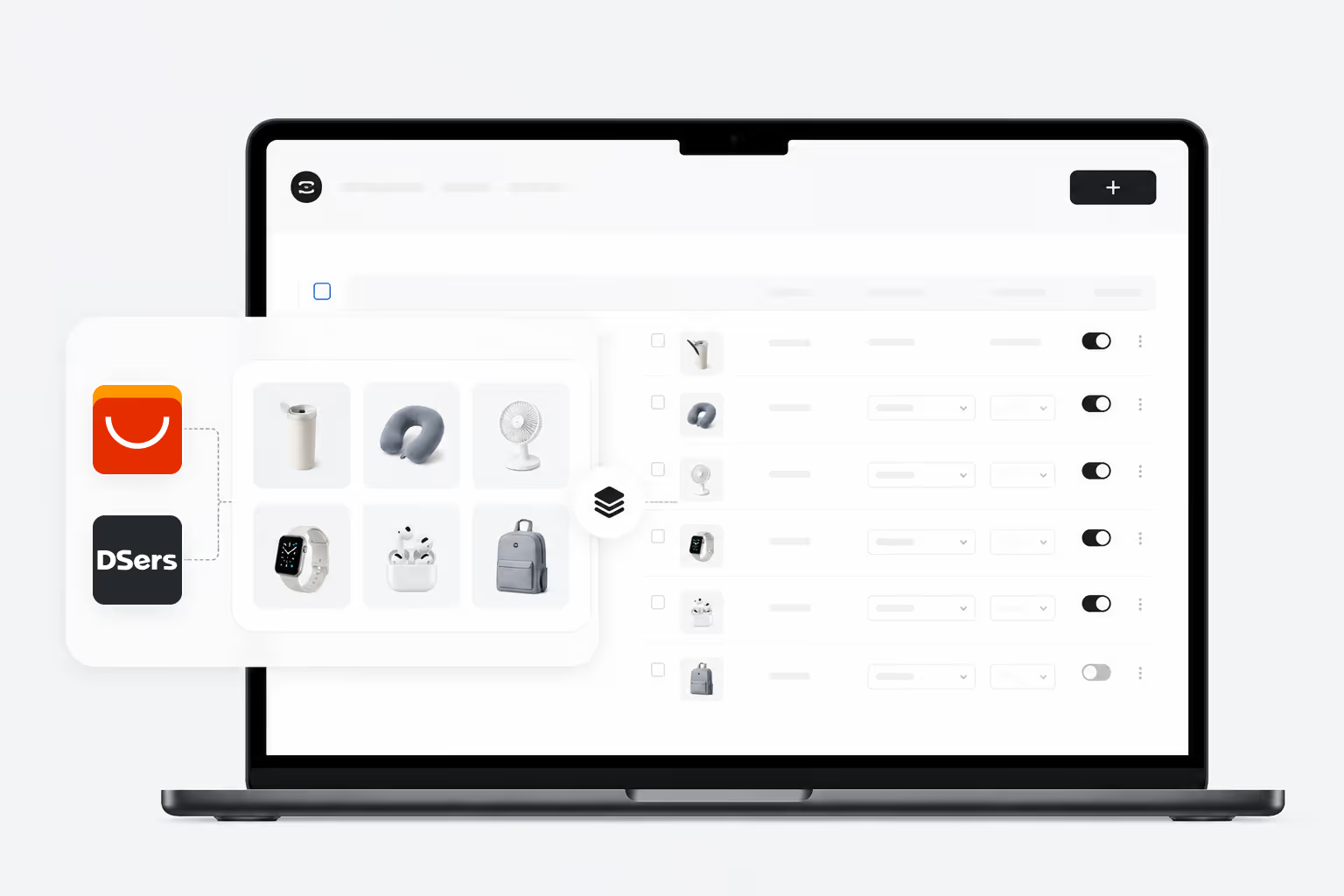
Bulk Import Products
1. Install the DSers Chrome Extension and refresh AliExpress.
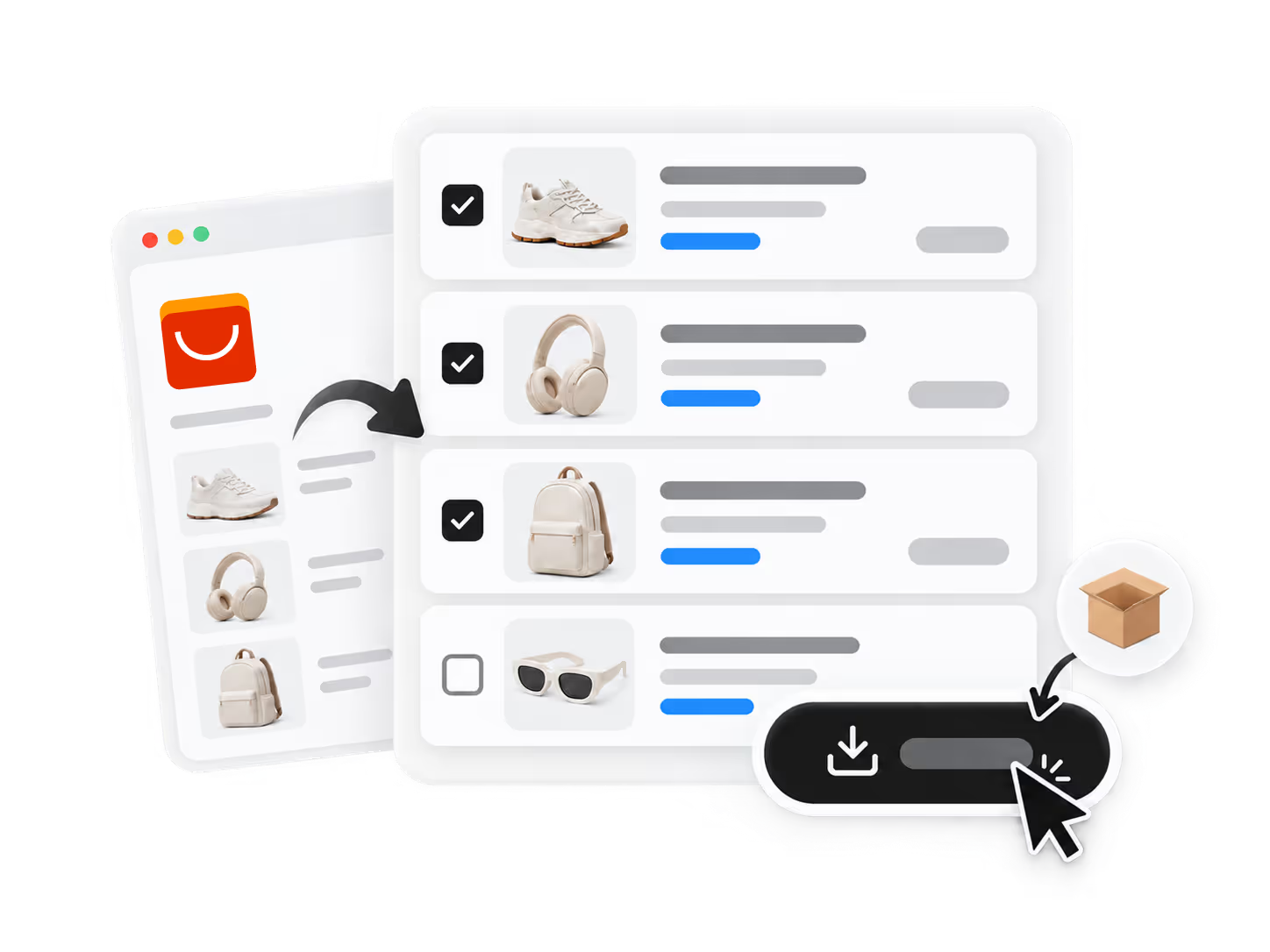
2. Tick products on search, store, or product pages and click Bulk Import.
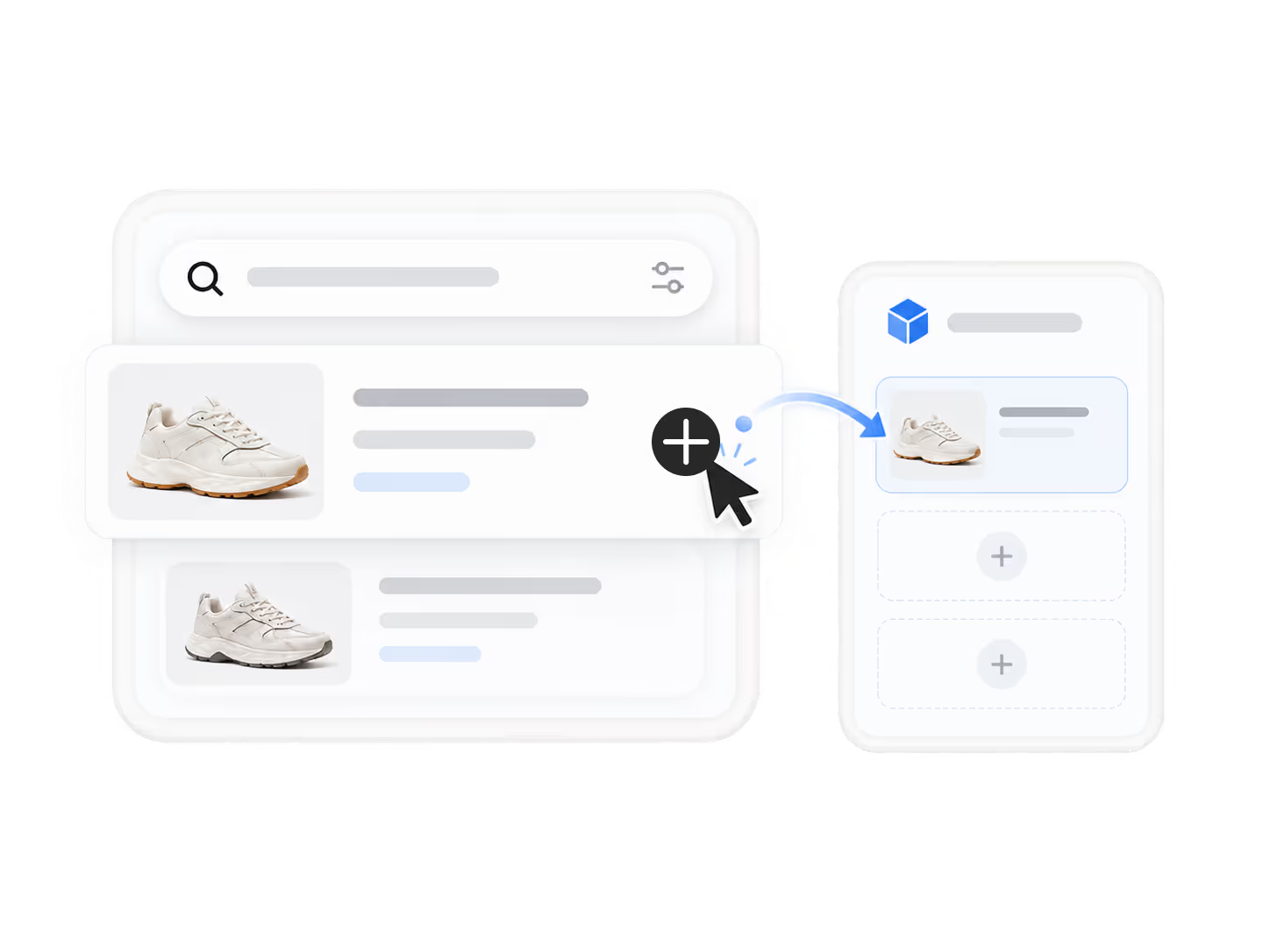
3. Or search in Find Products and click Add to Import List.
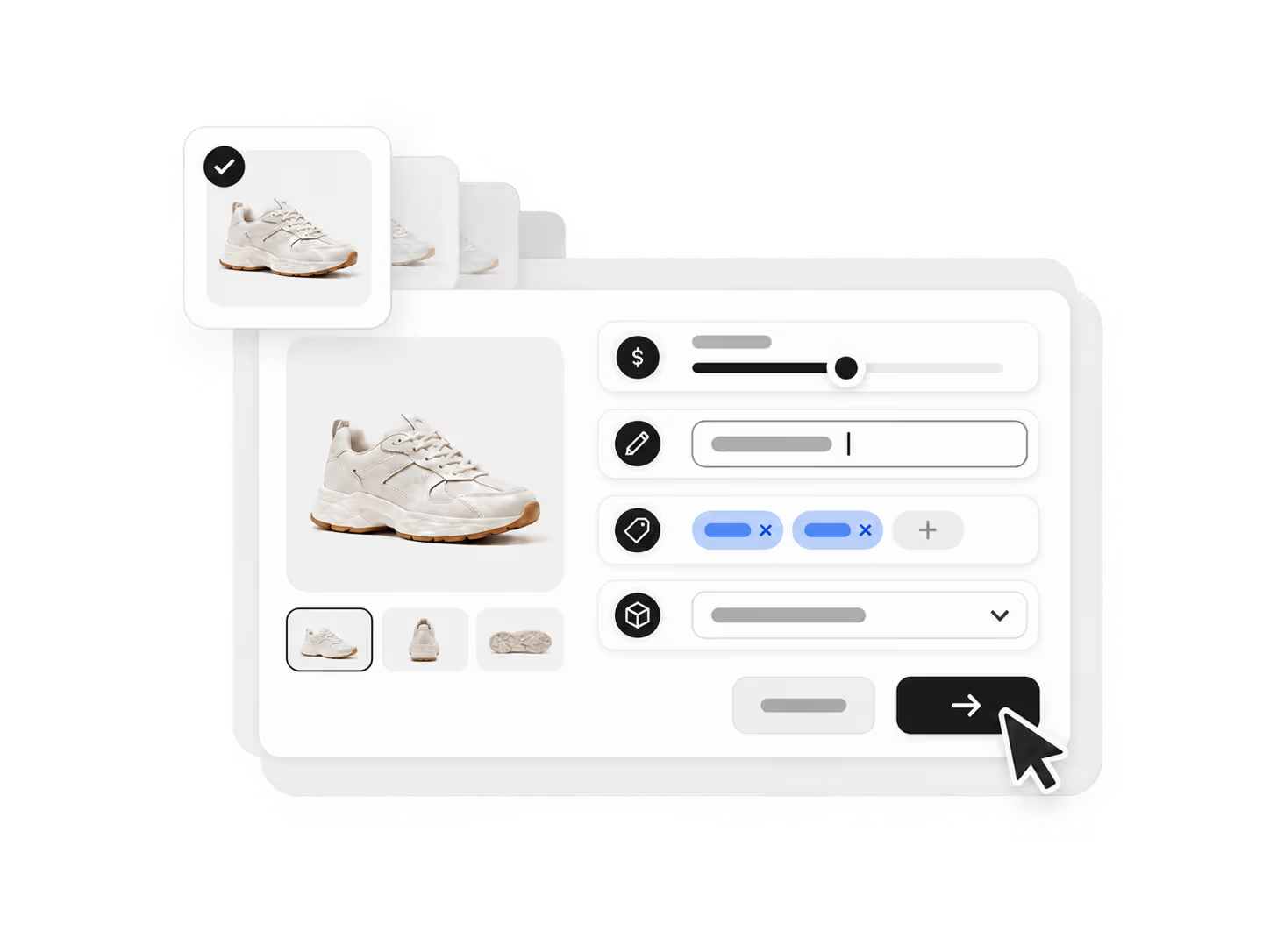
4. Use Bulk Edit to adjust price, title, tags, and type before pushing.
Build a sourcing and fulfillment workflow that can evolve as your ecommerce business grows.
Start for FreeBulk Import Products is a feature that lets you import dozens of products at once from AliExpress or DSers Find Products, then edit them in bulk before publishing — saving hours of manual listing work as your catalog grows.
First, install the DSers Chrome Extension and refresh AliExpress. Then tick products on search, store, or product pages and click Bulk Import. Alternatively, search in DSers Find Products and click Add to Import List. Use Bulk Edit to adjust price, title, tags, and type before pushing to your store.
The Bulk Edit function allows you to adjust pricing, product titles, tags, and product types across all imported items at once — ensuring consistent listings without editing each product individually.
For importing from AliExpress, yes — you need the DSers Chrome Extension to tick and bulk import products directly from AliExpress search, store, or product pages. For importing from DSers Find Products, the extension is not required.
Yes. Products imported through Bulk Import become part of your DSers Import List and can later be mapped to suppliers from AliExpress, Alibaba.com, or 1688, fitting into DSers' full multi-supplier management and fulfillment workflow.