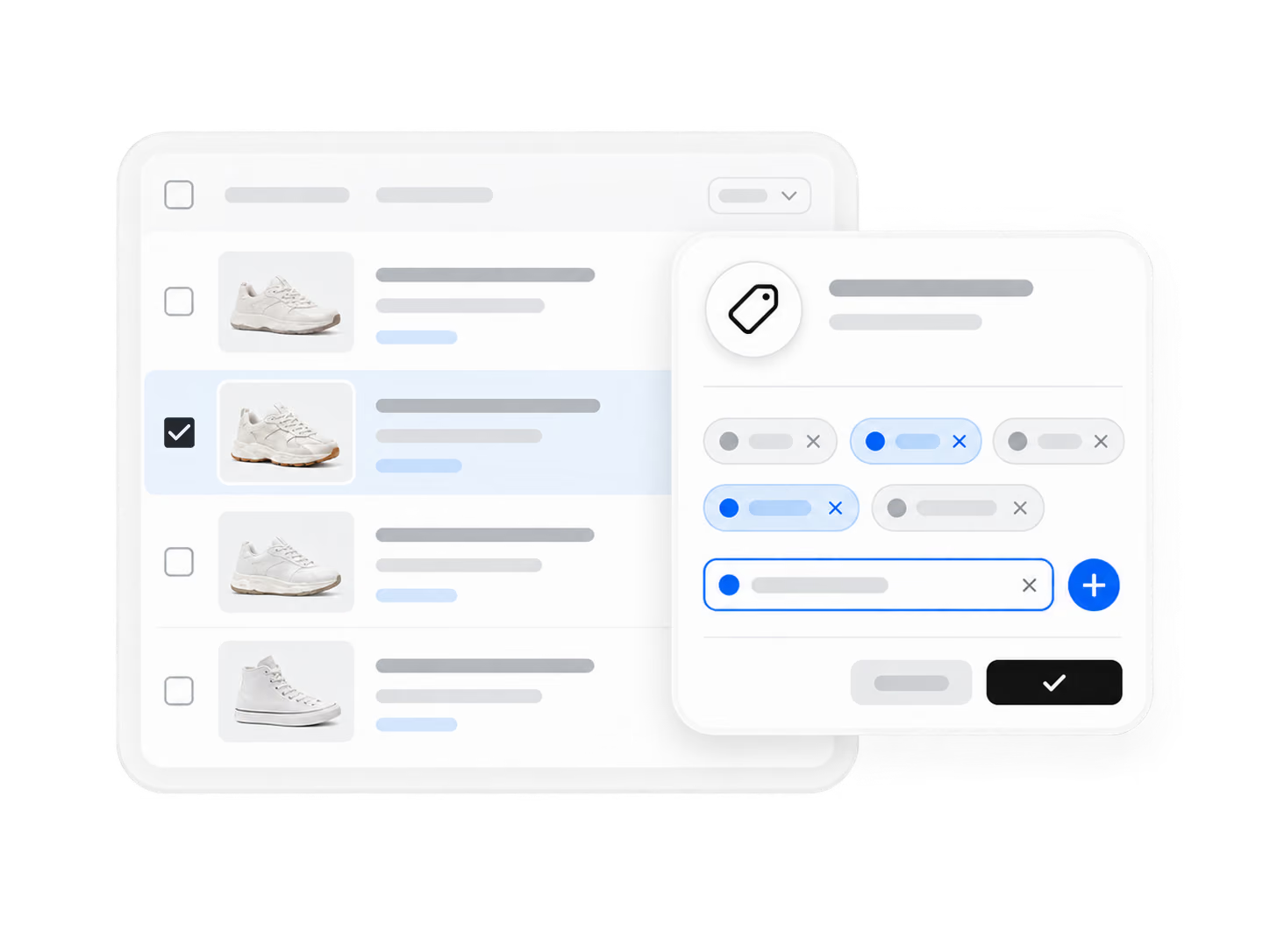
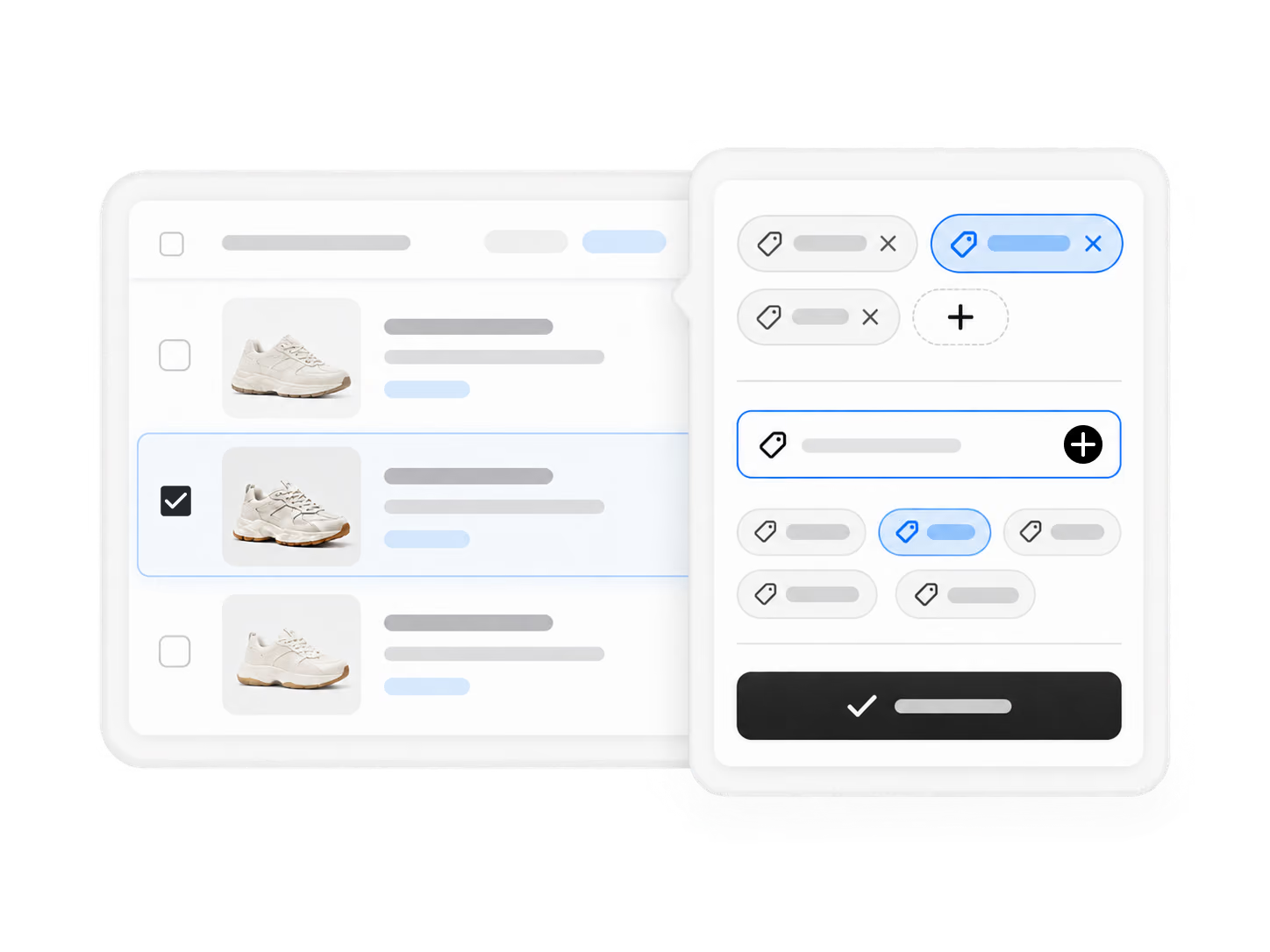
1. In Import List, create custom tags under Tag Management.
Tags turn a long list into a searchable workspace, and splitting lets you price variants and reduce page clutter.
Try It Now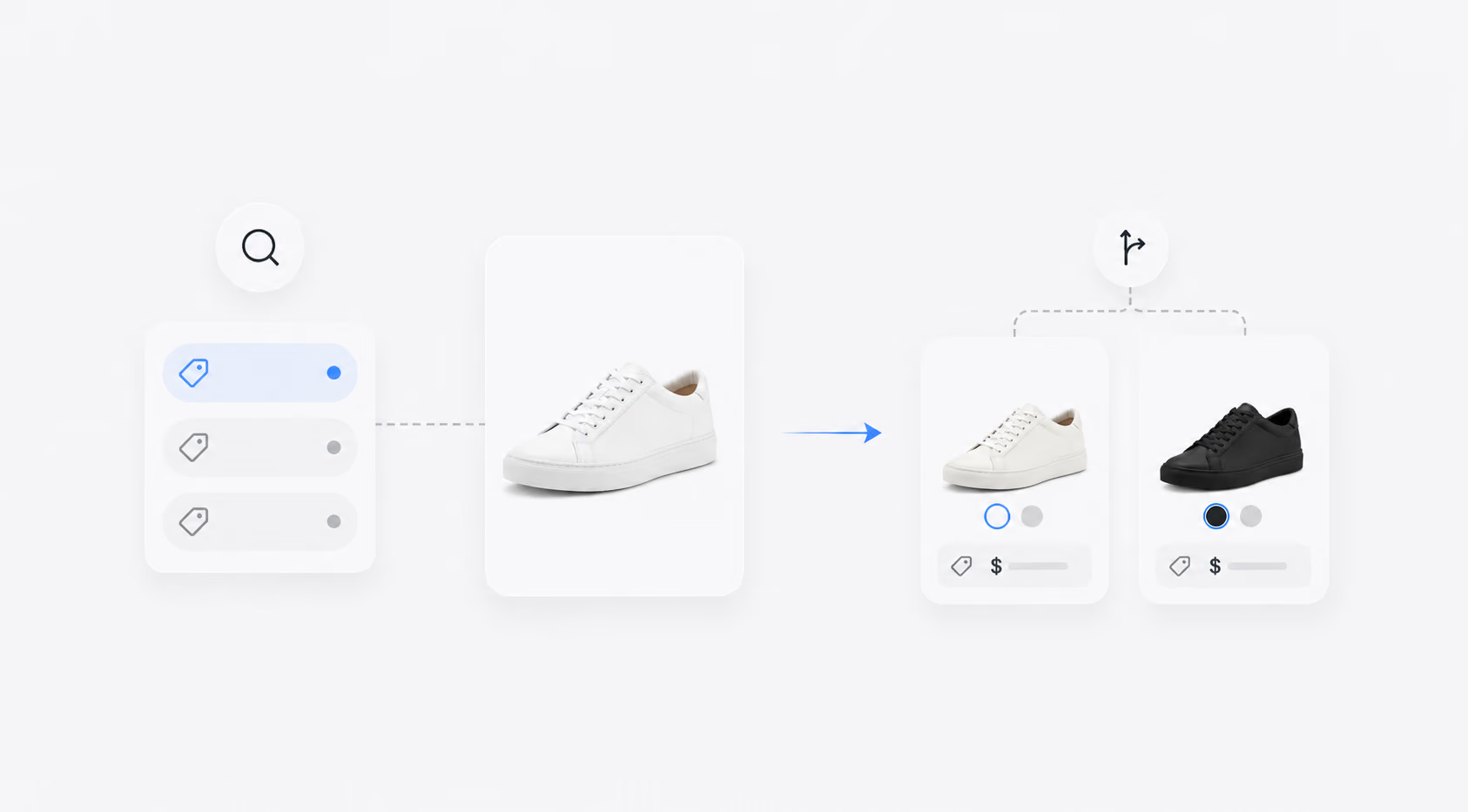
Product Division helps you organize large catalogs with custom tags and split multi-variant products into separate listings.
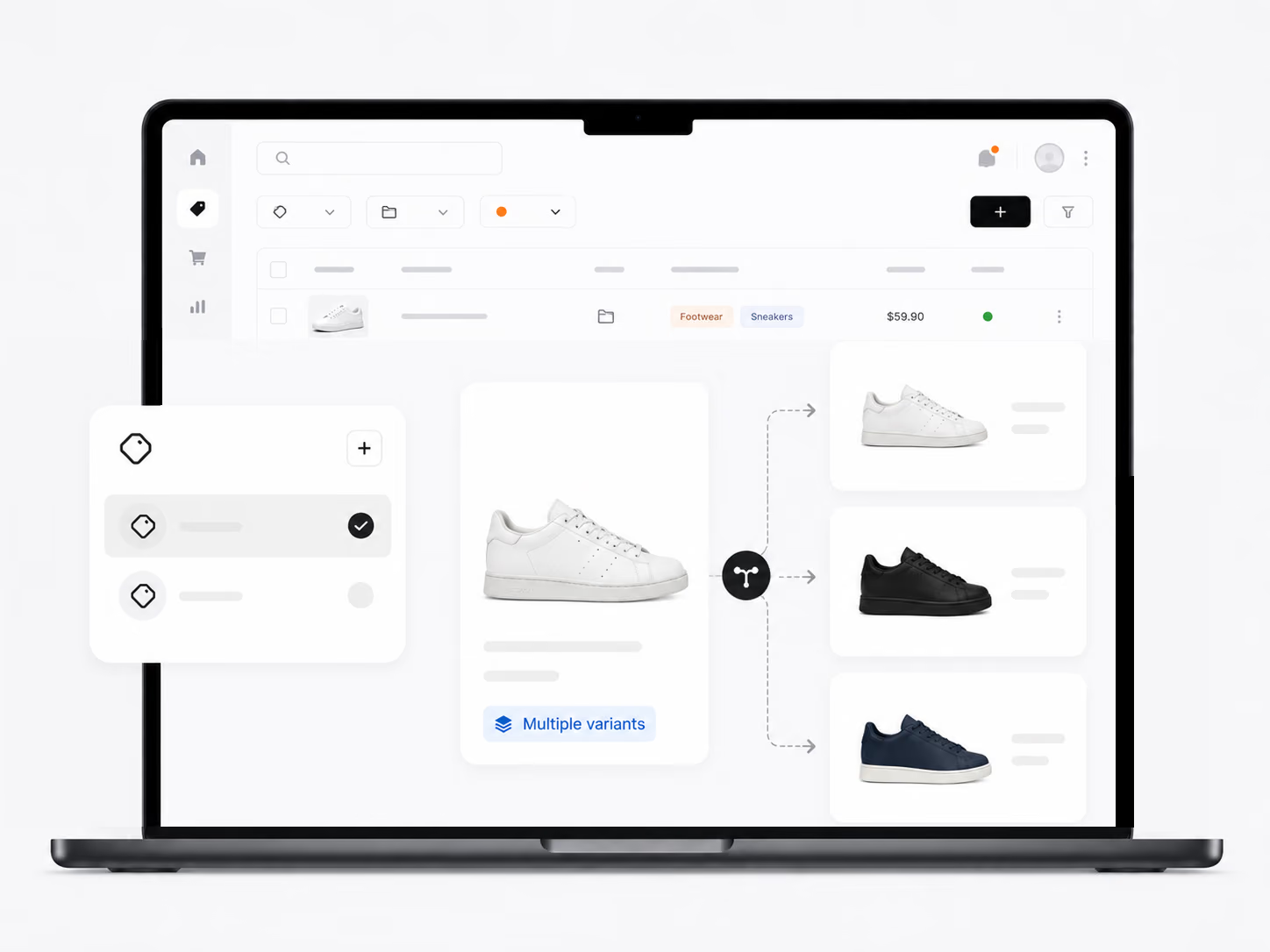
Product Division
1. In Import List, create custom tags under Tag Management.
2. Apply tags to single or multiple products.
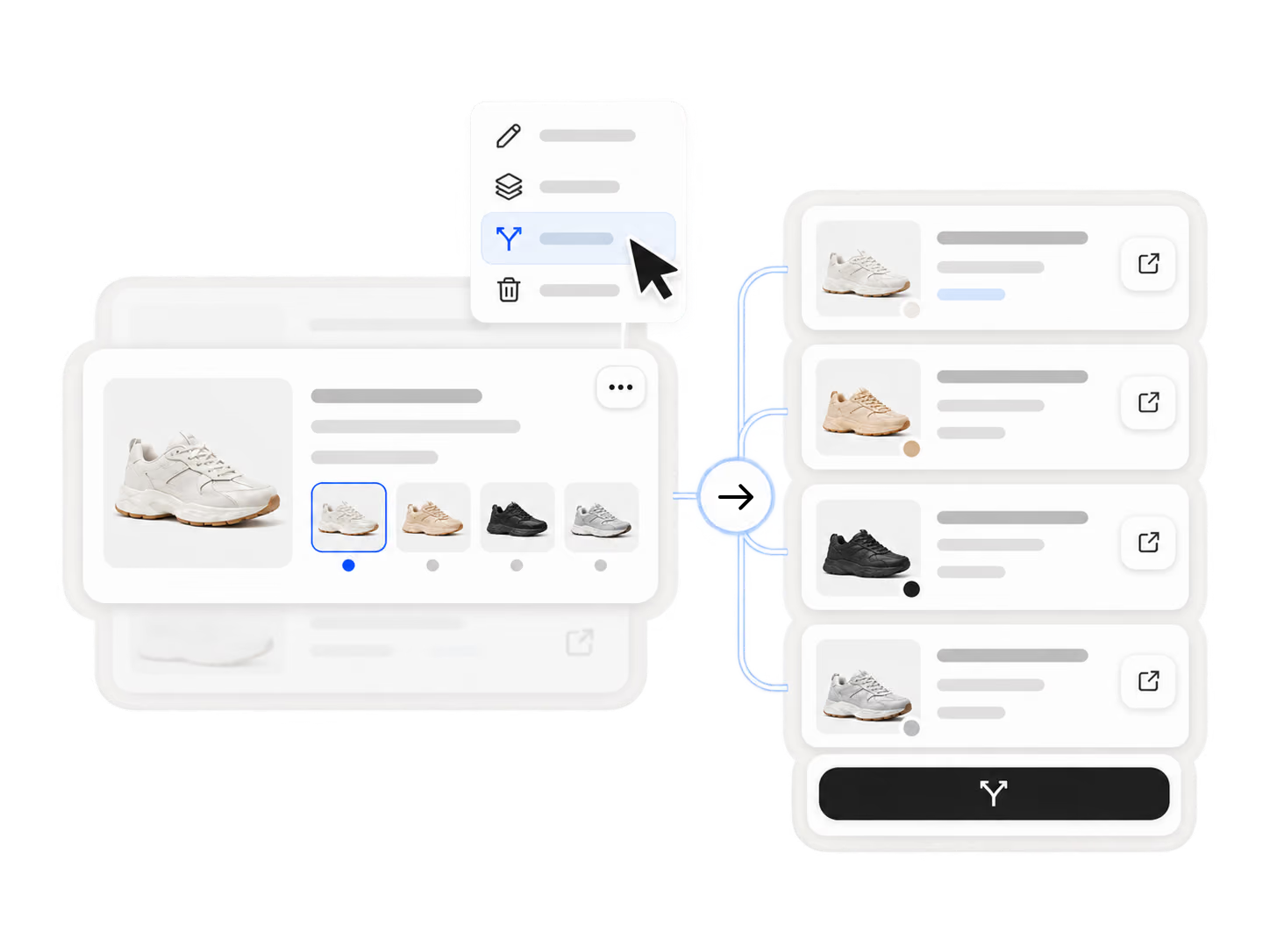
3. Use More Actions - Split product to divide a multi-variant item.
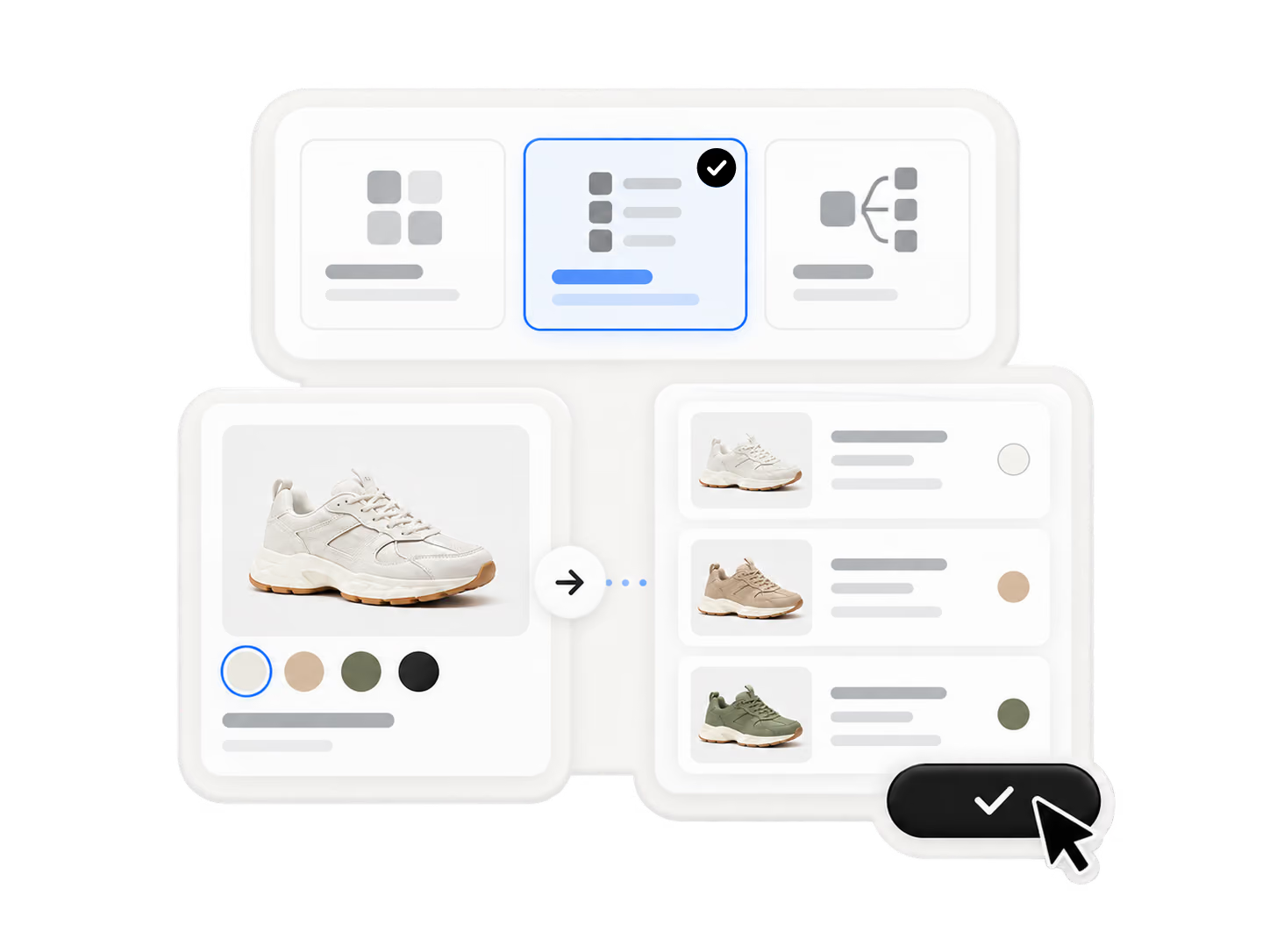
4. Choose the split method and confirm.
Build a sourcing and fulfillment workflow that can evolve as your ecommerce business grows.
Start for FreeProduct Division is a feature that helps you organize large catalogs with custom tags and split multi-variant products into separate listings. Tags turn a long list into a searchable workspace, and splitting lets you price variants independently while reducing page clutter.
In your Import List, create custom tags under Tag Management and apply them to single or multiple products. To split a multi-variant item, use More Actions - Split product, choose your preferred split method, and confirm.
Splitting lets you price each variant (e.g., different colors or sizes) independently — giving you more control over pricing strategy. It also reduces page clutter by turning one complex listing into multiple focused listings.
Yes. You can apply custom tags to single products or bulk-select multiple products and assign tags simultaneously, making catalog organization efficient as your product list grows.
Yes. Products imported from AliExpress, Alibaba.com, or 1688 can all be tagged and split within your Import List, fitting into DSers' full workflow from multi-supplier sourcing to listing management and fulfillment automation.