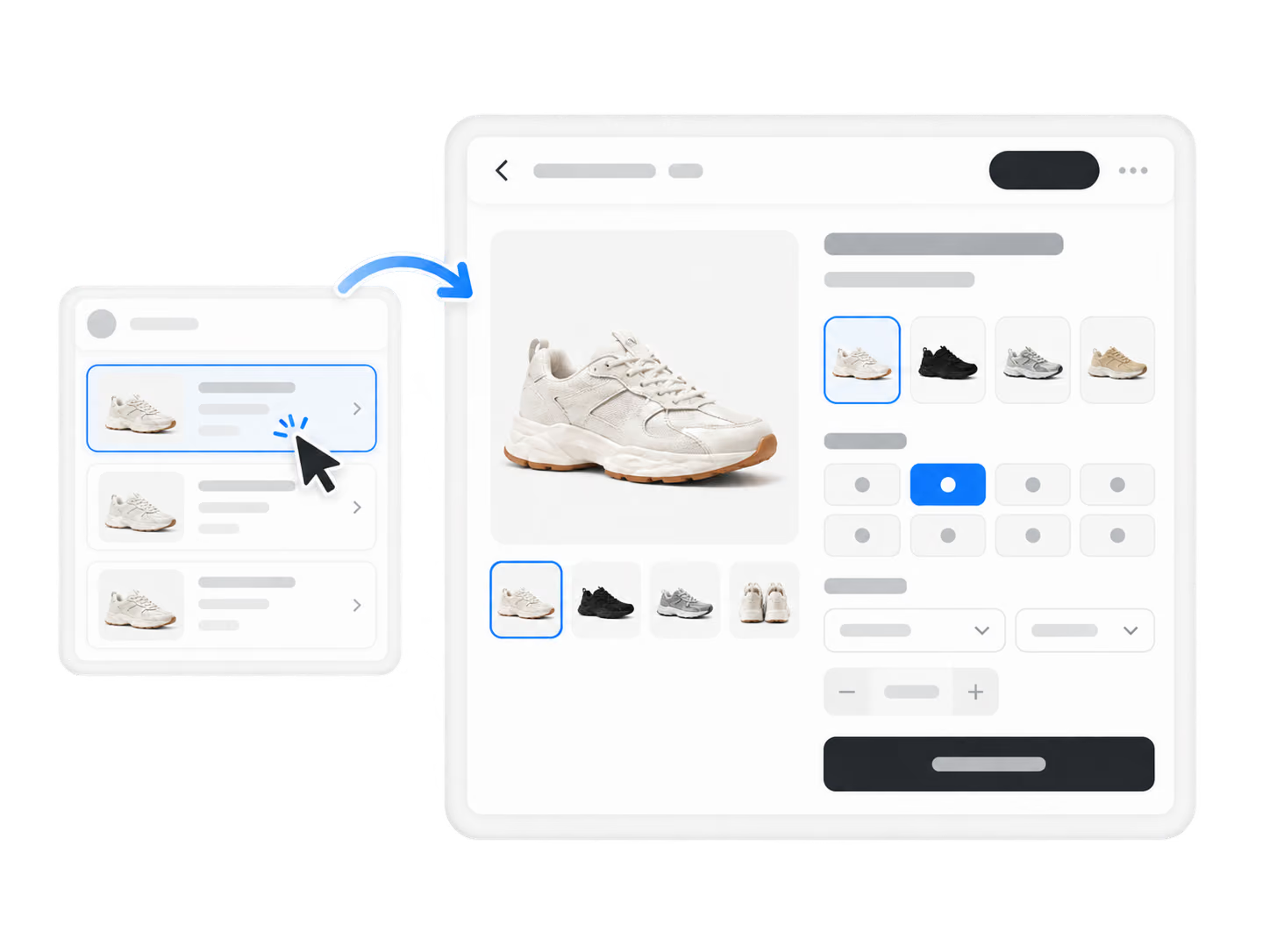
1. Open a product with multiple variants in Edit Product.
Accurate variant mapping prevents wrong shipments and the refund requests that follow.
Try It Now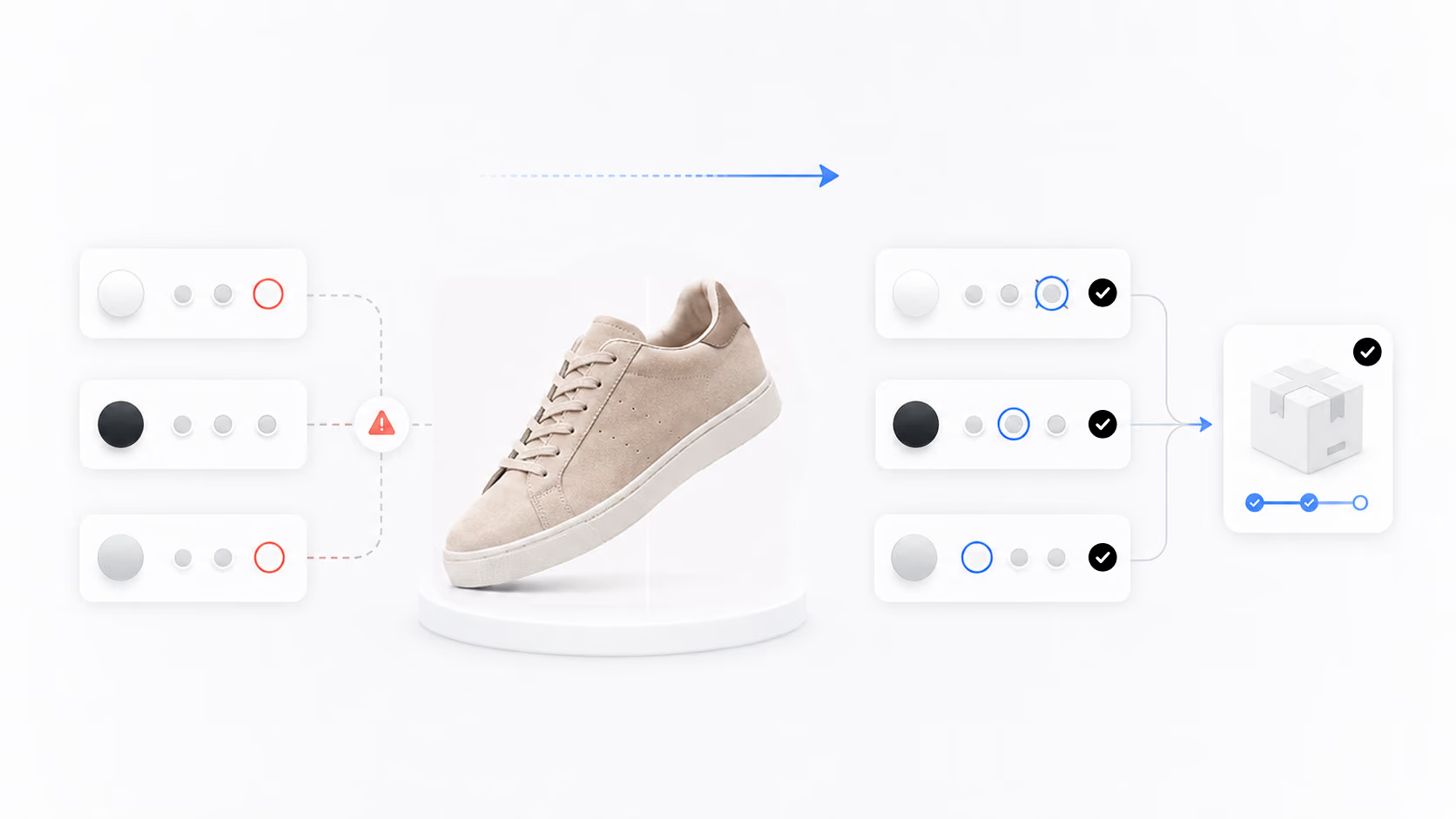
Smart Variant Matching helps you map complex product variants to supplier variants automatically, reducing tedious manual pairing.
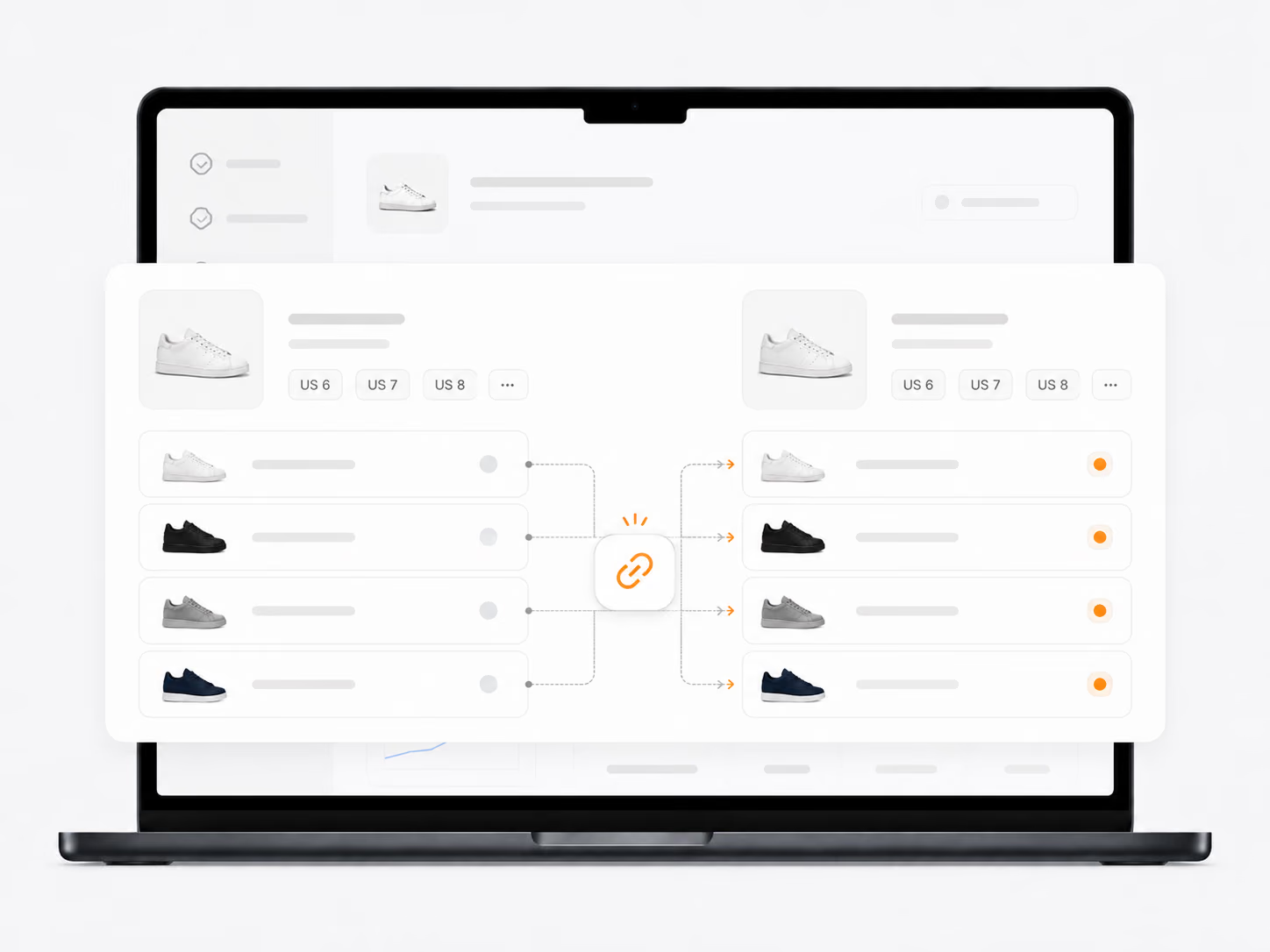
Smart Variant Matching
1. Open a product with multiple variants in Edit Product.
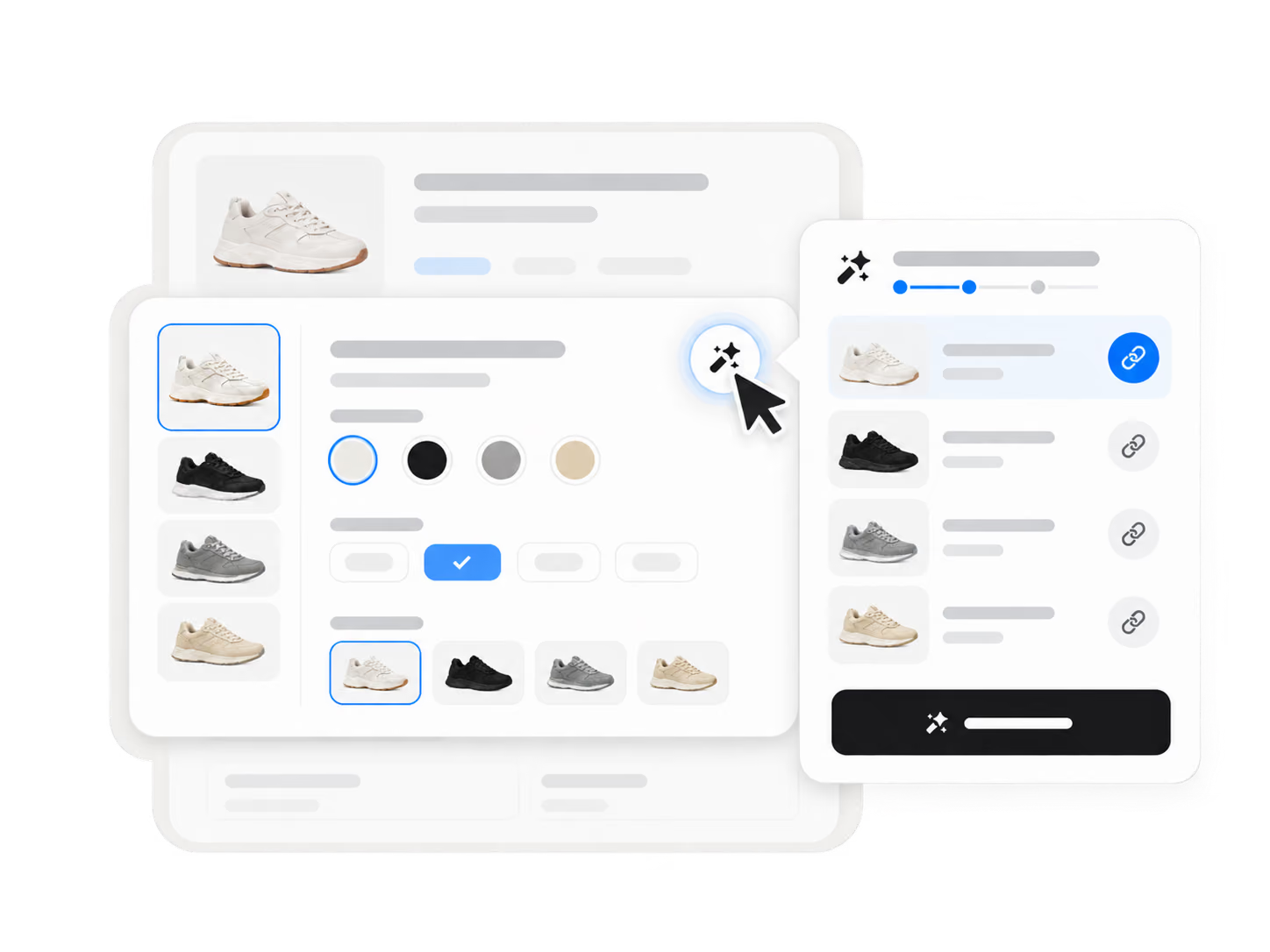
2. Start smart variant matching from the variant section.
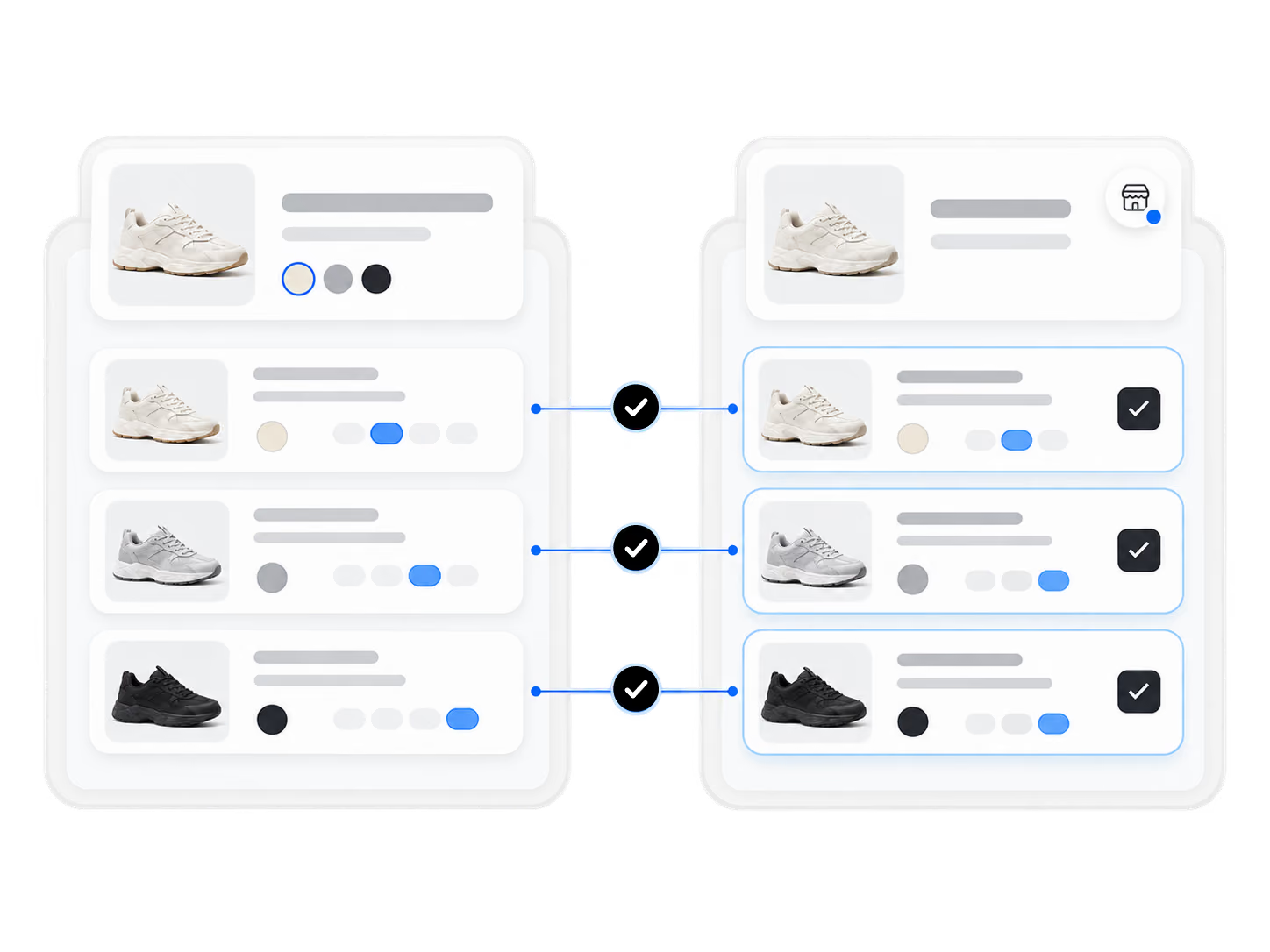
3. Review the suggested supplier-variant matches.
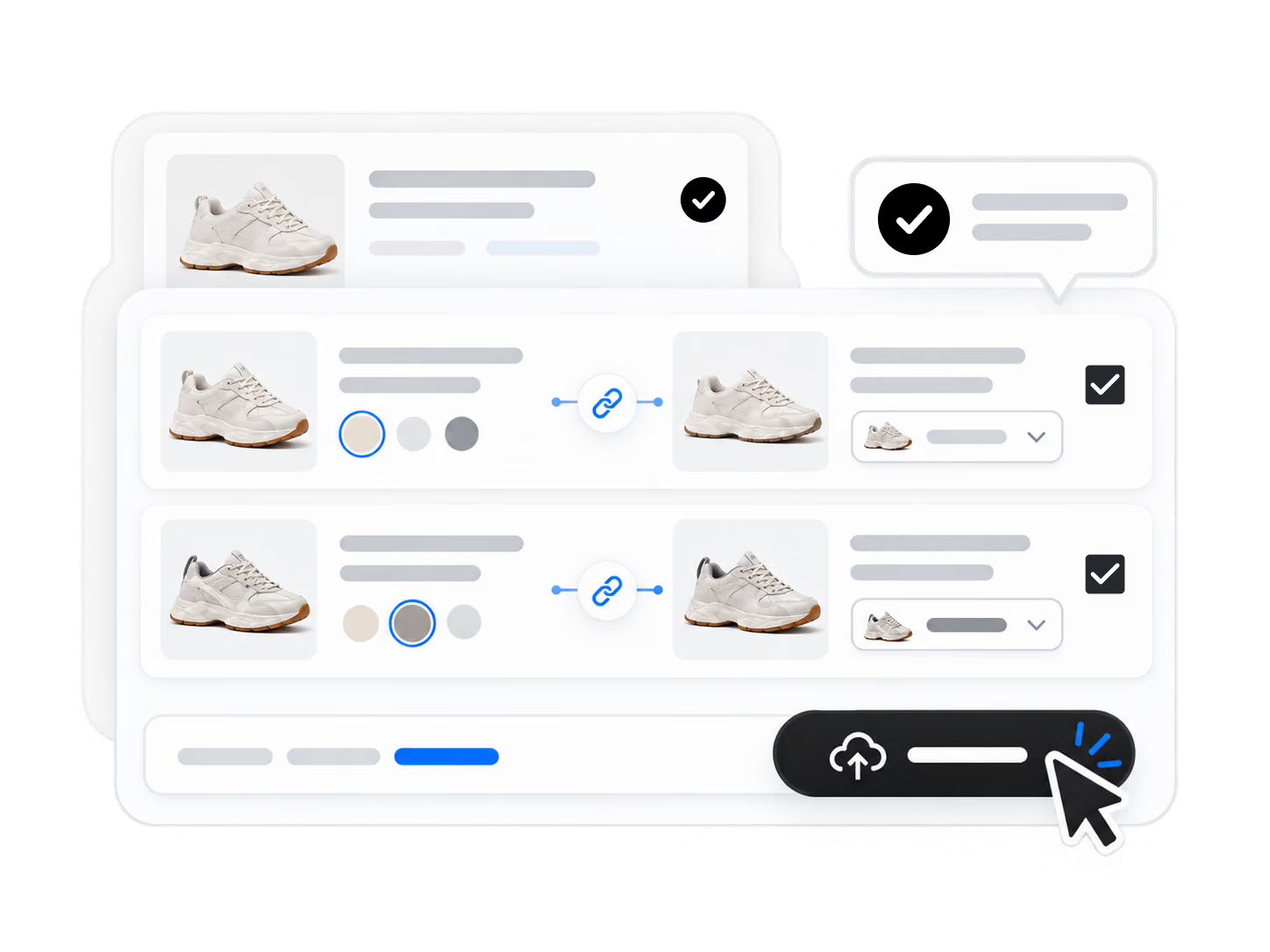
4. Confirm or adjust matches before pushing to your store.
Build a sourcing and fulfillment workflow that can evolve as your ecommerce business grows.
Start for FreeSmart Variant Matching is a feature that uses AI to automatically map your store product variants to the right supplier SKUs — reducing tedious manual pairing and preventing wrong shipments that lead to refund requests and unhappy customers.
Open a product with multiple variants in Edit Product, start smart variant matching from the variant section, review the suggested supplier-variant matches, then confirm or adjust the matches before pushing to your store.
When a supplier modifies, sells out, or drops a variant, Smart Variant Matching lets you re-match the affected variants in one click — ensuring orders continue to ship the correct items without manual re-mapping from scratch.
Yes. The feature works with products sourced from AliExpress, Alibaba.com, and 1688. Once imported into your DSers Import List, any multi-variant product can be automatically mapped regardless of the source platform.
Smart Variant Matching handles automatic variant-to-SKU mapping for imported products before publishing. Advanced Mapping is a separate feature that enables more complex supplier configurations, such as Buy-One-Get-One offers and country-based supplier selection based on destination addresses.